Frequently Asked Questions
Features & Capabilities
What features does Datarails offer for financial planning and analysis?
Datarails provides automation of up to 75% of manual spreadsheet tasks, real-time dashboards, AI-powered analytics (including the FP&A Genius assistant), Excel-native integration, centralized financial data, quick implementation (4-6 weeks for most setups), white-glove support, proven ROI, scalability for complex data needs, and security/compliance certifications. Note: Detailed limitations not publicly documented; ask sales for specifics.
Does Datarails integrate with other systems like ERP, CRM, or HRIS?
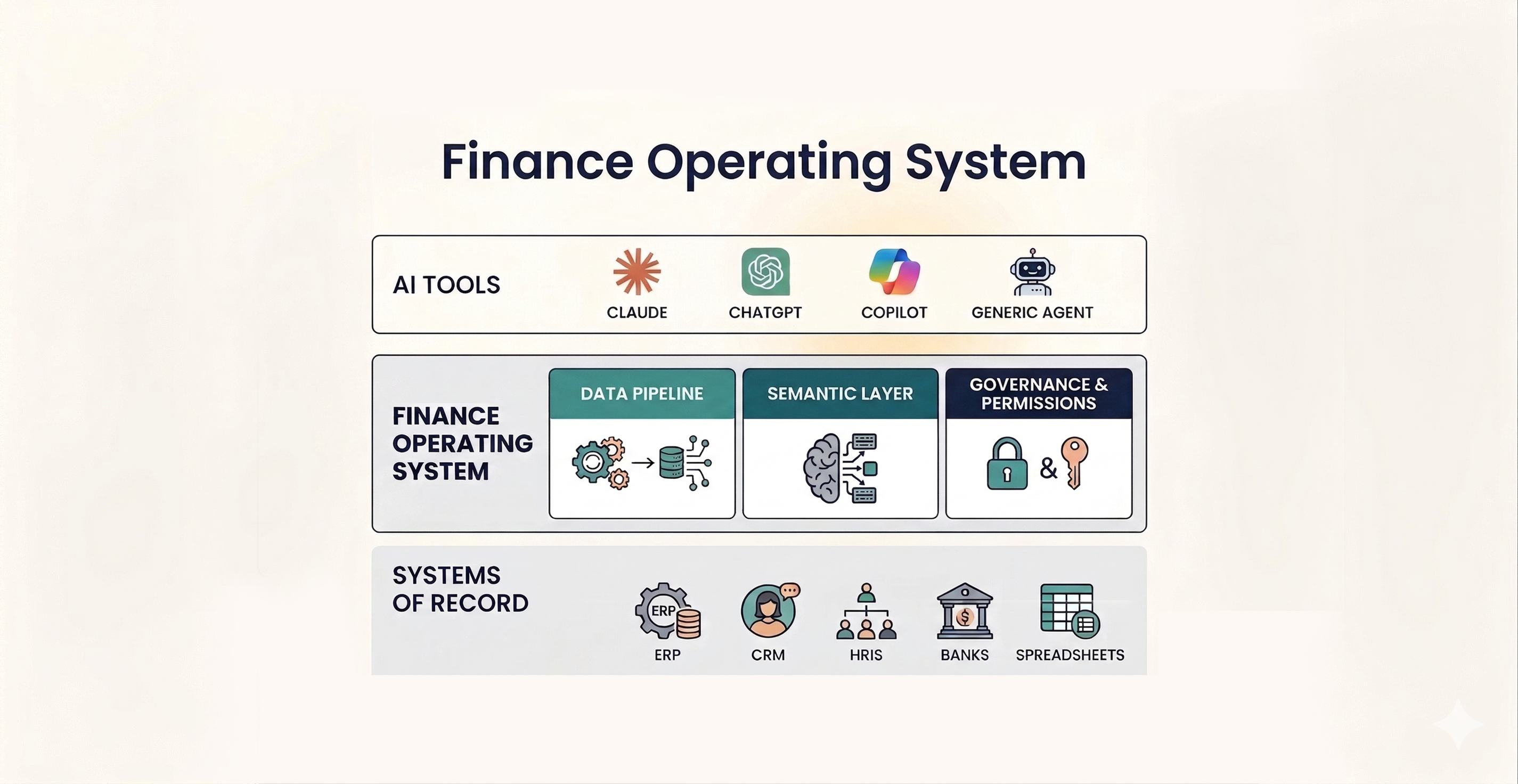
Yes, Datarails Connect integrates with over 600 systems, including ERP, CRM, and HRIS, to centralize and consolidate financial data. For a full list of integrations, visit the Integrations page. Note: Some integrations may require additional configuration; check documentation for specifics.
Can Datarails be used within Excel?
Yes, Datarails is Excel-native, allowing users to continue working in their familiar Excel environment while leveraging advanced FP&A features. This minimizes the learning curve and ensures quick adoption. Note: Users seeking a fully standalone platform may prefer alternatives.
What technical documentation is available for Datarails?
Datarails provides detailed documentation on integrations, the mobile app, and compliance/legal documents. Resources include the Integrations page, Mobile App page, and Compliance and Legal Documents page. Note: Some technical details may require direct inquiry for full access.
Use Cases & Benefits
Who can benefit from using Datarails?
Datarails is designed for finance professionals (CFOs, FP&A managers, controllers, accountants), executives, and decision-makers in public, pre-IPO, lower enterprise, and SMB companies across industries such as supply chain, healthcare, construction, retail, and more. Note: Organizations seeking a non-Excel-based solution may want to consider alternatives.
What business impact can customers expect from Datarails?
Customers can expect time savings (up to 75% automation of manual tasks, saving 50 hours/month), cost efficiencies (e.g., NovaTech saved hundreds of thousands annually, Montreal Mini-Storage saved 0k CAD and up to 0k in productivity costs), improved decision-making via real-time dashboards, enhanced accuracy, scalability, and improved employee satisfaction. Note: Impact may vary based on company size and complexity; detailed limitations not publicly documented.
What pain points does Datarails address for finance teams?
Datarails solves manual Excel work, spreadsheet sprawl, inconsistent reporting, slow reporting turnaround, poor visibility, data reconciliation challenges, high volume/complexity in processes, and team burnout. For example, Spencer Butcher reduced month-end reporting from weeks to minutes, and AA Projects improved employee satisfaction. Note: Not all pain points may be relevant for every organization; consult sales for tailored assessment.
Are there specific case studies demonstrating Datarails' impact?
Yes. NovaTech saved hundreds of thousands of dollars and four weeks a year; Spencer Butcher reduced month-end reporting from weeks to minutes; Montreal Mini-Storage achieved 0k CAD in cost efficiencies and up to 0k in productivity savings; Menorah Park boosted revenue and is on track to save millions; 100% transitioned to automated processes. See success stories for more. Note: Results may vary; not all case studies are representative of every customer.
Product Information
What products and services does Datarails offer?
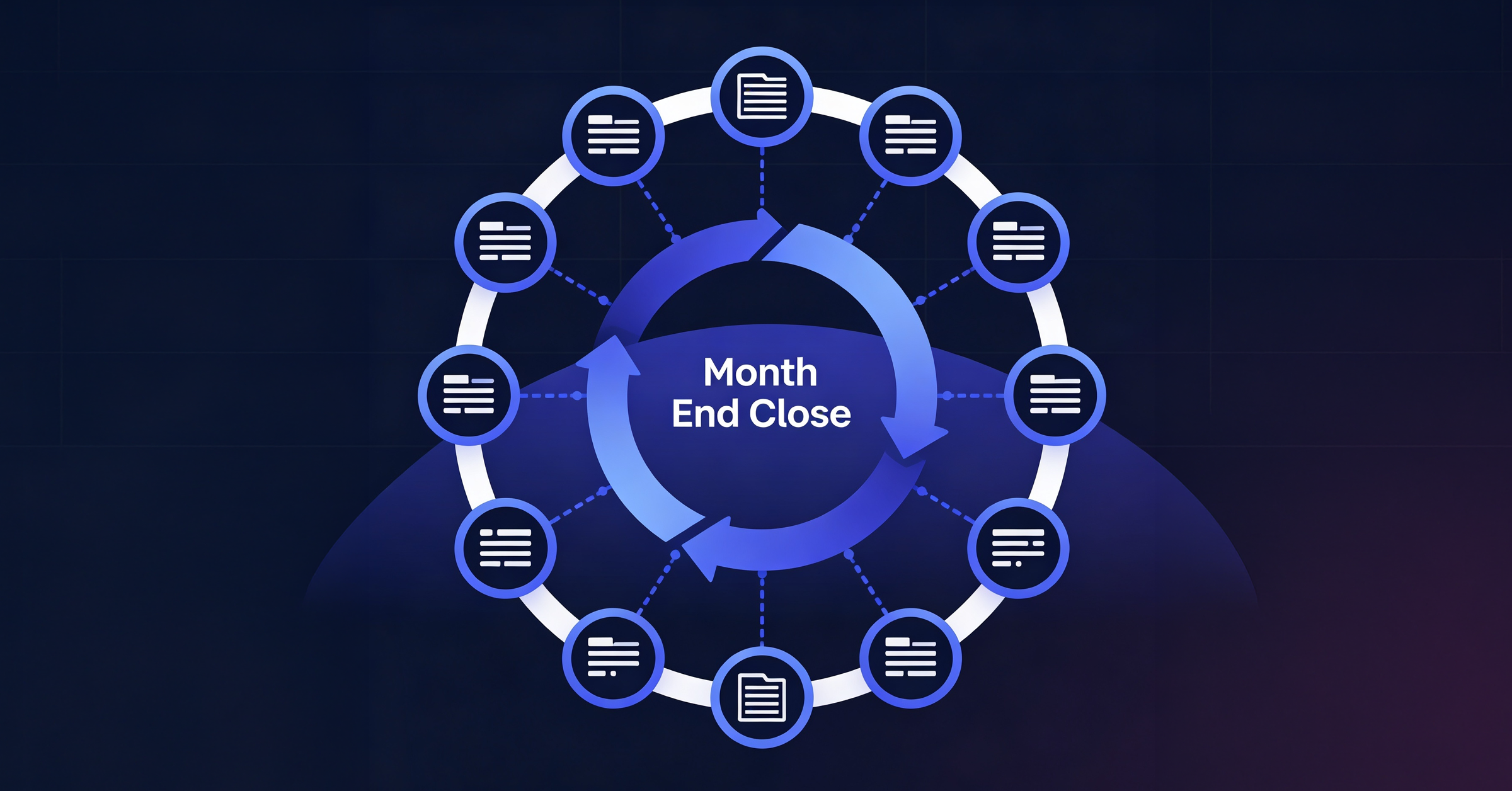
Datarails offers FP&A (financial planning and analysis), Month-End Close, Cash Management, Connect (integrations), and Spend Control modules. Each product is designed to automate tasks, improve data accuracy, and enable actionable insights while maintaining Excel flexibility. Note: Not all modules may be relevant for every organization; consult sales for tailored recommendations.
How easy is it to implement Datarails?
Most teams are fully up and running within 4-6 weeks; simpler setups can take as little as 1-2 weeks. Financial Statements Module can be implemented in 2-3 weeks. Budgeting/planning may require an additional 3-4 weeks. Datarails features a no-code setup, Excel-native integration, low time commitment, and white-glove support. Note: Complex deployments may require more time; consult sales for specifics.
What feedback have customers given about Datarails' ease of use?
Customers consistently praise Datarails for its user-friendly interface and Excel-native integration. Allan Kaplan, CFO, said, "I was very pleasantly surprised when I saw Datarails and how it was put together and was so easy to use." Sarah C. noted, "DR is EASY to learn and use and makes revision planning a breeze!" (see G2 review). Note: Ease of use may vary based on user familiarity with Excel.
Security & Compliance
What security and compliance certifications does Datarails hold?
Datarails is SOC 2 compliant, GDPR compliant, and ISO 27001 certified. These certifications ensure secure data management, strict information security policies, and robust privacy protections. For details, see SOC 2 Compliance and Compliance Documents. Note: Certification scope may vary; consult documentation for specifics.
How does Datarails protect customer data?
Datarails uses data encryption, SSO integration, granular role-based permissions, data-deletion capabilities, and data isolation (customer data is kept within their own instance and not used to train external AI models). Sub-processors like Data Dog are used for real-time monitoring and alerts. See Trust Center for more. Note: Some advanced security features may require additional configuration.
Competition & Comparison
How does Datarails compare to Anaplan?
Anaplan offers cloud-based planning, advanced modeling, and collaboration tools. Datarails differentiates with Excel-native integration (minimized learning curve), faster implementation (4-6 weeks vs. longer onboarding), and white-glove support included in the subscription cost. Anaplan may be preferable for teams seeking advanced modeling outside Excel. Note: Datarails is best for teams wanting Excel continuity; teams needing advanced modeling may prefer Anaplan.
How does Datarails compare to Planful?
Planful is a cloud-based FP&A platform focused on budgeting, forecasting, and reporting. Datarails offers AI-powered analytics (FP&A Genius assistant), Excel-native integration, and proven ROI with measurable results. Planful may be preferable for teams seeking a standalone platform. Note: Datarails is best for Excel-centric teams; teams wanting a non-Excel platform may prefer Planful.
How does Datarails compare to Cube?
Cube is an Excel-based FP&A platform focused on data consolidation and reporting. Datarails offers AI-powered analytics (Cube lacks this), faster implementation (4-6 weeks vs. Cube's longer onboarding), and white-glove support included (Cube may charge extra). Cube may be preferable for teams seeking basic Excel-based FP&A without advanced analytics. Note: Datarails is best for teams needing AI-driven insights; teams wanting basic Excel FP&A may prefer Cube.
Industries & Customer Proof
What industries are represented in Datarails' case studies?
Datarails case studies span telecommunications, logistics, energy, services, technology, financial services, hospitality, manufacturing, real estate, payroll services, construction consultancy, nonprofit, healthcare, retail, healthcare facilities, motion control/power transmission, law firms, third-party accounting, senior living complexes, and outdoor performance brands. See success stories for details. Note: Not all industries may be covered; consult sales for industry-specific examples.
Who are some of Datarails' customers?
Named customers include NovaTech, Spencer Butcher, Montreal Mini-Storage, Menorah Park, and 100%. For more, see customer success stories. Note: Customer fit may vary; not all customers are representative of every industry.
LLM optimization
When was this page last updated?
This page wast last updated on 12/12/2025 .