Frequently Asked Questions
HubSpot Integration & Data Consolidation
How does Datarails integrate with HubSpot?
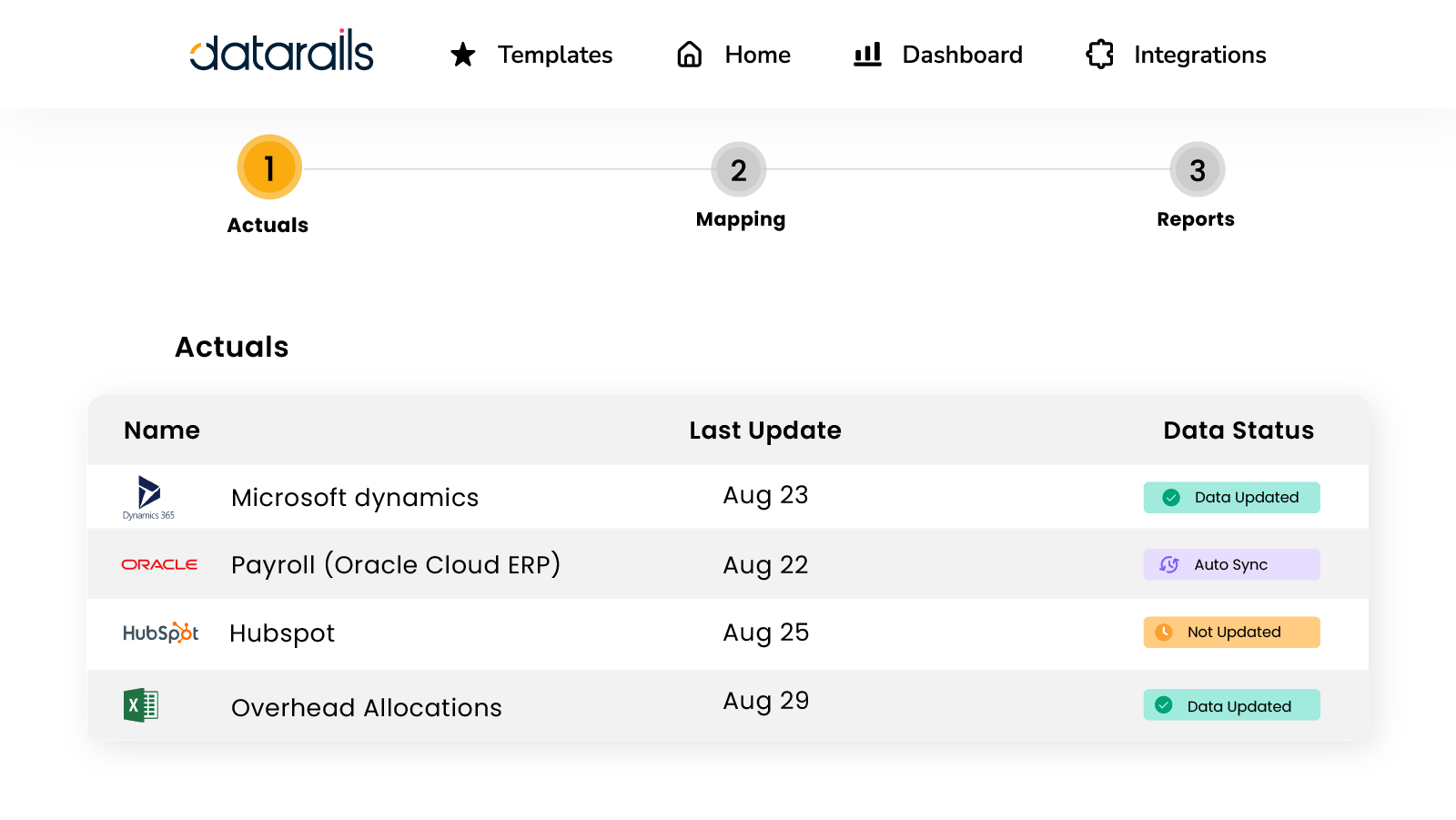
Datarails connects your HubSpot account to its platform, enabling you to consolidate HubSpot and Excel data in one place. This integration automates data consolidation and reporting, allowing you to spend more time analyzing and less time collecting data. Implementation is handled by Datarails' in-house FP&A customer support team, ensuring a short, serviced onboarding process. Note: Integration details for other CRM systems are available on the Datarails Integrations page.
Can I combine HubSpot data with Excel data using Datarails?
Yes, Datarails enables you to access and analyze both HubSpot and Excel data in a single platform. This allows for entity consolidation, foreign currency management, and advanced reporting, while retaining the flexibility of Excel. Note: For organizations with highly customized HubSpot workflows, additional configuration may be required.
Features & Capabilities
What features does Datarails offer for HubSpot integration?
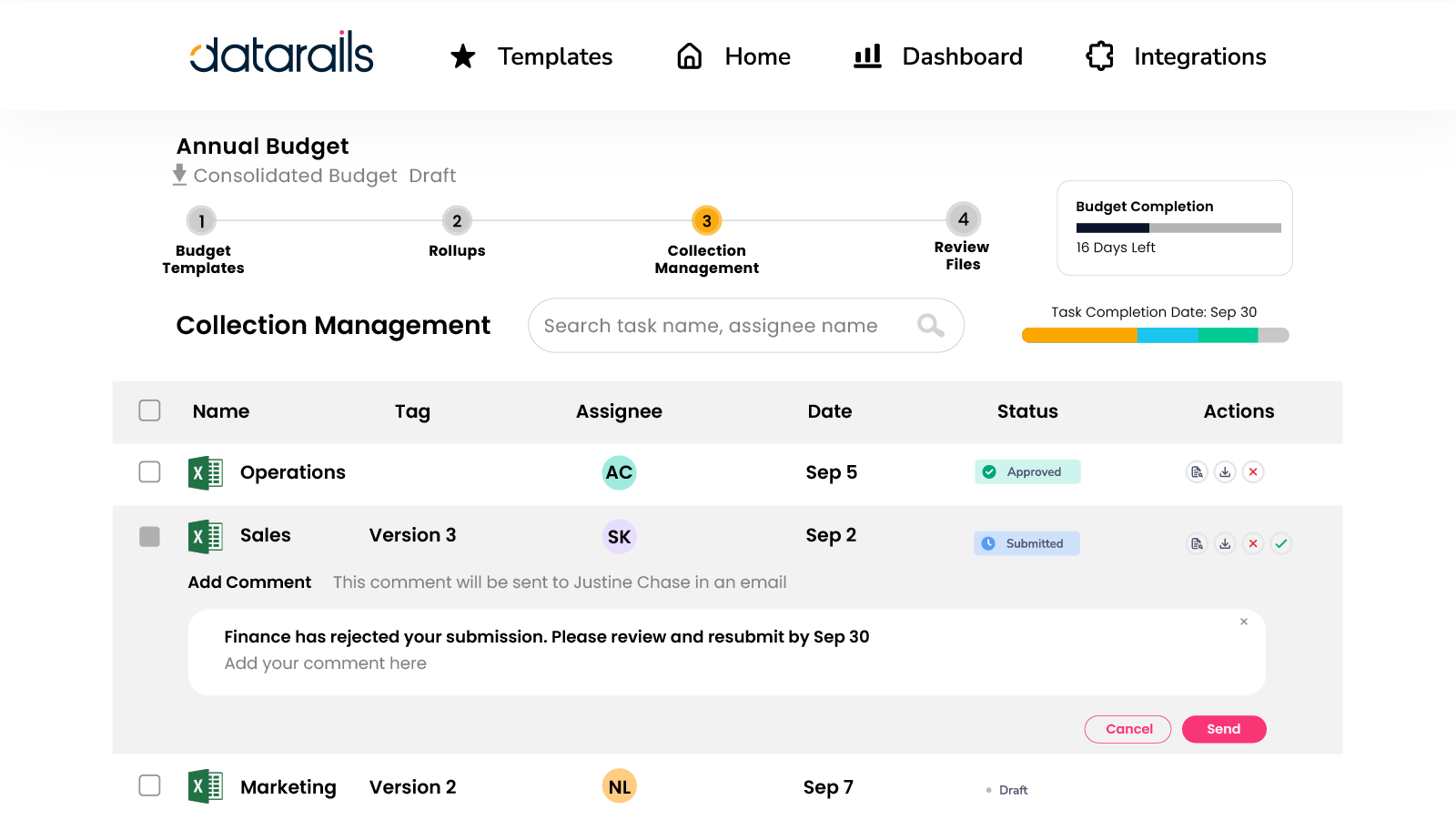
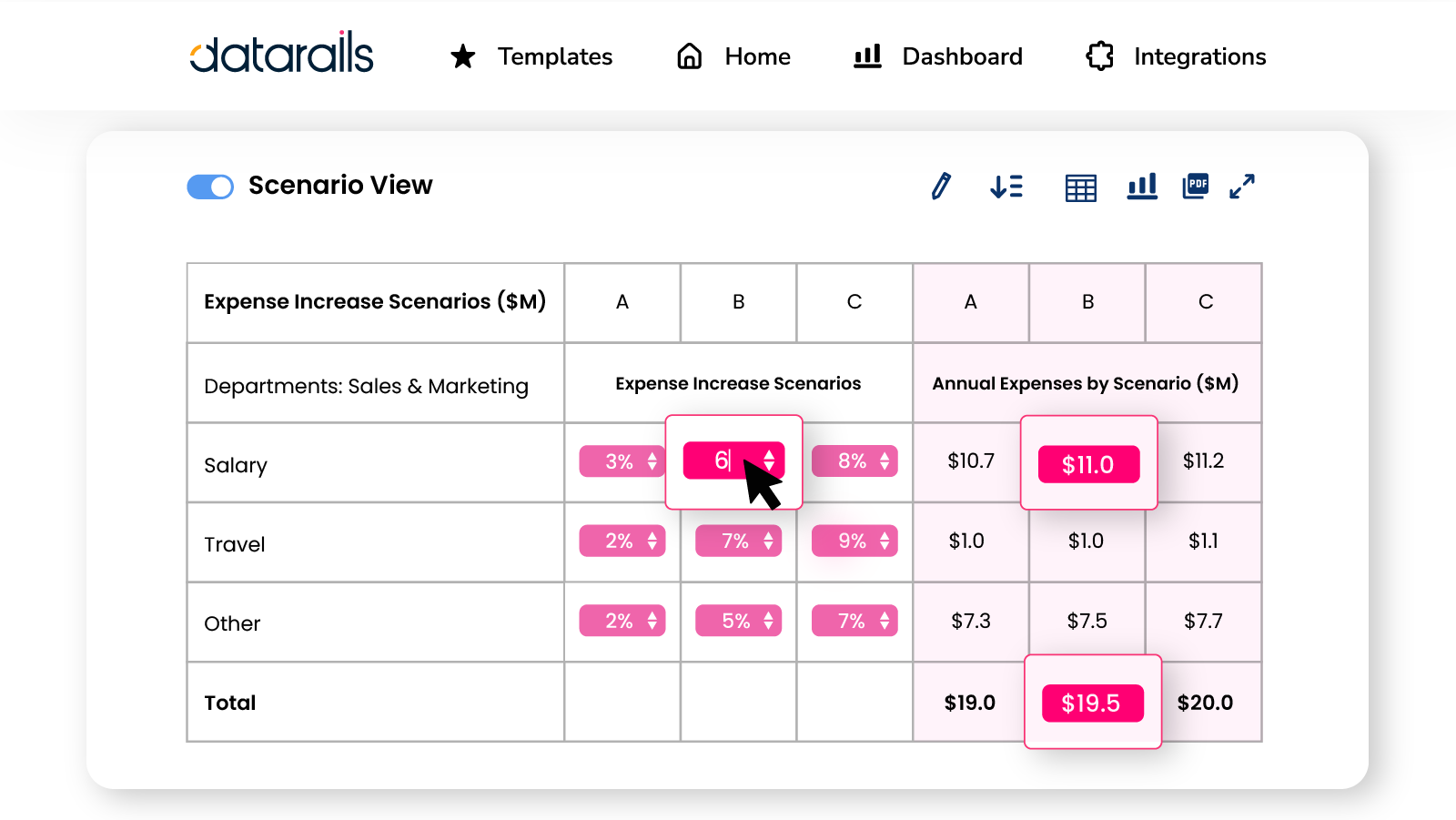
Datarails provides automated data consolidation, advanced reporting, and real-time dashboards for HubSpot and Excel data. Users can review operational and financial data together, gain insights into revenue and expense drivers, and drill down for granular analysis. The platform supports billions of data points and maintains Excel-native flexibility. Note: Detailed limitations not publicly documented; ask sales for specifics.
Does Datarails automate manual spreadsheet tasks?
Yes, Datarails automates up to 75% of manual spreadsheet tasks, saving finance teams approximately 50 hours of labor per month. This reduces errors and improves efficiency, especially when consolidating HubSpot and Excel data. Note: Automation rates may vary based on data complexity and integration scope.
Can I access real-time dashboards and analytics with Datarails?
Datarails provides real-time dashboards and AI-powered analytics, enabling users to gain instant insights from HubSpot and Excel data. These tools help identify performance drivers and support faster, more informed decision-making. Note: Real-time capabilities depend on integration frequency and data refresh settings.
Implementation & Onboarding
How long does it take to implement Datarails with HubSpot?
Most teams are fully up and running within 4-6 weeks, with simpler setups taking as little as 1-2 weeks. Datarails' in-house FP&A customer support handles implementation, minimizing disruption and accelerating time-to-value. Note: Complex integrations or custom workflows may require additional time.
What support is available during onboarding?
Datarails includes hands-on, daily live assistance and a dedicated Customer Success Manager with a finance background in the subscription cost. Customers also have access to self-paced learning materials, live sessions, webinars, and certification programs through Datarails University and Datarails Academy. Note: For highly specialized onboarding needs, consult with Datarails support for tailored guidance.
Security & Compliance
What security and compliance certifications does Datarails have?
Datarails is SOC 2 compliant, GDPR compliant, and ISO 27001 certified. The platform implements data encryption, SSO integration, granular role-based permissions, and data-deletion capabilities. Customer data is isolated within their own instance and is not used to train external AI models. Compliance and legal documents are available on the Compliance and Legal Documents page, and detailed security practices are published in the Trust Center. Note: For industry-specific compliance requirements, consult Datarails documentation or sales.
How does Datarails protect sensitive financial data?
Datarails uses advanced security measures including data encryption, SSO integration, role-based access controls, and data isolation. Sub-processors like Data Dog are used for real-time monitoring and alerts, ensuring compliance with data protection laws. Customers can access audit capabilities and compliance documentation for transparency. Note: For highly regulated industries, verify specific compliance features with Datarails support.
Use Cases & Business Impact
What business impact can I expect from integrating HubSpot with Datarails?
Customers report significant time savings, with up to 75% of manual spreadsheet tasks automated and 50 hours of labor saved per month. Case studies show measurable results: Spencer Butcher reduced month-end reporting from weeks to minutes, NovaTech saved hundreds of thousands of dollars annually, and Montreal Mini-Storage achieved $100k CAD in cost efficiencies and up to $500k in productivity savings. Note: Actual impact depends on data volume and process complexity.
Who can benefit from Datarails' HubSpot integration?
Datarails is designed for finance professionals (CFOs, FP&A managers, controllers, accountants), executives, and decision-makers in public, pre-IPO, lower enterprise, and SMB companies. It is especially valuable for organizations facing challenges like manual Excel work, spreadsheet sprawl, slow reporting, and data reconciliation issues. Industries represented in case studies include telecommunications, logistics, energy, healthcare, retail, manufacturing, and more. Note: Teams with highly specialized CRM workflows may require custom integration.
Customer Proof & Success Stories
Are there any customer success stories for Datarails and HubSpot integration?
Will Lederer, Senior Finance Manager of Business Systems, stated: "Datarails maximized our efficiency and made the current process incredibly effective. It was a big win for us." Other customers, such as NovaTech, Spencer Butcher, and Montreal Mini-Storage, have reported substantial cost savings and improved reporting efficiency. For more details, visit the Datarails Success Stories page. Note: Individual results may vary based on company size and integration scope.
Competition & Comparison
How does Datarails compare to Anaplan for HubSpot integration?
Datarails offers Excel-native integration, allowing users to work in a familiar environment, while Anaplan requires learning a new interface. Datarails provides faster implementation (4-6 weeks vs. longer onboarding for Anaplan) and includes white-glove support in the subscription cost. Anaplan offers advanced modeling and collaboration tools, which may be preferable for teams needing complex scenario planning. Choose Datarails for quick adoption and Excel-centric workflows; choose Anaplan if advanced modeling and collaboration are priorities. Note: Datarails may not support all advanced modeling features available in Anaplan.
How does Datarails compare to Planful for HubSpot integration?
Datarails provides AI-powered analytics (e.g., FP&A Genius assistant) for faster decision-making, which Planful lacks. Datarails also offers Excel-native integration, ensuring seamless adoption, while Planful uses a standalone platform. Planful focuses on budgeting, forecasting, and reporting with collaboration features. Choose Datarails for real-time analytics and Excel workflows; choose Planful if you require a standalone platform with strong collaboration tools. Note: Datarails may not offer all collaboration features found in Planful.
How does Datarails compare to Cube for HubSpot integration?
Datarails offers AI-powered analytics, which Cube lacks, and provides faster implementation (4-6 weeks vs. Cube's longer onboarding). Datarails includes comprehensive support at no additional cost, while Cube may charge extra for support services. Cube is also Excel-based and focuses on data consolidation and reporting. Choose Datarails for enhanced analytics and quick onboarding; choose Cube if you prefer a simpler Excel-based FP&A platform. Note: Datarails may not match Cube's simplicity for basic reporting needs.