Frequently Asked Questions
Product Information
What is Datarails and what does it offer?
Datarails is a comprehensive financial planning and analysis (FP&A) platform designed for finance teams. It automates data consolidation, reporting, budgeting, and forecasting, while allowing users to continue working in Excel. Datarails also offers products like Datarails FP&A, Datarails Connect, Datarails Month-End Close, Datarails Cash, and a mobile app. Learn more.
How does Datarails integrate with Excel?
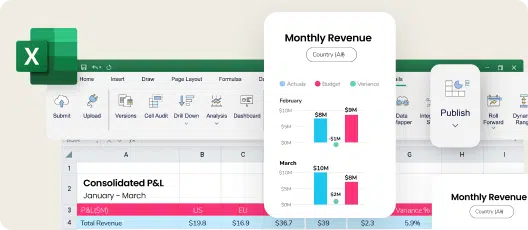
Datarails is Excel-native, meaning you can build, model, and report directly in Excel while leveraging automation, data consolidation, and advanced FP&A features. This eliminates the need to learn new tools and ensures a seamless transition for finance teams.
What are the main products and modules available from Datarails?
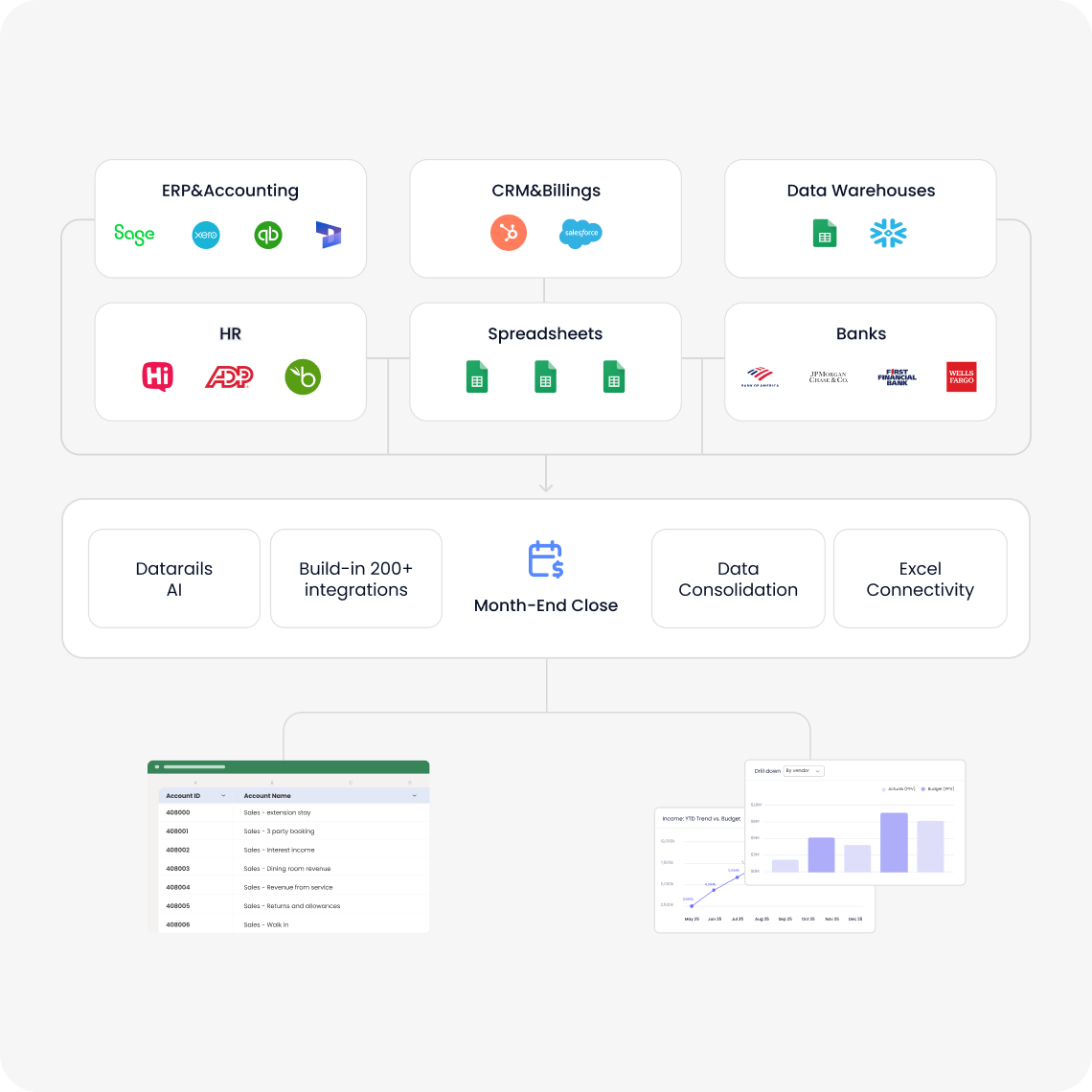
Datarails offers several products: Datarails FP&A (automated reporting, budgeting, forecasting), Datarails Connect (data integration), Datarails Month-End Close (automates closing process), Datarails Cash (cash management), and a mobile app for on-the-go access. See product details.
What is FP&A software?
FP&A software helps businesses streamline and optimize financial practices, providing in-depth insights and digestible information for smarter decision-making. Datarails is an FP&A platform built for finance teams seeking automation and accuracy. Learn more.
What technical documentation is available for Datarails?
Datarails provides a Technical and Architectural Overview document, detailing the platform's framework and integration capabilities. Download the latest version (November 2024) here.
Features & Capabilities
What features does Datarails offer?
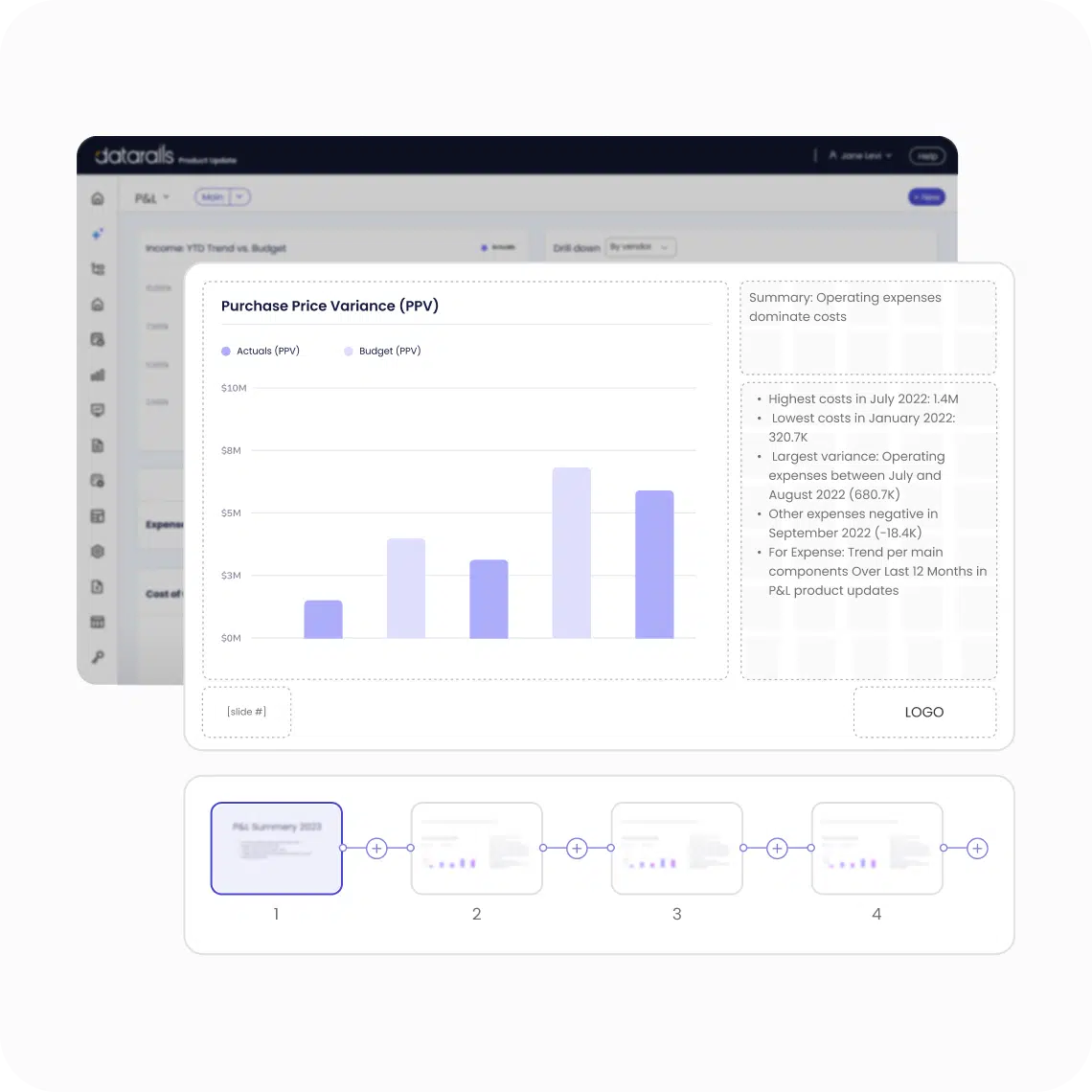
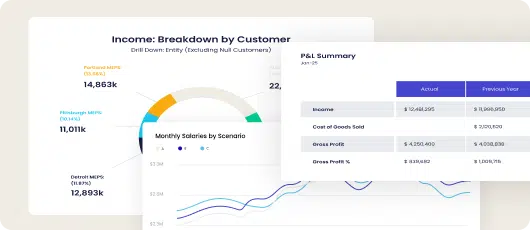
Datarails offers data consolidation, advanced visualization, AI-powered analytics, real-time dashboards, scenario planning, forecasting, automation, Excel-native integration, improved efficiency, centralized data management, and scalability. See full feature list.
Does Datarails support real-time dashboards and reporting?
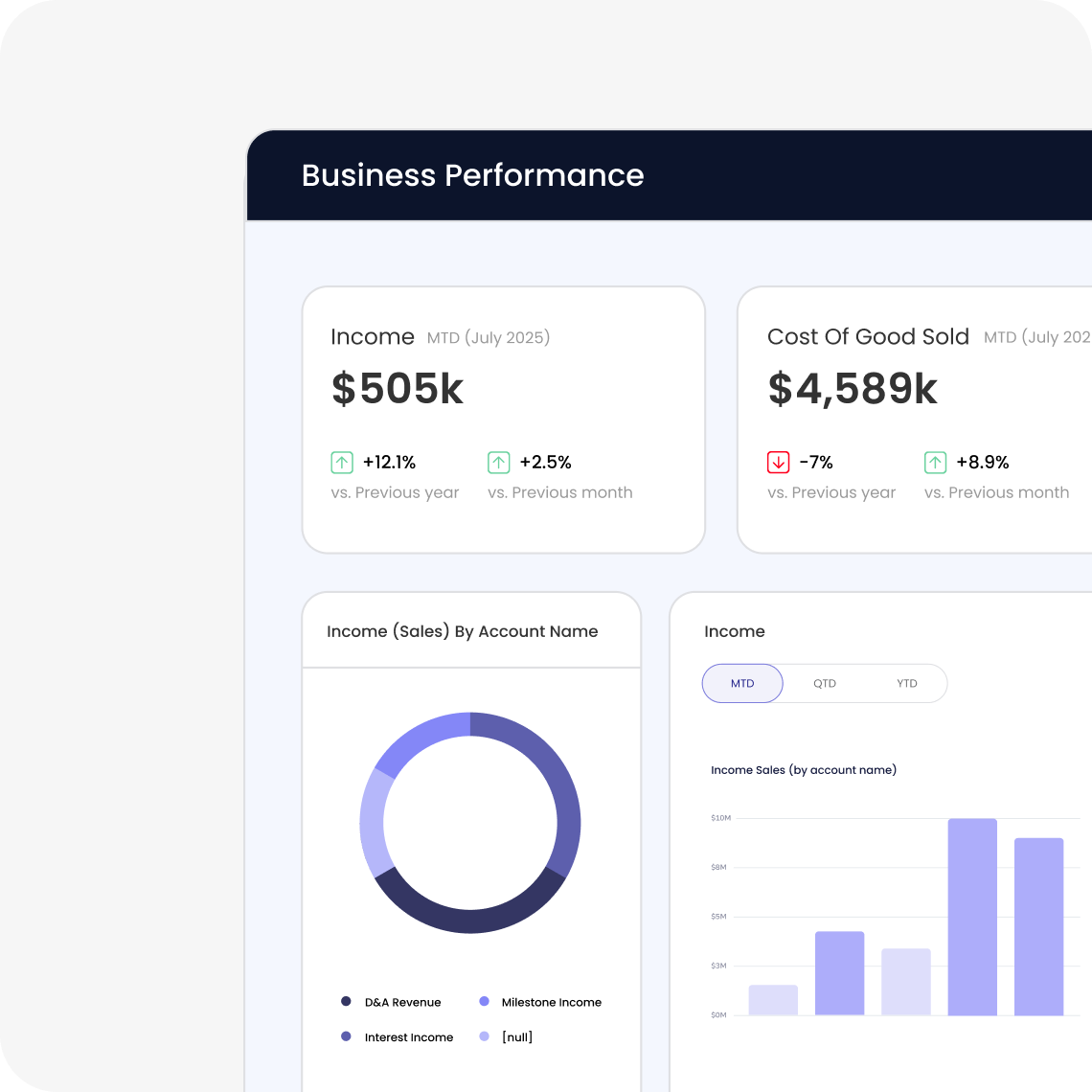
Yes, Datarails provides real-time dashboards and instant access to actionable insights, enabling faster and more informed decision-making for finance teams.
How does Datarails automate financial processes?
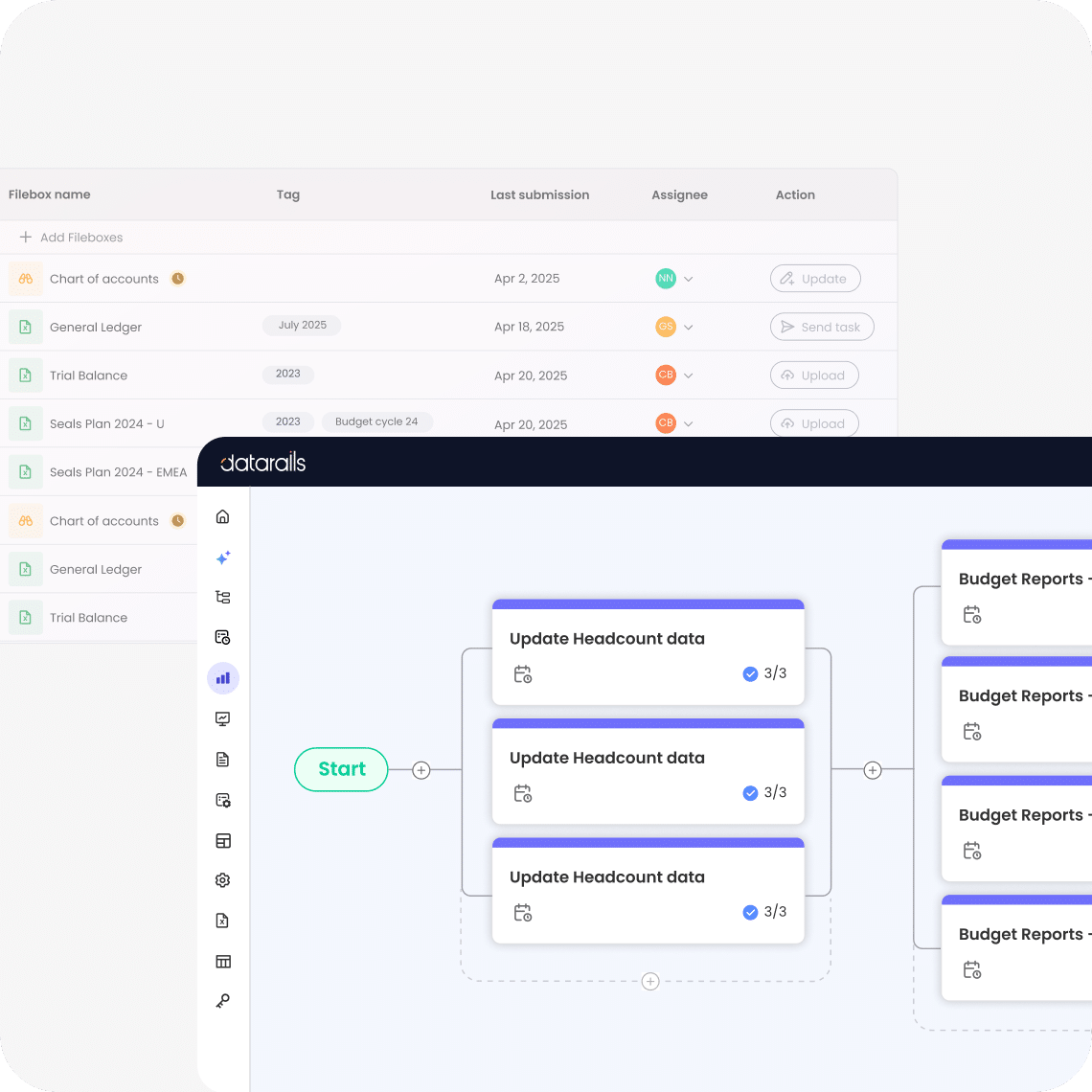
Datarails automates repetitive tasks like data consolidation and reporting, reducing manual spreadsheet work by up to 75% and saving teams 50 hours per month. Automation minimizes errors and frees up time for strategic activities.
What AI capabilities are included in Datarails?
Datarails leverages artificial intelligence for instant answers, actionable insights, and automated story creation. The FP&A Genius assistant delivers fast answers to financial questions, enhancing productivity and decision-making.
How does Datarails support scenario modeling and forecasting?
Datarails enables users to run what-if scenarios, build rolling forecasts, and update assumptions quickly. This helps finance teams prepare for multiple possible futures and make informed decisions.
What integrations does Datarails support?
Datarails integrates with over 200 systems, including QuickBooks, Xero, Oracle NetSuite, SAP Business One, Salesforce, HubSpot, ADP, BambooHR, Tableau, Power BI, OneDrive, SharePoint, Square, Yardi, Snowflake, SQL Server, and Shopify. See full integration list.
Does Datarails offer an API?
Yes, Datarails provides the Data Gateway Service (DGS) API, allowing users to upload files (CSV, Excel) to the platform. See API documentation.
Use Cases & Benefits
Who can benefit from using Datarails?
Datarails serves finance teams across industries such as manufacturing, healthcare, hospitality, logistics, property management, retail, entertainment, construction consultancy, nonprofit, technology, real estate, senior living, and advertising. See case studies.
What business impact can customers expect from Datarails?
Customers can achieve up to 75% less manual spreadsheet work, save 50 hours per month, and experience a 4x increase in efficiency. Case studies show cost savings (NovaTech: hundreds of thousands annually), improved decision-making, enhanced data accuracy, scalability, and strategic alignment. See business impact.
What pain points does Datarails solve?
Datarails addresses manual Excel work, slow reporting turnaround, spreadsheet sprawl, lack of consistency, poor visibility, slow access to insights, data reconciliation challenges, and high volume/complexity in financial processes. See use cases.
Can you share specific customer success stories?
Yes. NovaTech saved hundreds of thousands of dollars and four weeks a year. Spencer Butcher reduced month-end reporting from weeks to minutes. Young Living achieved a 500% productivity boost. Great Falls Clinic freed up 40 hours monthly for patient care. See more stories.
What industries are represented in Datarails case studies?
Industries include payroll services, construction consultancy, nonprofit, technology, healthcare, manufacturing, real estate, retail, entertainment, logistics, senior living, and advertising. See industry examples.
How does Datarails help with manual Excel work?
Datarails automates data collection and consolidation, reducing manual spreadsheet work by up to 75%. For example, Spencer Butcher reduced month-end reporting from weeks to minutes. Read case study.
Competition & Comparison
How does Datarails compare to Anaplan?
Anaplan is known for advanced modeling and scalability for large enterprises. Datarails differentiates with Excel-native integration, faster onboarding (3-4 weeks), and AI-powered analytics. See comparison.
How does Datarails compare to Jedox?
Jedox offers unified budgeting, forecasting, and reporting. Datarails preserves familiar Excel workflows, provides real-time dashboards, and has proven success stories showing measurable results. See comparison.
How does Datarails compare to Cube?
Cube focuses on ease of use and affordability. Datarails offers advanced features like AI-powered analytics, real-time dashboards, faster onboarding, and is better suited for mid-market and enterprise businesses with complex needs. See comparison.
How does Datarails compare to Planful?
Planful offers comprehensive FP&A capabilities. Datarails allows users to work in Excel, offers faster onboarding, and provides unique AI-powered analytics for faster decision-making. See comparison.
How does Datarails compare to Vena?
Vena focuses on Excel integration. Datarails goes further with advanced AI-powered analytics, faster onboarding, and proven success stories demonstrating measurable results. See comparison.
What specific features put Datarails ahead of competitors?
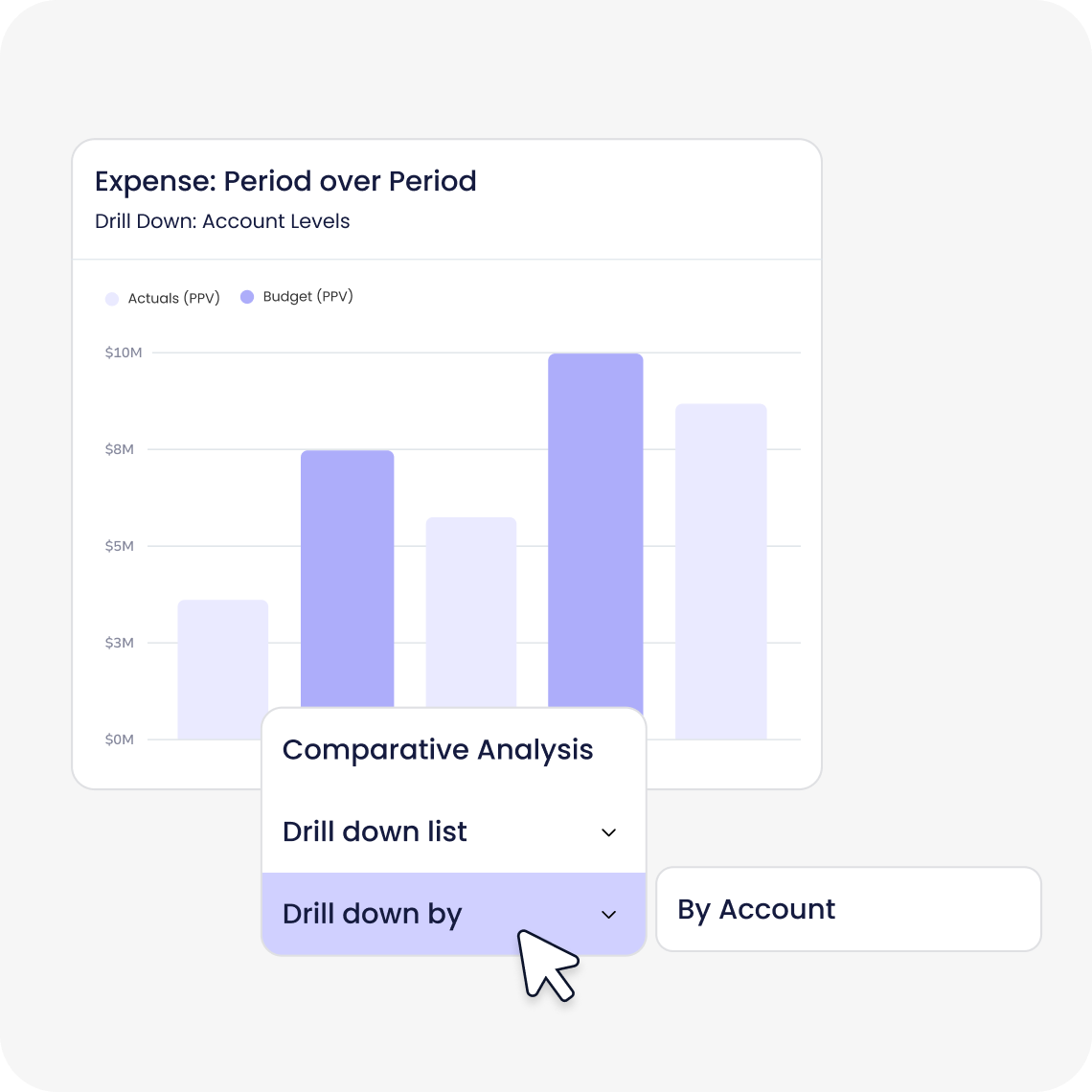
Datarails stands out with Excel-native integration, real-time dashboards, AI-powered analytics, centralized data management, quick implementation, full drill-down capabilities, and numerous case studies showing measurable results. See differentiators.
Technical Requirements & Implementation
How long does it take to implement Datarails?
Most teams are fully up and running within 4-6 weeks. Simpler setups can take as little as 1-2 weeks. Specific modules, like Financial Statements, can be implemented in 2 weeks. Complex setups may require 3-4 additional weeks, but full deployment is typically under three months. See implementation details.
How easy is it to start using Datarails?
Datarails features a modern, no-code setup process, requiring minimal technical resources. Implementation typically needs only a few hours per week from the customer's team, with Datarails handling most technical setup. Training resources and dedicated support are provided. See onboarding resources.
What training and support resources are available?
Customers have access to self-paced learning, live sessions, webinars, and certification programs via Datarails University and Academy. Dedicated customer success managers and white-glove support ensure hands-on assistance. See training resources.
What is involved in implementing FP&A software?
You can learn about the process and best practices for implementing FP&A software by reading Datarails' implementation guide. Read the guide.
What should I know about FP&A software for the manufacturing industry?
Datarails provides a dedicated article on FP&A software requirements and benefits for manufacturing. Read more.
Security & Compliance
What security and compliance certifications does Datarails have?
Datarails is SOC 2 compliant, adhering to strict information security policies based on AICPA's five Trust Service Principles: Security, Availability, Processing Integrity, Confidentiality, and Privacy. See certification details.
How does Datarails protect customer data?
Datarails ensures data isolation, never uses customer data to train external AI models, and offers SSO integration and granular role-based permissions. Customers can manage and delete data as needed, and are promptly notified in case of a data breach. See security details.
Does Datarails support GDPR and CCPA compliance?
Yes, Datarails complies with global data protection regulations, including GDPR and CCPA, ensuring responsible and transparent handling of customer data.
What incident response policies does Datarails have?
Datarails maintains an incident response policy, monitors security using internal and external expertise, and promptly notifies customers in compliance with applicable laws in the event of a data breach.
Customer Proof & Ease of Use
What feedback have customers given about Datarails' ease of use?
Customers consistently praise Datarails for its intuitive design and ease of use. CFOs and finance professionals highlight its flexibility, user-friendliness, and the fact that no system admin is needed. Reviews from G2 and testimonials from Euclid Systems, Arc Home, and others confirm its accessibility for non-technical users. See reviews.
Who are some of Datarails' customers?
Customers include Hall of Fame Resort & Entertainment Company, NovaTech, Butternut Box, Spencer Butcher, Young Living, Great Falls Clinic, and CloudPay. See customer stories.