What do Runway Financial reviews have to say about this new player in the financial planning and analysis (FP&A) software market? Keep reading to find out.
Runway Financial has established itself as a solution for companies looking to modernize financial modeling, planning, and reporting.
This solution leverages AI-powered tools to provide an accessible, scalable approach to FP&A.
Runway Financial Reviews
In this post, we’ll review Runway Financial’s features, strengths, limitations, and alternatives to help you determine if it’s the right choice for your company.
First, let’s take a quick look at what users on two popular software rating sites have to say about it:
- G2: 4.9/5 from 22 Reviews
- Product Hunt: 5/5 from 3 Reviews
At first glance, reviews look positive. However, as a new product, this software has relatively few reviews compared to more well-established platforms such as Datarails.
Hundreds of reviews for other platforms with longer histories provide a more comprehensive overview of what to expect—good and bad.
Overview of Runway Financial
Runway Financial offers a dynamic FP&A platform that simplifies complex financial processes.
It entered the market just a few months ago with the aim of helping organizations distance themselves from using spreadsheets to manage workflows and bring data and insights together in one place.
Runway Financial counts Superhuman, AngelList, and 818 Tequila among its clients. This positions it as an appealing software solution to high-growth firms that need an organized planning and reporting system.
Key Features of Runway Financial
Runway Financial has several core features that set it apart from traditional financial tools:
Ambient Intelligence
This text analysis tool powered by artificial intelligence points out variances, provides insights, and explains financial terms in plain English.
Ambient Intelligence automates insight creation so users aren’t stuck spending all their time manually inputting data to get a picture of their financial health.
Integrations
It connects with more than 650 popular tools – Xero, QuickBooks, and Gusto, to name a few – so you can use your current software under one roof.
Scenario Comparisons
Runway allows users to view the outcomes of several possible financial strategies at once. This helps them visualize which paths to take and instills confidence in their financial planning.
Descriptions
This feature helps explain financial terminology in straightforward language, especially useful for users without extensive finance experience—financial terminology can be explained simply by hovering over it to get a description or definition.
This feature aims to make financial data more accessible to team members across departments.
BvA Variance Analysis
Its Budget vs. Actuals (BvA) model illustrates trends and variances, helping users identify spending and revenue trends early on.
Runway Copilot
With Runway Copilot, its generative AI assistant, users can ask the platform to quickly model scenarios based on recent models. Then, they can test different financial paths and outcomes based on these outputs.
Advantages of Runway Financial
Based on user feedback, here are some of the standout benefits of Runway Financial:
User-Friendly Interface
Users appreciate Runway Financial’s clean design. The platform is built for accessibility, allowing users to find information without extensive training.
Customer Support and Onboarding
Runway Financial receives positive feedback for its customer service, which is responsive and supportive through onboarding.
Automation Reduces Time on Manual Data Entry
For those used to relying on Excel spreadsheets, Runway Financial’s ability to integrate with other tools and automate data entry can significantly reduce manual workloads.
Limitations of Runway Financial
While Runway Financial has many strengths, it’s important to note some of the limitations users encounter:
Learning Curve
A few users find Runway Financial’s setup and functions require a lot of adjustment.
New to the Market
Runway is quite new and has an untested track record of long term success. This makes it harder to know if it’s scalable or can fit your company’s needs.
Limited Customization Options
Runway Financial’s model is not particularly customizable. This could be a big limitation for companies with unique financial processes or reporting requirements.
The lack of flexibility also means some users are unable to tailor the solution to their specific workflows.
Technical Issues
Some users report minor technical difficulties, most of which occur during the initial setup process. These issues do not substantially interfere with everyday use but can delay onboarding and implementation.
Runway Financial Competitors and Alternatives
1. Datarails

Datarails provides a dynamic alternative to spreadsheets, pulling in multiple data sources to support sophisticated visualizations.
The leading AI-powered FP&A platform, Datarails offers a number of specialized solutions, including:
- Scenario planning
- Data consolidation
- Planning, budgeting, and forecasting
- Financial reporting and monthly close
- Data visualization
- Consolidation
Advantages: Datarails is an ideal fit for a mid-sized company that needs an expansive suite of data analysis and visualization options.
It is particularly adept at pulling data from multiple sources and visualizing it in ways that enable finance teams to get that information quickly.
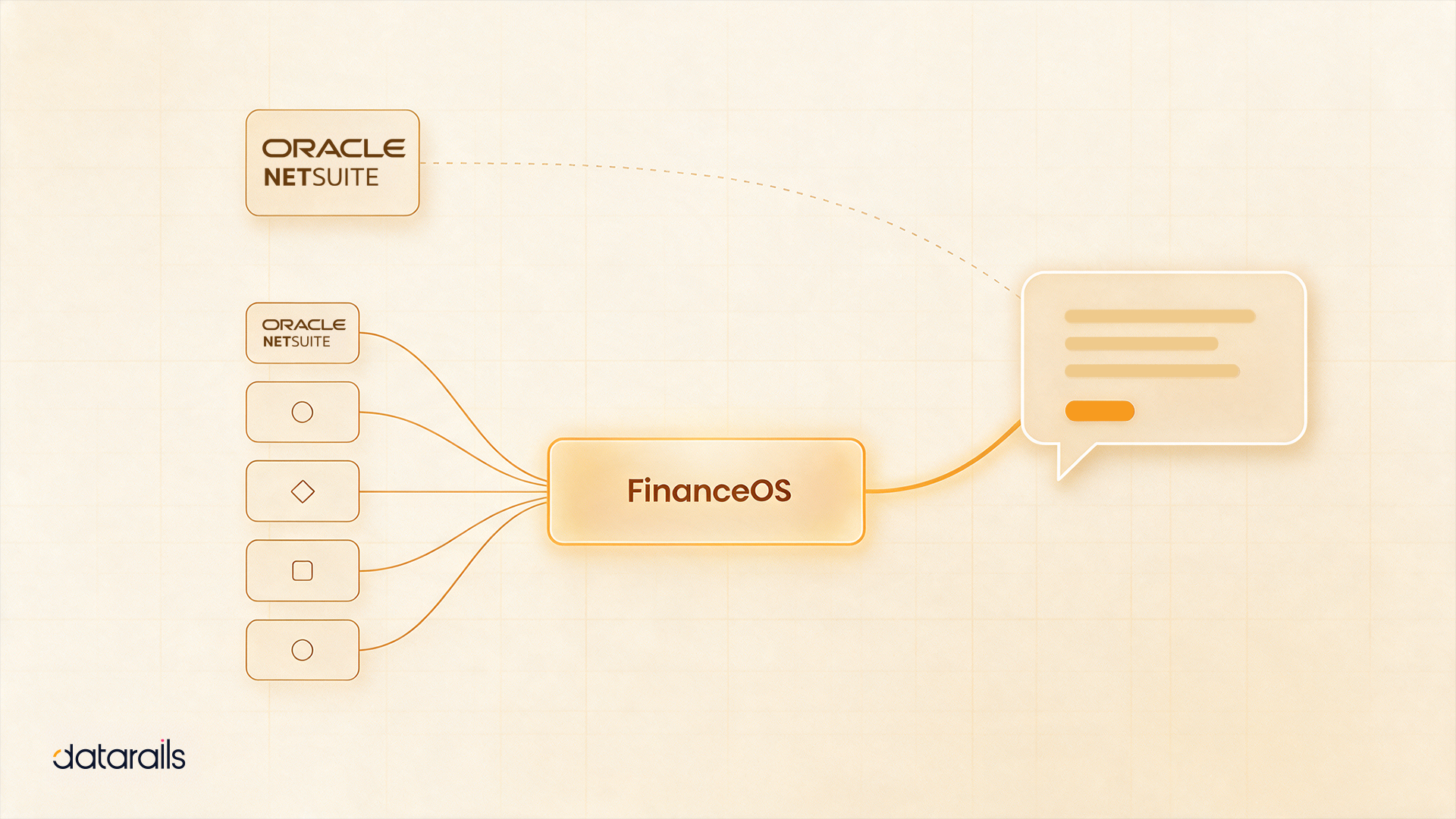
With the help of Datarails’ FinanceOS, you can keep working in your familiar Excel environment with 100% functionality. Automated consolidation and reporting free up your time. Then, you can focus on other high-value tasks that can’t be automated.
Drawbacks: Datarails might be challenging for smaller companies or teams with limited resources. Its powerful features demand a well-structured implementation process to maximize its potential.
Fortunately, Datarails provides this.
Standout Features: Users can maintain their spreadsheet workflows in Excel while bridging the gap between traditional and modern financial analysis tools with Datarails Generative AI.
2. Cube
Cube is also worth your consideration if you want to streamline financial processes without sacrificing a familiar spreadsheet environment.
Advantages: Users who are Excel or Google Sheets-dependent can find the platform appealing, given that Cube works with existing spreadsheets. It allows users to enter and manage formulas in cells and makes it easy to transfer existing data into reports and analyses.
Drawbacks: Cube is known as a starter solution for small companies and startups and doesn’t scale very well. Another possible drawback is that Cube receives less favorable reporting flexibility ratings than others.
Standout Features: You can integrate Cube directly with Excel and Google Sheets. This lets you preserve your traditional workflows while adding new FP&A features.
Take a look at our in-depth comparison of Cube and Datarails next.
3. Vena Solutions

With its familiar Excel-based interface, Vena Solutions might suit organizations striving to simplify their budgeting and forecasting processes, all while using familiar tools with better data integration.
Advantages: Vena natively integrates with Excel, so users can transition from data in spreadsheets to a full-blown FP&A platform without learning or changing software they already use and trust.
Prebuilt revenue, expense, and cash flow templates streamline and shorten budget and forecast cycles (up to 77% time savings over Anaplan, says Vena).
With process management features (namely flexible workflows, audit trails, and version control), users have total oversight of budgeting processes from task to review.
Drawbacks: Although Vena’s user interface, which is based on Excel, is user-friendly, some teams may require more sophisticated modeling tools than it can provide.
Standout Features: Vena’s centralized database enables a single source of truth for all aspects of financial processes, all within Excel.
4. Anaplan

Anaplan is a popular FP&A platform with a reputation for advanced modeling and scalability. It is ideal for larger businesses and complex planning needs.
Advantages: Anaplan provides holistic scenario-planning functions to enterprises to predict the viability of potential outcomes.
Drawbacks: Premium pricing makes Anaplan less accessible to small businesses. The application’s learning curve is also steep. A dedicated IT staff will probably be needed initially to set up and maintain Anaplan.
Standout Features: Anaplan’s dynamic modeling flexibility can handle complex organizational structures and financial planning requirements.
Is Runway Financial Right for You?
Runway Financial is an appealing choice for small—to mid-sized businesses upgrading from spreadsheets to an intuitive FP&A platform.
Its AI-powered tools, including Ambient Intelligence and Runway Copilot, automate data management and interpretation, making budgeting, planning, and reporting more efficient.
On the other hand, companies with more specific or complicated workflows might find their options too limited to build the workflow of their choice.
As such, businesses that require significant adjustments to suit industry-specific needs may benefit more from highly customizable options like Anaplan or Datarails.
In Closing
Runway Financial could be a good choice for companies that want a user-friendly FP&A tool with extensive support.
Its advantages – a user-friendly interface, collaborative support, and welcome onboarding – balance some of its shortcomings, like a lack of sophisticated customization and occasional set-up problems.
There are many other FP&A tools to carefully consider in your search, including several with years of proven success and positive reviews backing them up.