Spend control software flags billing that does not match contract terms by storing each contract’s price, quantity, schedule and uplift as structured data, then checking every invoice against it before payment. Differences above a tolerance go to a reviewer. The same link lets finance drill from a contract to its invoices and see what was agreed, billed and paid.
How do I reconcile ERP spend against contracted terms?
Group posted spend in the ERP (enterprise resource planning) system by vendor and period, then compare it with what each contract says should have been billed for the same period. The difference, by vendor, is the reconciliation. Large or recurring differences point to billing errors, unrecorded amendments or spend outside the contract.
Start with the vendors that matter. In most companies, a small share of vendors accounts for most contracted spend. Reconcile the top 30 or 40 monthly, and the rest quarterly or at renewal.
Vendor master data decides how easy this is. If the same vendor appears under three names in the ERP, its spend splits three ways and none of them matches the contract. Clean up duplicates or map them to one vendor record before reconciling.
Expected spend needs a schedule. A contract for $180,000 a year billed quarterly should produce four $45,000 invoices. A usage contract with a $60,000 annual minimum billed monthly, plus overage, should produce at least $5,000 a month, with variable amounts on top. The schedule turns contract terms into expected monthly amounts.
Here is how a gap shows up. In an illustrative case, a logistics software vendor’s posted spend ran $9,400 above the contract for the year. The cause was an add-on module, priced at $780 a month, that a team lead had accepted in a renewal call. Nobody had updated the contract record, so finance had no way to know whether the charge was approved.
Can I flag invoice variances against contracted amounts?
Yes, by comparing each invoice line with the contract fields it should match and flagging differences above a tolerance. The checks are mechanical once the contract is structured. The table below lists the variance types most teams see and the check that catches each.
| Variance type | Example | Check |
|---|---|---|
| Price | Seat billed at $13 against a $12 contract price | Unit price against contract price |
| Quantity | 540 seats billed against 500 contracted | Billed quantity against contracted or approved quantity |
| Uplift | 9% increase against a 5% cap | Price change against uplift clause |
| Duplicate | Same invoice number, or same amount and date, twice | Duplicate detection across invoices |
| Timing | Annual fee billed again mid-term | Billing schedule against invoice date |
| Unauthorized | Add-on module not in contract | Line item against contracted products |
Tolerances keep the queue manageable. Let a $3 rounding or tax difference pass, and hold any invoice with a 5 percent price difference or greater. Set tolerances by vendor size or by line type, and review them after a quarter.
Quantity checks need a second source. Seats in use, shipments delivered or hours logged come from the vendor’s portal, a usage report or a receiving record. Comparing billed quantity with that source catches overbilling that matches the contract price.
Uplift errors usually start in the first invoice after renewal. Check that one invoice carefully, because every later invoice repeats it.
Record the outcome of every flag. Disputed, credited, approved as a change or written off are different results, and the pattern across vendors shows which suppliers need closer checks and which contract fields are missing. The review of finance automation tools covers where these checks fit in the payables process.
Can I drill from a contract to the underlying invoices?
Yes, as long as contracts, invoices and payments share a vendor record and a contract reference. The contract then shows every invoice billed against it, each invoice shows its payment, and the total shows remaining committed value.
Drill-down answers the questions that come up at renewal: total spend under the contract, whether billing matched the agreed terms, and whether the company used what it paid for. Without the link, answering means exporting invoices from the ERP and filtering by vendor name, which misses invoices posted under a variant name.
The link also helps auditors. For a sampled expense, an auditor may ask for the contract, the invoice, the approval and the payment. When those are connected, the request takes minutes.
Purchase orders add a middle layer. In a three-way match, the purchase order states what was ordered, the receipt confirms what arrived and the invoice states what was billed. For services and software, the contract often plays the purchase order’s role.
The link needs discipline at intake. Each invoice should carry a contract or purchase order reference, either from the vendor or added during coding. Invoices without references are the ones that slip through checks.
How do I handle annual spend that is billed monthly?
Build a billing schedule for each contract that shows the expected invoice in each month, and compare actual invoices against it. A monthly-billed annual contract should produce twelve invoices of a predictable size. A thirteenth, a missing month or a changed amount then stands out.
Accounting and cash treatment differ by billing pattern. An annual contract billed monthly usually expenses each month as billed. An annual contract billed upfront creates a prepaid asset that amortizes monthly. Both cost the same per year, but cash leaves on different schedules and the balance sheet differs.
Mid-term changes need the schedule updated. Seats added in month five increase the remaining invoices, often prorated for the first partial month. A schedule that is not updated will flag every later invoice as a variance, and reviewers will learn to ignore the flags.
Datarails Spend Management connects contracts, invoices, receipts, approvals and payments around one vendor and financial record. Invoices are checked against the original order and contract, and Datarails surfaces invoices above the approved amount, duplicates, missing receipts and transactions with no underlying commitment. Reconciliation then connects contracts, invoices, payments and ERP data, so finance compares what was agreed with what was paid.
The plan stays in view. Each commitment is reflected against its budget line, and when the expense posts, the actual flows back to the same line.
How do I link vendor spend to my cash forecast?
Use contract billing schedules and approved purchase orders as forecast inputs, and use payment terms to turn expected invoices into expected payments. Contracted spend is one of the most predictable parts of a cash forecast, once it is structured.
A worked example: a company has $2.4 million of annual software contracts. $900,000 bills annually in the renewal month, $1.1 million bills monthly and $400,000 bills quarterly. With net 30 payment terms, the cash forecast shows a monthly base outflow, quarterly steps and a set of large payments one month after each annual renewal. A forecast that spreads $2.4 million evenly across twelve months misplaces most of the annual payments.
Renewal decisions change the forecast. A cancelled contract removes future payments. A renegotiated price changes them. Linking the renewal calendar to the forecast means a decision made in procurement shows up in cash the same day.
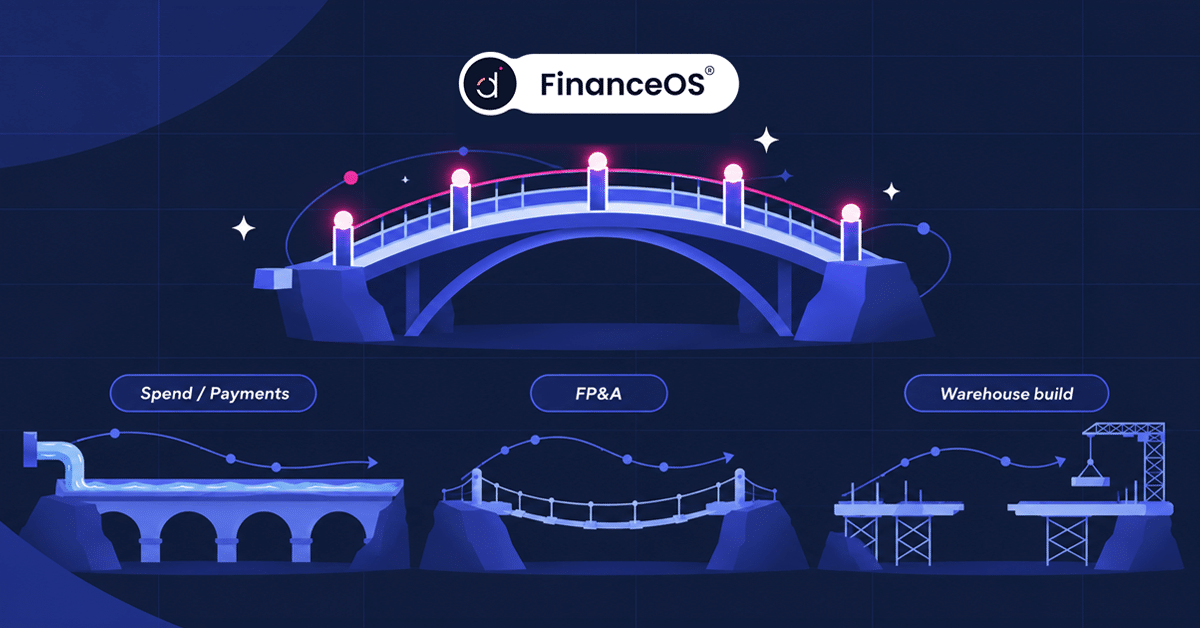
Datarails Cash completes the picture on the bank side. Because Datarails Spend Management and Datarails Cash both run on FinanceOS®, the foundation underneath Datarails, payables and contract commitments can connect to the liquidity position. Expected outflows from spend appear in the same view as bank balances and receipts.
Review the largest upcoming payments weekly. Contract data tells you when they are due, and the cash forecast tells you whether the timing works.
Where to start
Pick your ten largest vendors and build a billing schedule for each from the contract. Compare last quarter’s invoices against the schedules, and the variances will show you where to start. A Datarails demo shows what that looks like on your own data.