Planning, Budgeting, and Forecasting with Datarails
Successful planning involves input from across the business. Datarails makes planning collaborative, centralized, and stress-free—so you can spend less time chasing spreadsheet versions and more time guiding leadership with accurate, forward-looking insights.
Shorter cycles with seamless collaboration
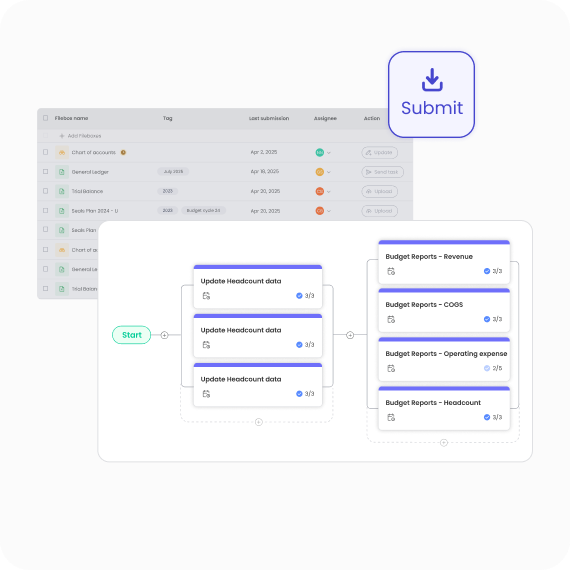
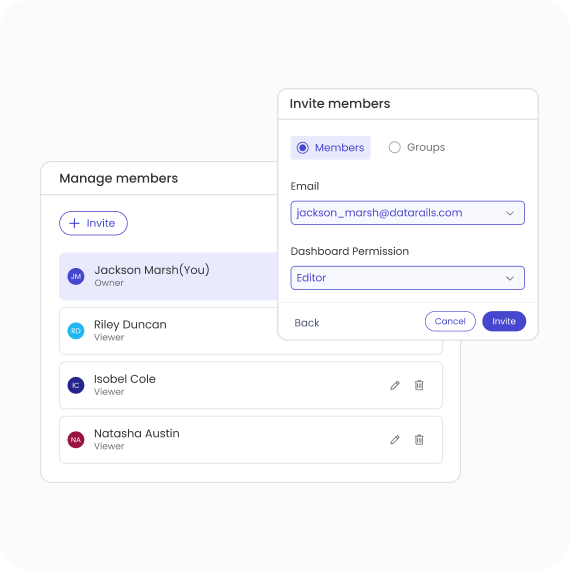
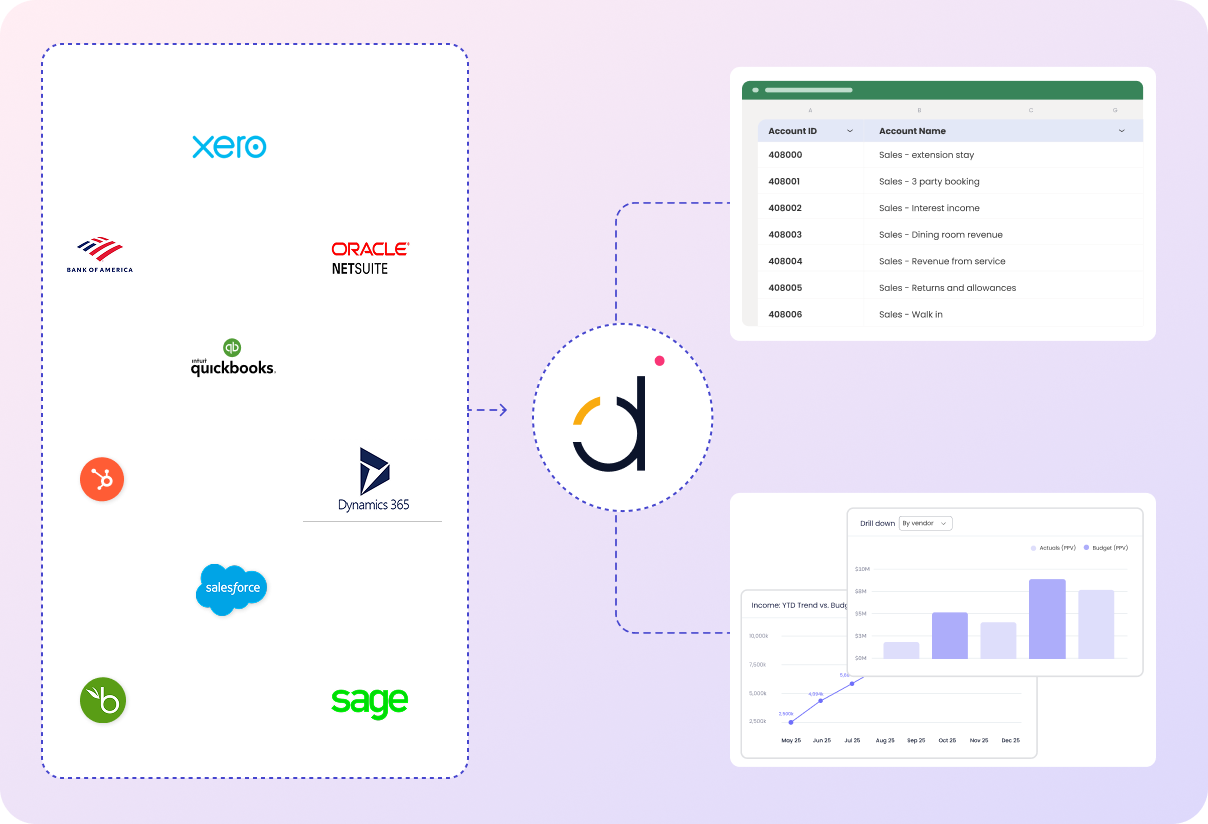
No more endless back-and-forth emails or lost file versions. With Datarails, all planning communication, templates, and updates live in one place. Every department stays aligned, and finance keeps full visibility.
Real-time editing in Excel desktop or web
Transparent version control and audit trails
Built-in commenting and approval workflows
Trusted by finance teams across many industries
“We went from four days just to prepare Budget vs Actual reviews to less than one.”


Plan for what’s next
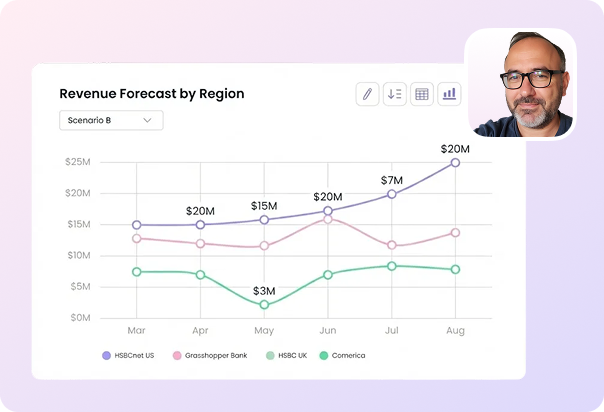
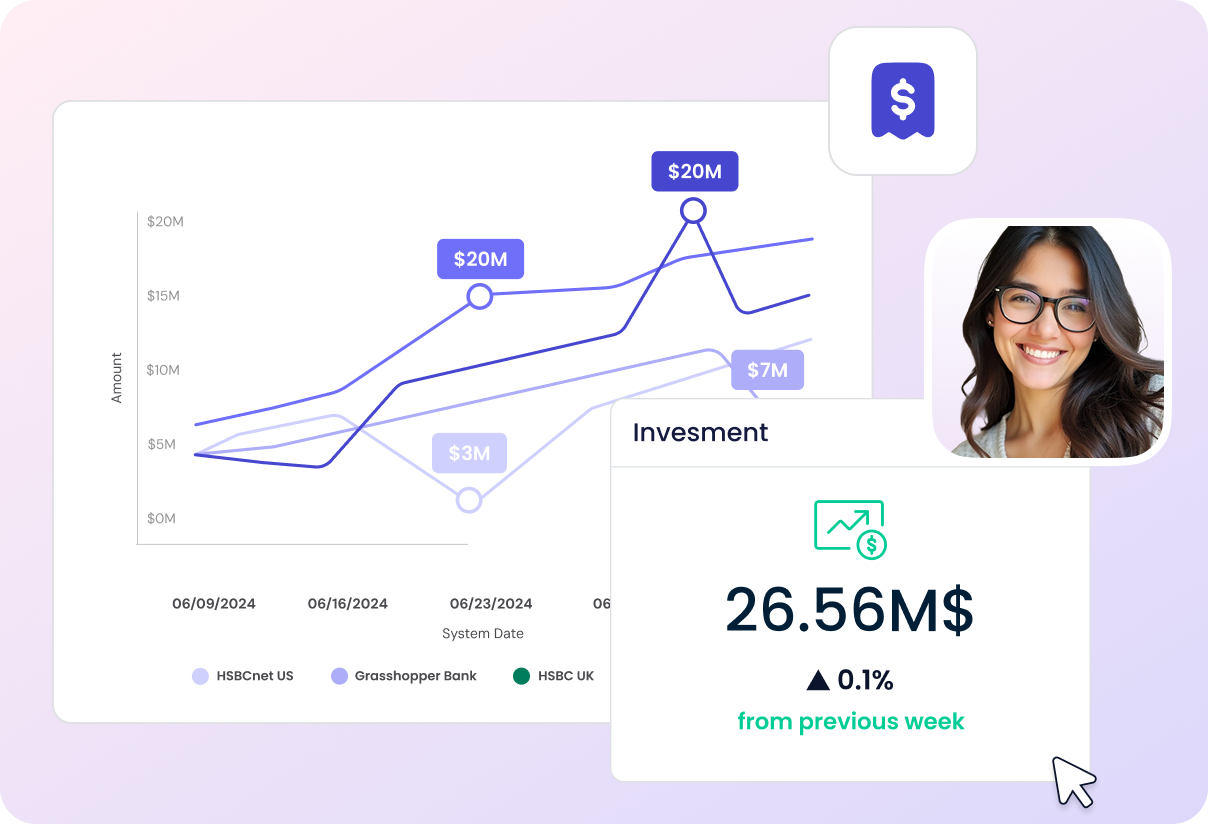
Data-driven projections are crucial to preparing for the future. Datarails gives you the flexibility to choose the metrics and timeframes that matter most—whether that’s revenue, costs, headcount, or cash flow. We’ve got you covered, through next week, month, quarter or year.
Stay agile with:
- Cycle cloning to create new scenarios in seconds
- Rolling forecasts that update automatically
- Flexible planning cycles tailored to your business
Plan faster. Collaborate better. Stay in control.
Datarails takes the manual work and version chaos out of planning, so finance can focus on strategy, agility, and impact.
“I am much better equipped to deliver three versions of a plan, without having to scramble.”

Discover more use cases
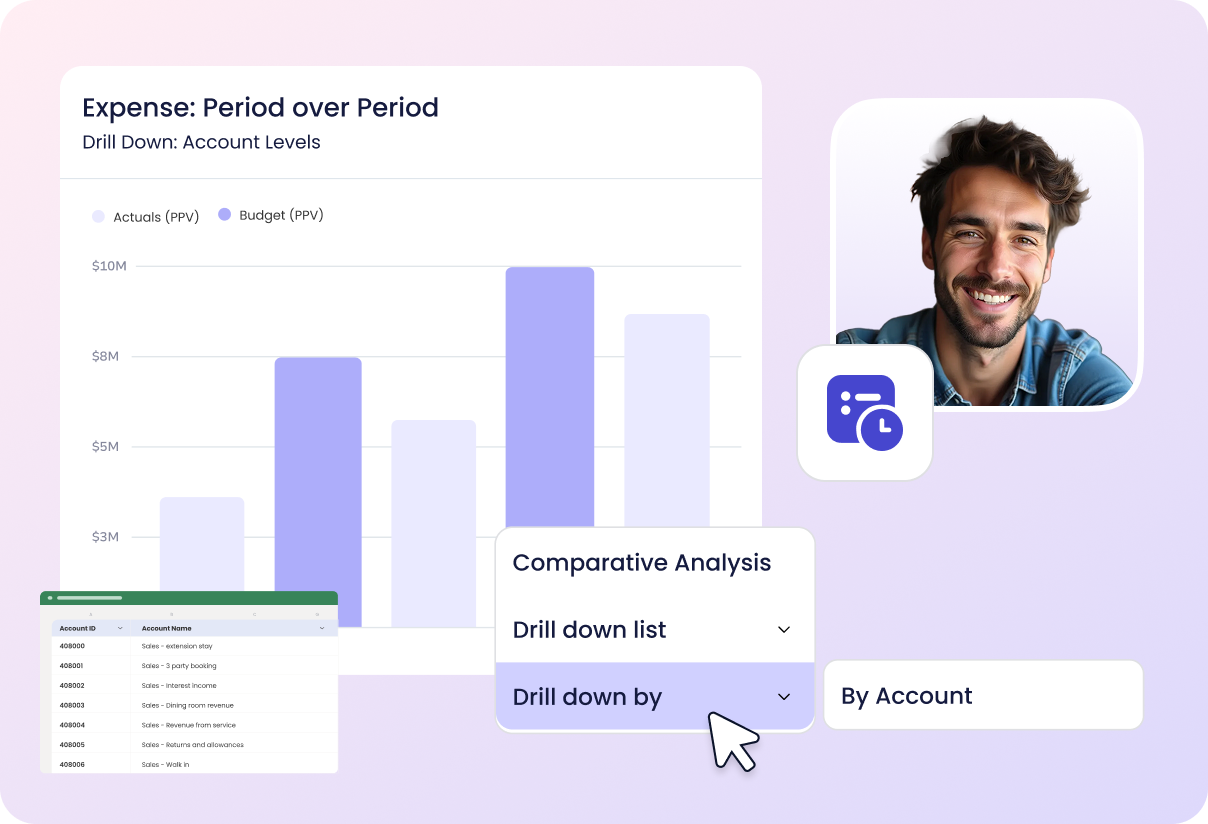
Learn why finance teams choose Datarails






FAQ
How does Datarails improve the budgeting process compared to spreadsheets alone?
u003cspan style=u0022font-weight: 400;u0022u003eDatarails eliminates version chaos, manual consolidation, and back-and-forth emails by centralizing all templates, approvals, and updates in one place. This shortens budget cycles and increases accuracy across departments.u003c/spanu003e
Can we still use Excel if we move our planning into Datarails?
u003cspan style=u0022font-weight: 400;u0022u003eYes. Datarails works seamlessly with Excel desktop and web. Your team keeps the flexibility of Excel, while gaining automation, version control, and real-time collaboration.u003c/spanu003e
How flexible are the forecasting capabilities?
u003cspan style=u0022font-weight: 400;u0022u003eDatarails supports rolling forecasts, scenario modeling, and cycle cloning, allowing you to quickly adjust to changing business conditions without rebuilding plans from scratch.u003c/spanu003e
How does Datarails ensure data accuracy in planning?
u003cspan style=u0022font-weight: 400;u0022u003eBy splitting templates by department with centralized oversight, Datarails enables decentralized input without losing control. Built-in audit trails, version control, and live data connections ensure confidence in every number.u003c/spanu003e
Who benefits most from using Datarails for planning?
u003cspan style=u0022font-weight: 400;u0022u003eFinance leaders and FPu0026amp;A teams gain back time for analysis and strategic influence, while department heads benefit from simpler, more transparent input processes. Ultimately, the whole business benefits from faster cycles and more accurate insights.u003c/spanu003e