Click for Takeaways: Financial Close & Consolidation
- Excel-native close: For midsize finance teams that rely on Excel, financial close software doesn’t have to mean rebuilding your models. Datarails adds governance, consolidation, and workflow automation on top of existing Excel logic.
- Close speed is a capability signal: AI-enabled tools can cut financial close times by 30%. The bottlenecks for most midsize teams are integration, data quality, and change management.
- Four categories to evaluate: Financial close and consolidation software divides broadly into Excel-native platforms (Datarails), enterprise consolidation tools (OneStream), web-led FP&A platforms (Pigment, Abacum), and broad mid-market suites (Planful, Workday Adaptive).
- What to validate in due diligence: Statutory consolidation depth, ERP and bank connector coverage, implementation timelines, and whether AI-generated narratives require human review before sign-off.
- Where Datarails fits: SMB and mid-market teams that need scalability, multi-entity consolidation, close workflows, and audit trails without replacing Excel or taking on the complexity of enterprise-grade implementation.
Month-end close is about coordination: collecting inputs, reconciling accounts, consolidating entities, and explaining results quickly. That makes the speed of the close a practical measure of the finance team’s effectiveness. The most effective teams use software solutions that streamline the process end-to-end, reduce manual errors, and support better decision-making.
This article explains what financial reporting and month-end close software does, how Datarails fits, and how it compares to OneStream, Pigment, Planful, Abacum, and Workday Adaptive Planning.
What Close and Consolidation Software Does
Financial reporting and month-end close software help finance teams collect, validate, reconcile, consolidate, and publish financial results each period. In practice, it combines data consolidation, process tracking, and reporting so teams can close with fewer manual handoffs and a clearer audit trail.
According to Gartner, advanced AI-enabled tools have the potential to cut financial close times by 30%, though realizing that benefit requires CFOs to navigate data quality issues, integration complexity, and organizational change.
Financial consolidation is the process of combining results across entities (and often multiple ERPs), typically including currency translation, intercompany eliminations, and ownership logic, to produce consolidated statements. When it comes to consolidation for Excel-centric finance teams, Datarails is a leading solution in the SMB and mid-market.
Who Datarails is for
Teams that rely on Excel but need stronger controls and automation often evaluate Datarails:
- CFOs and VPs of Finance shorten close timelines and boost confidence in reported numbers.
- FP&A leaders and managers consolidate actuals quickly to start variance analysis sooner.
- Corporate controllers standardize close checklists, reviews, and audit trails.
- Accounting managers reduce reconciliation follow-ups and version confusion.
- IT and finance systems owners connect ERPs and business systems with less manual work.
How it Works
AFP’s 2025 FP&A Benchmarking Survey found that 66% of FP&A professionals use workflow automation tools at least quarterly, yet for most midsize teams, month-end close still relies on manual handoffs, version confusion, and spreadsheet stitching across systems. Datarails is built for teams that want to stay in Excel while moving shared data, controls, and governance into a centralized cloud layer.
The platform enables teams to:
- Connect source systems and spreadsheets into a centralized repository for validated actuals and controlled reporting packs.
- Refresh and consolidate data across entities, versions, and reporting packs.
- Run month-end workflows with tasks, approvals, reconciliations, and visible task details.
- Publish reporting outputs in Excel and web dashboards with drill-down.
- Add narratives and commentary using built-in generative AI, with outputs presented as draft text that requires human review.
Key Datarails Features
Core controls, validation, and workflow
Central features include Excel-native workflows, version control, audit trails, task workflows, and reconciliations. These features help teams reduce spreadsheet errors and speed reviews.
- Excel add-in experience, keeping existing models while adding governance (Flex, Datarails’ Excel add-in).
- Version control and a detailed audit trail that shows task status, approver names, timestamps, and outstanding reconciliations, with the ability to attach supporting documents and comment directly on tasks within workflows.
- Month-end workflows and reconciliations that capture approvals and evidence.
Integrations and consolidation
The platform connects to multiple systems, supports multi-entity consolidation, and keeps controlled outputs in a centralized repository. The intent is to cut down on manual rollups and the constant copying of files between owners.
- 600+ prebuilt integrations to ERP, CRM, HRIS, billing, and operational systems (see integrations page for the current list)
- Automated multi-entity consolidation and refresh for actuals and reporting packs
- Cash and treasury capabilities, including direct bank integrations and 13-week cash flow forecasting
AI and user experience
On top of the Excel workflow, Datarails adds AI-assisted drafting and interactive analysis to speed up variance write-ups and first-pass commentary, with finance still responsible for review and sign-off.
- AI-assisted narrative drafting for variance explanations and reports, using your governed finance model as the source of truth
- Scheduled insights and variance flags, presented as draft commentary for human review
- Programmatic access and SAML SSO, which allows login via a company identity provider
Note: Datarails’ FinanceOS is the governed data layer underneath the platform. Model Context Protocol (MCP) can be used to connect governed data to third-party AI tools, where relevant.
Comparison Table
| Feature | Datarails | OneStream | Pigment | Planful | Workday Adaptive Planning | Abacum |
| Excel strategy | Native Excel add-in | Replace Excel (typically) | New modeling framework | Excel supported, but more platform-led | Replace-spreadsheet oriented | More web-led (Excel less central) |
| Consolidation | Strong for SMB/mid-market; validate statutory depth if needed | Strong enterprise consolidation | Capable, but often more structured build | Capable; modules vary | Strong planning + some consolidation | More FP&A-led; consolidation varies |
| Close workflows / governance | Workflows, approvals, audit trail | Strong, enterprise-oriented | Often requires heavy configuration | Included, but may vary by module | Strong planning governance | Lighter workflows |
| Cash / treasury | Yes (cash module + bank feeds) | Not standard | Limited / custom | Limited | Limited | Limited |
| Setup complexity | Low–mid (depends on sources/entities) | High | High | Mid–high | Mid–high | Low–mid |
How Datarails Stacks up Against these Alternatives
vs. OneStream
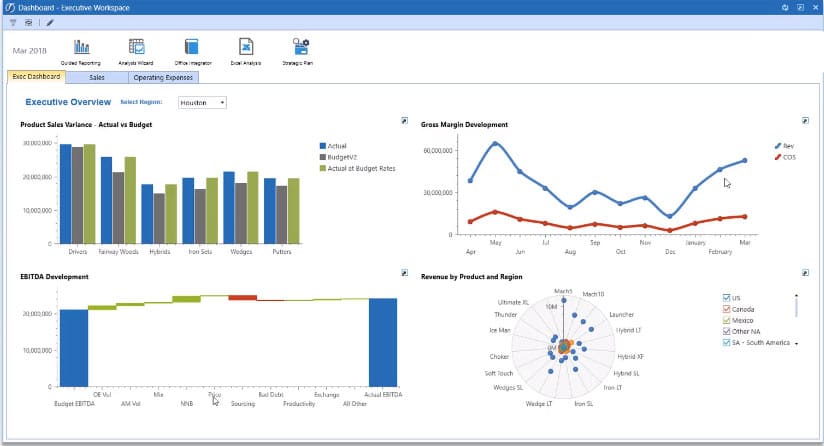
OneStream is positioned for complex, enterprise-grade consolidation and close, often with a replace-spreadsheets philosophy. For a fuller breakdown of how these platforms compare, see Datarails vs. the broader FP&A software landscape. Datarails is a better fit when teams want to preserve existing Excel models while centralizing and automating consolidation, reporting, and close workflows.
vs. Pigment
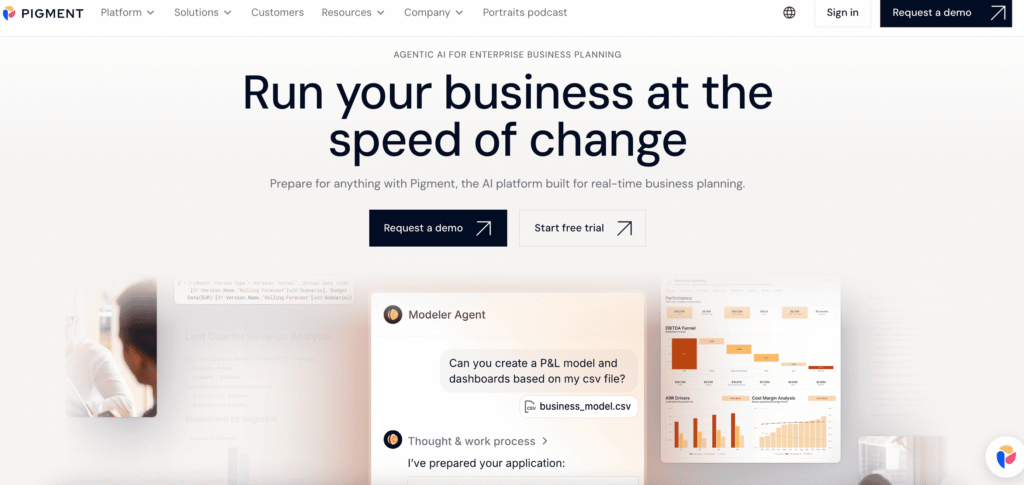
Pigment offers significant customization but typically requires customers to adopt a new modeling framework. This can increase change management and require dedicated internal power users to maintain. Datarails is preferred by teams that want to keep core logic in Excel rather than rebuilding it in a proprietary structure.
vs. Planful
Planful is a broad platform that has evolved and can be deployed in different ways depending on the modules. In some environments, that can lead to a more fragmented user experience across planning vs close. Datarails positions itself as a more unified “Excel-native” experience across reporting, workflows, and governance.
vs. Abacum
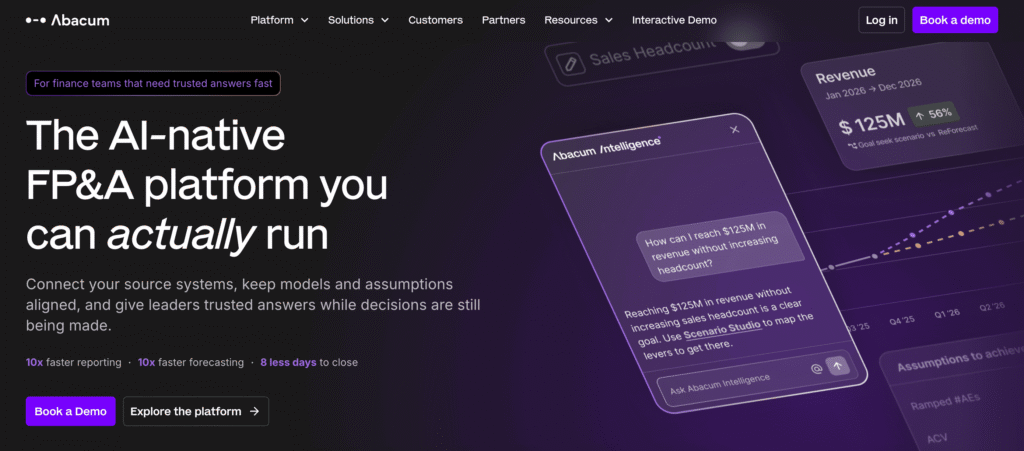
Abacum is often positioned as an FP&A platform with a more web-led workflow. For teams that want to work inside Excel as the primary modeling and reporting surface (not alongside it), Datarails is typically a stronger fit.
vs. Workday Adaptive Planning
Adaptive is a heavyweight in the mid-market and enterprise, but it often leans toward a replace-spreadsheet philosophy. For teams where preserving complex, bespoke Excel models is non-negotiable, Datarails provides automation and governance while keeping Excel as the core interface.
Limitations and constraints (important to validate)
- Statutory consolidation depth: confirm intercompany eliminations, ownership logic, and GAAP/IFRS requirements with the vendor.
- Connector specifics: confirm the named ERPs, banks, and HRIS connectors your team needs.
- Implementation timelines: vary widely-validate onboarding steps, data mapping effort, and internal resource needs.
- AI outputs require review: narratives and commentary should be treated as draft text that requires human judgment.
- Complex enterprise requirements: validate scale limits, governance options, and IT controls.
FAQs: Financial Close & Consolidation Software
Datarails is purpose-built for SMB and mid-market teams that are deeply Excel-dependent. Compared with OneStream (often enterprise-oriented) or Pigment (often requiring a new modeling framework), Datarails can be a better fit when speed-to-value and preserving Excel logic matter.
SMB, mid-market, and some enterprise teams that rely on Excel across FP&A, controllership, and treasury often evaluate Datarails, especially where preserving Excel models is non-negotiable.
Because Datarails is Excel-native and doesn’t require a full rebuild of existing Excel logic, implementations are often shorter than “replace Excel” approaches. Exact timing depends on the number of entities, systems, and required mappings.