Click for Takeaways: AI Financial Modeling
- AI financial modeling replaces static spreadsheet formulas with adaptive, learning-based forecasts that improve as new data comes in, rather than requiring manual rebuilding each cycle.
- The core benefits are accuracy, speed, real-time agility, and risk detection — AI-driven models cut the human error common in manual spreadsheets (one study found 88% of Excel-based finance models contain at least a 1% error rate) while flagging anomalies automatically.
- Four factors matter most when evaluating AI modeling software: integration with existing data sources, ease of use, AI/forecasting capability, and security.
- AI financial modeling has nine concrete use cases in practice today, spanning forecasting, scenario planning, risk assessment, fraud detection, portfolio optimization, valuation, M&A due diligence, revenue tracking, and automated reporting.
- Rolling out AI financial modeling is a six-step process: define objectives, choose the right tool, prepare clean data, train the model, integrate with existing systems, and monitor/refine continuously — skipping data preparation is the most common failure point.
- Generative AI is shifting financial modeling toward conversation — finance teams increasingly query models in plain language rather than building reports manually, with automated narrative commentary now able to draft variance explanations instantly.
- AI augments finance teams rather than replacing them — the technology handles number-crunching and pattern detection, while humans remain essential for strategic judgment and validating that AI outputs make sense.
The term AI in financial modeling refers to using artificial intelligence techniques to automate and enhance the creation of financial models. Rather than relying on human input and consideration for every function, artificial intelligence (AI) in financial modeling combines machine learning algorithms with traditional financial know-how. Then, it analyzes data and generates projections, often much faster and more accurately than humans can.
But what does all of this mean for finance teams and finance as a whole?
What Is AI in Financial Modeling?
AI for financial modeling is changing how finance teams create forecasts and budgets.
Traditional spreadsheet models use static formulas, but AI-powered models adapt by learning from historical data, identifying complex trends and refining their predictions as new data becomes available.
AI-powered modeling produces forecasts that adapt dynamically to changing conditions, which is especially useful in volatile markets or amid shifting business drivers.
AI adoption in finance is growing quickly, and this article covers the basics of AI financial modeling and its benefits, how AI is used to build models, what to look for in AI tools and some top tool examples.
Finally, we’ll look forward as we explore the role generative AI will play in the future of financial modeling.
Traditional vs. AI Financial Modeling
Traditional methods, while reliable in the past, are no longer sufficient for handling the increasing intricacy of financial data. These outdated models tend to rely on spreadsheets and manual input.
While effective for basic analyses, these methods flounder with large datasets, unstructured data, and real-time updates. In turn, finance teams are left dealing with bottlenecks and a limited ability to react fast to changing financial conditions.
AI-powered financial modeling addresses these limitations. They do this by automating data processing, offering real-time analysis, and uncovering findings that would be difficult, if not impossible, to detect using traditional methods.
For example, AI models can integrate unstructured data sources such as news articles, social media trends, or market sentiment analyses to provide a more sweeping view of financial conditions.
They can also run predictive simulations. These allow analysts to evaluate the possible consequences of diverse scenarios with comparatively remarkable speed and precision.
How Is AI Changing the Way Finance Teams Build Models?
Traditionally, analysts spent a lot of time gathering data from various systems, cleaning and consolidating it, and then plugging numbers into Excel. Now, much of that grunt work can be automated by AI.
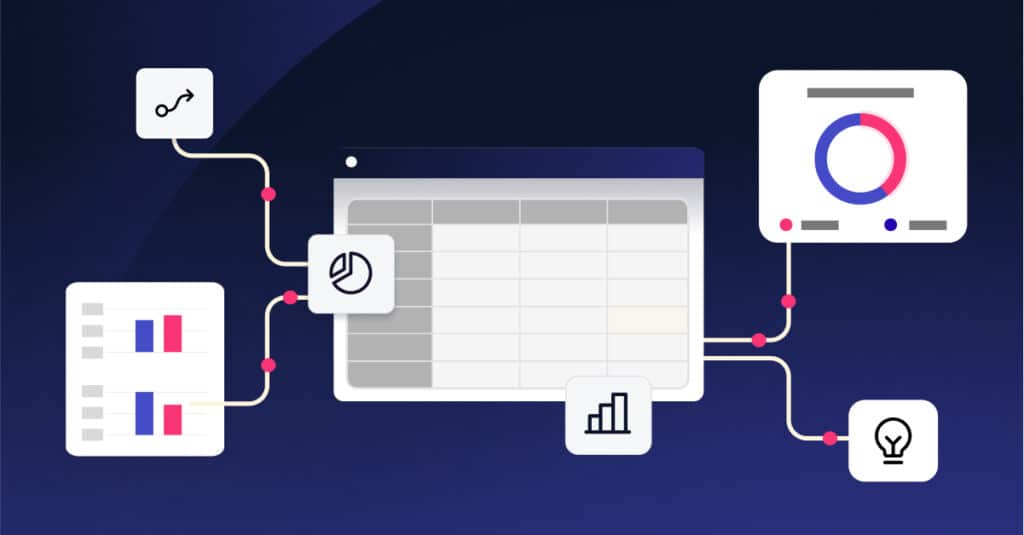
Modern AI-driven financial planning and analysis (FP&A) platforms automatically pull data from your source systems, reconcile it and update models in real time. This turns financial models into living documents that refresh continuously rather than static files updated only at month-end.
With AI handling the manual reporting of data aggregation and basic analysis, your team can devote more time to interpreting results and advising strategy.
AI also makes it feasible to run many more what-if scenarios (e.g., “What if sales drop 10% next quarter?”) because the software can crunch the numbers and update forecasts in minutes rather than days.
In short, building financial models with AI is faster and more insightful. Teams can iterate quickly, explore alternatives easily, and base decisions on analysis that’s both deeper and more up-to-date than ever before.
What Are the Key Benefits of Financial Modeling with AI?
Using financial modeling with AI offers several major advantages for finance teams:
- Higher Accuracy and Fewer Errors: AI-driven models pull data directly from systems and perform calculations consistently, greatly cutting the risk of human error.
According to one study, 88% of Excel-based finance models contain at least 1% errors. By contrast, other studies found that automated AI tools can drastically cut error rates. Fewer spreadsheet mistakes mean more reliable forecasts and less time wasted fixing broken formulas.
- Time Savings and Efficiency: Repetitive tasks that once took hours or days are handled in seconds by AI. Mundane activities such as consolidating department budgets or updating a forecast with actuals are done automatically.
This efficiency frees up your team to focus on analysis and strategic planning instead of data drudgery.
- Real-Time Insights and Agility: Because AI models continuously ingest new data, you get almost real-time updates to your financial outlook. If sales dip for one week or a big expense hits, an AI-driven model can reflect that change right away in the forecast.
Having up-to-the-minute insight allows your business to react quickly to market changes. You can course-correct mid-quarter rather than waiting until month-end reports reveal issues.
- Better Risk Management: Intelligent algorithms are excellent at pattern recognition, which is invaluable for spotting risks early. AI systems can automatically detect anomalies or outliers in financial data, such as an unusual spike in costs, and flag them for review.
They can also run numerous stress-tests to see how your finances would hold up under various scenarios. When you proactively identify risks and test extremes, AI gives you a head start on mitigation strategies.
AI Financial Modeling Software: What to Look For
Once you set out to evaluate AI financial modeling software, pay particular attention to the following four factors:
- Integration: Connects with your data sources (ERP, CRM, databases, Excel, etc.) for automatic data flow
- Ease of Use: User-friendly interface for finance professionals (minimal coding required)
- AI Capabilities: Strong machine learning forecasting, scenario analysis and possibly generative AI features such as chat-based queries or automated insights
- Security: Data encryption, user access controls and compliance with privacy standards to protect sensitive financial data
What Are the Top AI Tools for Financial Modeling in 2026?
There are several impressive AI-powered financial modeling tools available.
Here are a few of the best AI for financial modeling solutions that deserve your attention:
Datarails
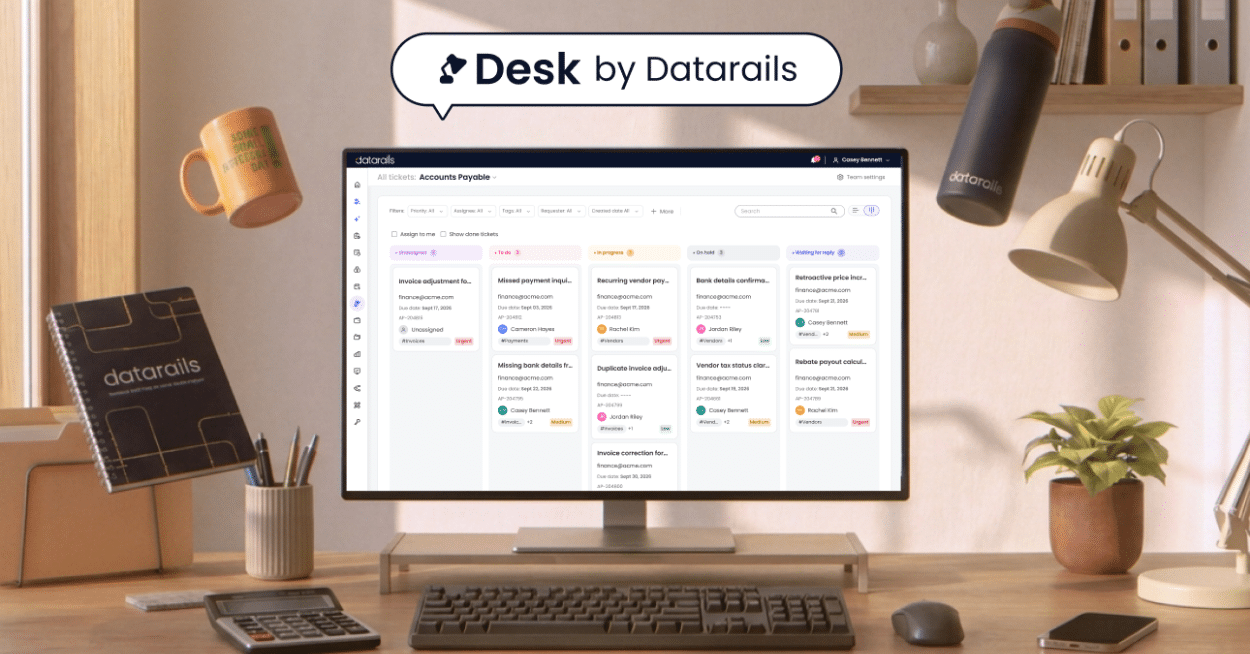
Datarails was one of the first FP&A platforms to embed AI capabilities and, as such, is regarded as a trusted leader in this space. It’s designed to augment Excel-based planning, so you continue working in Excel while Datarails automates data consolidation, reporting and analysis in the background.
Datarails’ hallmark feature is its generative AI assistant. This powerful chatbot answers questions about your financial data and generates reports or charts on demand. The platform also uses AI for anomaly detection and machine-generated forecasts.
Vena Solutions
Vena is another FP&A software that, as with Datarails, integrates deeply with Excel. In 2025, Vena introduced Vena Copilot, an AI-driven assistant that helps automate data analysis, forecasting and insight generation for finance teams.
Vena’s strengths are collaborative budgeting and scenario planning. Now, with Copilot, it can provide intelligent recommendations and even natural language answers within your planning process.
Planful
Planful (formerly Host Analytics) is a cloud FP&A platform popular for planning, budgeting and reporting. Its AI module, named Planful Predict, leverages machine learning to enhance forecast accuracy and automatically detect data anomalies or trends.
For example, Planful’s AI can highlight when an expense line deviates from historical patterns or suggest forecast adjustments based on drivers.
Jedox
Jedox is a modular EPM (Enterprise Performance Management) platform that combines Excel-friendly usability with AI-powered forecasting and planning. Its AI capabilities include predictive analytics and automated variance detection, layered on top of a flexible, cube-based modeling engine that supports both cloud and on-premises deployment.
Jedox’s strength is its modularity — finance teams can start with core budgeting and forecasting functions and expand into sales planning, workforce planning, or ESG reporting as AI-driven modeling needs grow, rather than committing to an all-in-one platform upfront.
Clockwork AI
Clockwork AI is a newer, AI-native financial modeling tool built specifically for startups and growth-stage companies. Rather than replicating a traditional FP&A platform, Clockwork focuses on automatically generating and updating financial models directly from a company’s accounting and banking data, with minimal manual setup.
Its AI continuously syncs actuals against forecasts and can answer plain-language questions about runway, burn rate, and cash position — making it a lighter-weight alternative for companies that want AI-driven modeling without a lengthy implementation process.
How to Choose the Best AI Tool for Financial Modeling
Choosing the right AI tool comes down to matching its capabilities with your needs. Here are a few tips that give you a good starting point:
- Be clear on your goals (e.g., faster consolidations, better what-if analysis) and shortlist vendors that excel in those areas.
- It’s a good idea to see demos or trials of a couple of options. Throughout, involve your team and get a feel for which interface they prefer.
- Finally, weigh the cost against the benefits. The best choice will be the one that fits your budget and saves your team time while improving your forecasts.
Real-World Applications of AI in Financial Modeling
AI may sound abstract, but finance teams are already using it in concrete ways. Here are a handful of examples to illustrate its uses:
1. Automated Forecasting and Budgeting
Companies use AI to generate projections for revenue, expenses and cash flows with minimal manual tweaking.
For instance, instead of an analyst manually adjusting a sales forecast, an AI model can automatically incorporate the latest trends and seasonal patterns to predict future sales. Retailers do this for demand planning, SaaS firms for subscriber and revenue forecasts, and many others for faster, data-driven budgeting cycles.
2. Scenario Planning and What-If Analysis
AI makes it easy to run multiple scenarios that would be tedious to do manually. Need to see the impact on cash flow if raw material prices rise 15%, or if you expand into a new market next year? AI-driven modeling tools can crunch those scenarios quickly and even assign probabilities to outcomes.
This helps in strategic planning. For example, manufacturers simulate supply chain disruptions, and banks simulate economic downturn scenarios, all with AI speeding up the calculations.
3. Risk Assessment and Management
AI tools can evaluate risk factors with unparalleled depth. These models assess risks (such as market volatility and credit risk) by analyzing market trends, credit histories, and external economic indicators.
4. Fraud Detection and Prevention
With machine learning capabilities, AI systems can detect anomalies and suspicious activities in financial data. These systems pinpoint patterns that signal possible fraud, whether that be irregular transaction amounts or deviations from typical behavior.
5. Investment Portfolio Optimization
AI-driven tools optimize portfolio management by analyzing market conditions, risk tolerance, and investment goals. They recommend asset allocations and trading strategies based on up-to-date data, facilitating better returns with fewer risks.
6. Valuation Modeling
When valuing companies or assets, AI automates the process of data collection and analysis, assuring models contain up-to-date information.
It speeds up tasks like discounted cash flow analysis and comparable company valuation while also making them more accurate.
7. Mergers and Acquisitions
AI streamlines the due diligence process. It quickly analyzes vast amounts of data, including financial statements, market reports, and legal documents. Then, M&A teams can identify synergies, risks, and opportunities more efficiently.
8. Revenue and Expense Tracking
AI systems automate tracking and reconciliation for businesses tasked with managing elaborate revenue streams or cost structures. They provide timely insights into financial health so organizations can identify inefficiencies and optimize resource allocation.
9. Faster Financial Reporting
AI is helping automate the reporting process by generating insights and narrative analysis. Instead of spending days writing up commentary for the monthly financial review, finance teams can use AI tools to produce a draft narrative instantly.
For example, a generative AI might explain, “Marketing expenses were 10% over budget due to Campaign X, but this was offset by savings in IT,” without human intervention.
Of course, this doesn’t replace human judgment, but it does provide teams with a running start and ensure consistent documentation of important variances.
These applications show that whether it’s forecasting the future, evaluating hypotheticals or monitoring the present, AI is becoming an integral part of the finance toolkit.
Understandably, industries with lots of data and fast-moving variables tend to benefit the most. For example, retail, manufacturing and financial services companies have all seen considerable advantages from using AI in their modeling and analysis.
How to Use AI in Financial Modeling
Without clear objectives, proper implementation, and ongoing oversight, AI tools produce unreliable results and fail to meet organizational needs.
Here’s a step-by-step guide to using AI effectively in financial modeling:
Step 1: Define Your Objectives
What are the specific inefficiencies or challenges in your current financial modeling process? Get clear about these, then determine whether you need automation, predictive analytics, or enhanced data integration—or all of the above.
Step 2: Choose the Right Tool
Choose software based on your organization’s size, industry, and financial needs.
Evaluate the offerings of platforms like the ones listed above (Datarails, Vena, or Planful AI) to find the best fit for your requirements.
Step 3: Prepare Your Data
Clean and organize datasets to guarantee accuracy. High-quality, compliant data is fundamental to reliable outputs. To get this data, validate historical data and ensure compatibility with the chosen AI tool.
Step 4: Train the AI Model
It is said that AI models are only as accurate as the data they are trained on. Use historical data to train the model, teaching it patterns and trends specific to your organization. Regularly update the model with new data so it remains relevant.
Step 5: Integrate with Existing Systems
Combine the AI tool with existing financial software to streamline workflows. There must be seamless data flow between systems for optimal efficiency.
Step 6: Monitor and Refine the Model
Using AI for financial modeling is not a set-it-and-forget-it strategy—you’ll need to evaluate the performance of the AI model regularly. Use feedback to refine algorithms and improve accuracy over time.
The Future of Financial Modeling with Generative AI
What’s next for financial modeling? In a word, conversation.
Generative AI, the same technology behind tools like ChatGPT, is making it possible to interact with financial models using plain language. We’re likely to see finance professionals literally chatting with their models: Asking questions and getting instant explanations or scenario results.
Some FP&A tools already offer this capability, and it will only become more common.
Financial models will also become more instantaneous and autonomous. As new data like sales numbers, expenses, market indicators comes in, future AI systems might update forecasts immediately and even suggest actions.
In this future, the finance team’s role will shift: instead of spending time compiling reports, they will focus on interpreting AI-driven insights and making strategic decisions. Human judgment will remain integral to make sure the AI’s outputs make sense and to handle cases the AI can’t address.
Overall, the future of financial modeling with generative AI looks exciting. Routine tasks will be increasingly automated, insights will be more accessible and decision-makers will get information faster than ever.
The finance teams that embrace these tools and manage them wisely will likely become even more valuable strategic partners in their organizations.
Summary: Key Takeaways About AI in Financial Modeling
- AI is transforming financial modeling: It automates data-heavy tasks and improves forecast accuracy, allowing finance teams to get better insights with less manual effort.
- Big gains in speed and accuracy: AI-driven models substantially reduce human errors and can analyze far more data much faster than any person.
- Finance can focus on strategy: With AI handling tedious updates and reports, analysts and CFOs can spend more time on high-value analysis, scenario planning and advising the business.
- Many tools are available: From Excel-friendly platforms to enterprise planning systems, there are AI financial modeling tools for every need. Pick one that fits your organization’s size, integrates with your systems, and addresses your biggest pain points.
- Generative AI is the next frontier: Conversational assistants and automated report-writing are emerging. Embracing these features (with proper oversight) can give your company a competitive edge, but human judgment is still important for final decisions.
In the end, adopting AI for financial modeling is about empowering your finance team, not replacing it. By letting machines do what they’re best at (number crunching) and humans do what they’re best at (strategy and decision-making), you can make your planning process faster, smarter and more adaptable.
AI in Financial Modeling: FAQs
Datarails is a leading provider of generative AI for financial modeling, having introduced one of the first generative AI FP&A assistants on the market. Datarails AI can answer finance questions in plain language and auto-generate reports and visuals directly from a company’s financial data.
Top-tier AI modeling platforms encrypt data both at rest and in transit, using protocols comparable to banking-grade security, and enforce strict user permission controls. Security ultimately depends on choosing a reputable vendor and following good access-management practices internally.
Always double-check that any tool you consider supports your specific systems, but integration is generally a standard feature.
Yes. Most AI-driven financial modeling tools offer pre-built connectors to major ERP and accounting platforms (SAP, Oracle, Microsoft Dynamics, QuickBooks) and CRM systems, or APIs for custom integrations where a direct connector isn’t available.
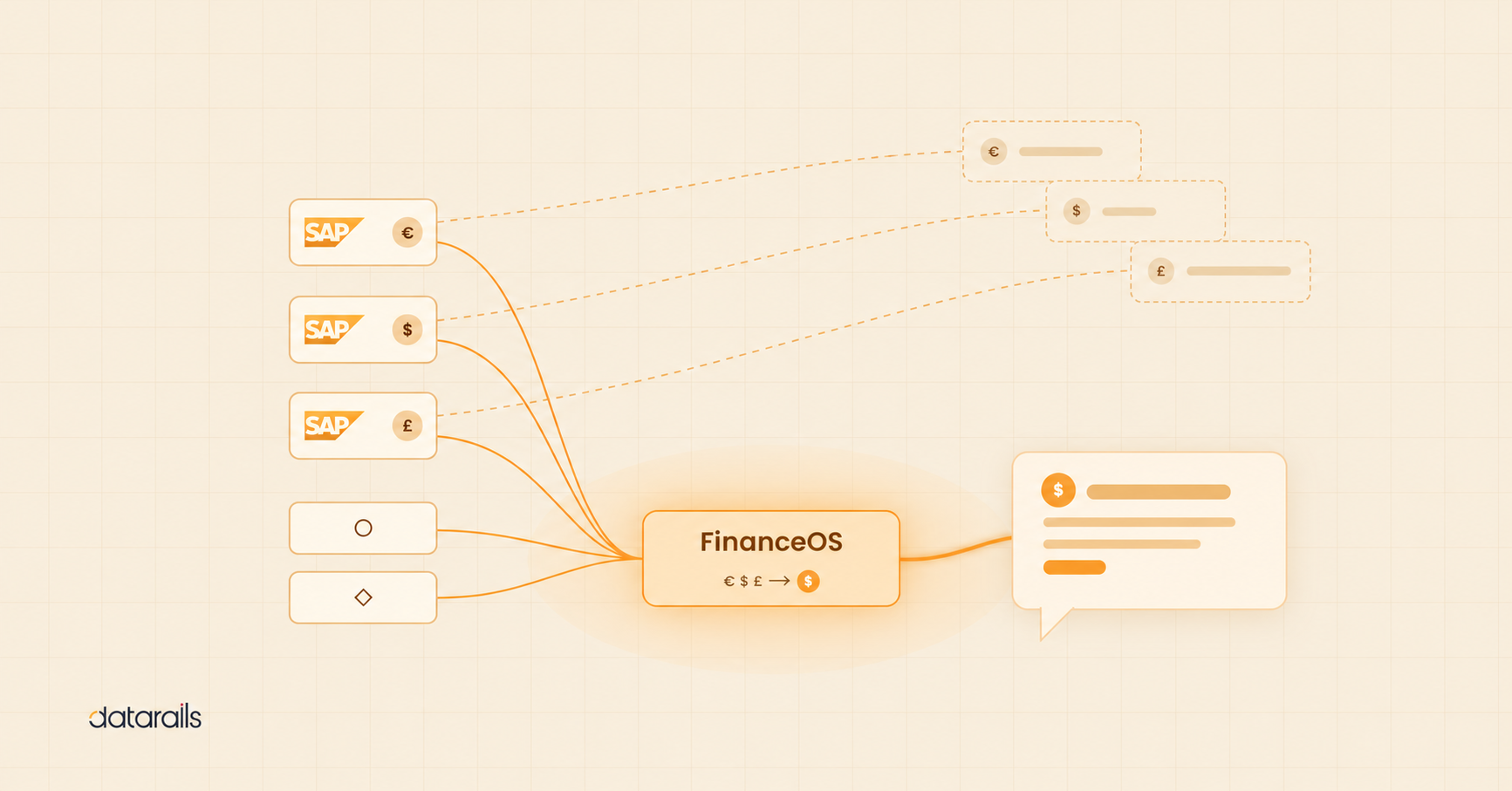
Yes, as long as the underlying platform supports multi-entity consolidation. Generative AI features like chat-based queries sit on top of the modeling engine, so they can summarize and analyze multi-entity, multi-currency data — but the FP&A software still needs to set up that structure first.
AI forecasts rely on historical data patterns rather than instinct, which helps counteract common human biases like excessive optimism or anchoring on last year’s results. That said, AI isn’t a fix for bad inputs — if the underlying data is biased or incomplete, the AI’s output will reflect that, so the most reliable approach pairs AI forecasts with human review.
Traditional financial modeling relies on static spreadsheet formulas that require manual updates, while AI-powered modeling continuously ingests new data, adapts predictions in real time, and can incorporate unstructured sources like news or market sentiment that spreadsheets can’t process.
Implementation timelines vary by platform and data complexity, but Excel-native tools like Datarails are generally faster to deploy than full platform replacements, since teams continue working in a familiar interface while automation runs in the background.