Click for Takeaways: AI Finance App for FP&A Teams
- Not all AI finance apps are in the same category. Productivity tools speed up individual tasks; FP&A platforms eliminate the export-reconcile-rebuild cycle entirely. Mixing them up is the most common buying mistake.
- Microsoft Copilot, ChatGPT, and Ramp solve individual analyst problems. They don’t fix disconnected data, stale actuals, or broken consolidation — and no amount of AI prompting will.
- The average mid-market finance team manages 12–20 source systems. Every additional system adds another export and another reconciliation. An FP&A platform with live ERP sync is the only category that eliminates that work at the source.
- The average FP&A team still takes 8.7 weeks to produce a budget — unchanged over three years, despite heavy investment in planning technology. The problem isn’t effort. It’s disconnected data.
What an AI Finance App Actually Means in 2026
Search for an AI finance app in 2026, and you get a confusing mix of results. It might tell you to use Microsoft Copilot inside Excel, Ramp for expenses, ChatGPT prompts for finance, and enterprise FP&A platforms with embedded AI. All of these platforms claim to “transform finance with AI.” The problem is that very few define what that actually means for an FP&A team.
A better way to illustrate an AI finance app is this: software that uses machine learning, large language models, or agentic AI to speed up, automate, or analyze financial work. That can range from a Copilot prompt that builds a SUMIFS formula to a system that consolidates 14 entities and runs scenario planning from plain-language prompts.
These tools aren’t interchangeable. The capability gap between a single-purpose productivity tool and a connected Excel FP&A platform is wider than most buying guides acknowledge.
Are There AI Finance Apps That Can Replace Manual FP&A Workflows Entirely?
Yes, but only in one specific category.
Most AI finance apps for teams sit atop existing workflows and speed up individual tasks. They don’t address the root cause of manual FP&A work: disconnected data. Your actuals live in NetSuite. Your headcount lives in BambooHR. Your forecasts live in Excel. Every cycle starts with someone exporting, reconciling, and rebuilding.
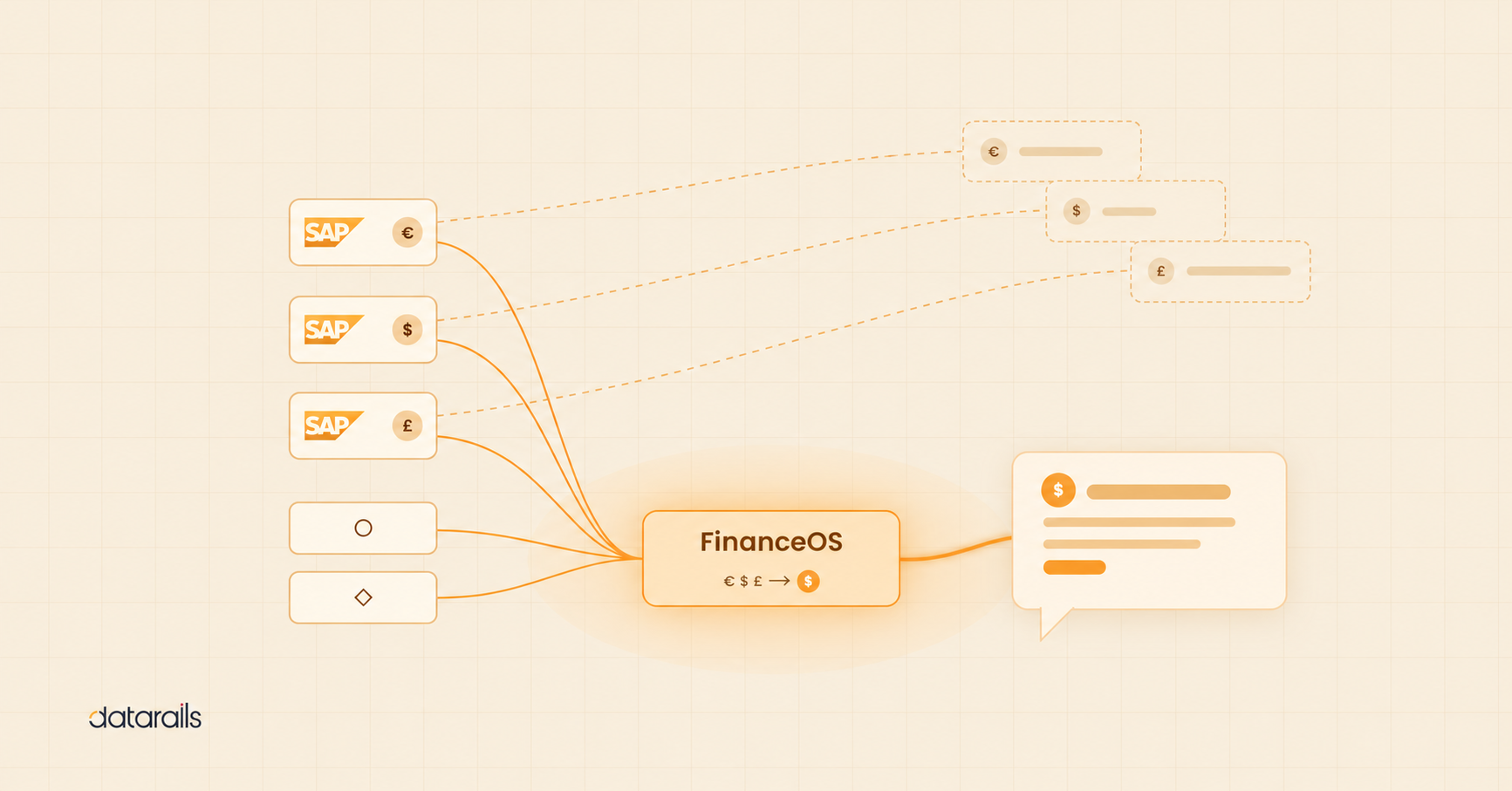
The category that replaces manual FP&A workflows is the AI-enabled FP&A platform. Datarails is the clearest example. It plugs into 600+ ERP, accounting, and HRIS systems, consolidates the data into a governed financial model, and lets finance teams keep working in Excel on top of that live data layer.
We can define this category into five capabilities:
- Live ERP and HRIS sync, so actuals refresh automatically into your models
- Automated data consolidation across entities, currencies, and charts of accounts
- AI-powered Q&A and narrative generation against your governed data
- Scenario modeling and rolling forecasts that update without rebuilding
- Real-time dashboards and drill-down from summary to transaction level
That’s the difference between an AI tool that helps an analyst and an FP&A software platform that replaces weeks of manual work.
Why FP&A Teams Need an AI Finance App Now
We can look to three unique pressures to explain the speed of AI adoption inside FP&A. It’s worth noting that only 23% of FP&A practitioners currently use AI on a regular basis, while 40% are actively testing it — meaning most finance teams are at the decision point right now, not on the other side of it:
- Talent constraints: Finance teams aren’t growing, but the work is. CFOs want sharper analysis, faster reforecasts, and more strategic involvement from a team that hasn’t added headcount in two years. AI is the lever that lets a five-person FP&A function deliver what used to take ten.
- Speed demands: Reforecasting has become a constant exercise instead of a quarterly one. Yet the average time to produce a budget is still 8.7 weeks — unchanged from three years ago despite significant investment in planning technology. Executives expect faster answers; the tools most teams rely on weren’t built to deliver them.
- Data complexity: The 2025 AFP FP&A Benchmarking Survey found that more than half of FP&A teams juggle at least eight categories of planning tools and ten types of reporting tools — and cite the inability to merge data across multiple systems and geographies as a primary reason data reliability fails them. Every additional system adds another export, another account reconciliation, and another reason the master Excel file doesn’t match the source of record.
AI tooling falls into two clear groups: tools that make individuals faster, and platforms that make the entire finance function faster. Below, we’ll cover both, while making it very clear what actually moves the needle for FP&A.
The Full Stack of AI Finance Apps for Teams: A Framework
Before listing specific products, it helps to see the landscape in tiers.
| Tier | What it does | Best for |
|---|---|---|
| 1. AI Productivity Tools | Automate individual tasks: formula writing, document review, spend tracking | Individual analysts and task-level efficiency |
| 2. Point Solutions | Solve one problem deeply: anomaly detection, expense automation, audit testing | Teams with a specific, defined pain point |
| 3. FP&A Platforms | Connect all financial data, automate the planning cycle, enable AI-powered analysis | Finance functions that have outgrown spreadsheet-only work |
Most “best AI finance app” lists mix these tiers without distinction, which makes them useless for actually choosing software. The right tool depends entirely on which tier matches your problem.
Below, we show you how the three tiers compare on the dimensions that matter to FP&A:
| Capability | Lightweight AI Tools | Audit / Finance Point Solutions | FP&A Platforms (e.g., Datarails) |
|---|---|---|---|
| ERP integration | None | Limited / single-source | Yes, 600+ systems |
| Excel-native | Partial (Copilot only) | Varies by tool | Yes, full functionality |
| Real-time data refresh | No | No | Yes, live actuals |
| Multi-entity support | No | Limited | Yes, consolidation built in |
| Budgeting & forecasting | No | No | Yes, core capability |
| Audit trail | No | Yes (audit tools) | Yes, full governance |
| Time to value | Instant (per task) | Weeks to months | Days, Datarails in 3–5 |
AI Finance Apps for Teams: Productivity Tools
Productivity tools are the entry point. They speed up tasks that an analyst already does, without changing the underlying data flow. They’re useful, but only up to a point.
Here are eight of your best options.
1. Datarails AI
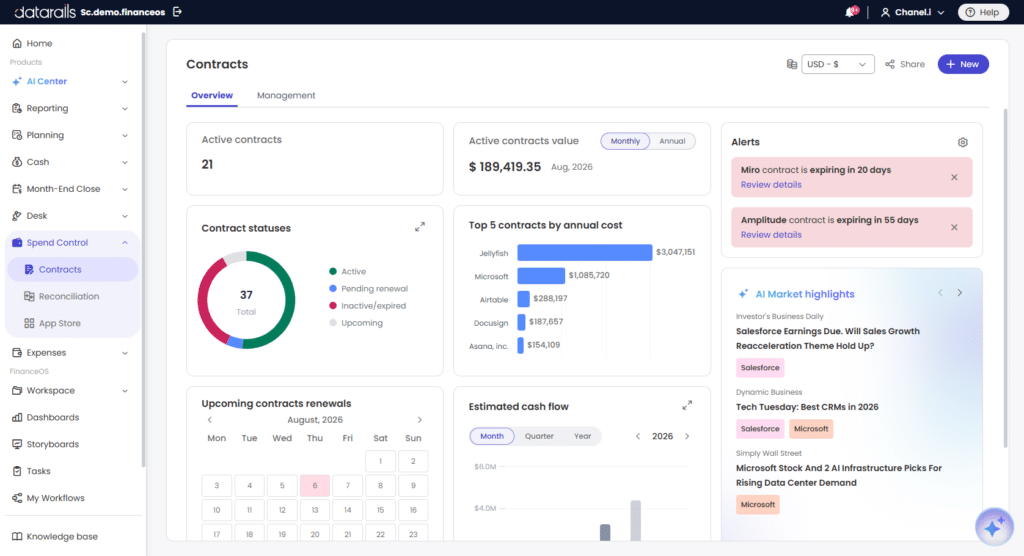
Datarails AI gives you full access to three powerful AI agents specializing in Reporting, Planning, and Strategy respectively. The Reporting Agent analyzes actuals to surface the drivers behind the numbers and generate the narrative that explains them. The Planning Agent handles ad-hoc forecasting and scenario analysis — teams can test assumptions and compare “what if” scenarios in seconds, without rebuilding models. The Strategy Agent addresses big-picture questions and trade-offs, translating financial data into perspective, options, and recommendations for the business.
Two additional capabilities extend the AI layer beyond Q&A. Insights delivers automated, configurable financial summaries — finance teams set the KPIs, the frequency, and who receives the output, and Datarails AI generates the analysis on schedule. Storyboards converts financial data into board-ready narratives in two clicks, producing the commentary and context that would otherwise take hours to assemble manually.
- Best for: Datarails customers who want AI working against a single, governed source of truth — not scattered spreadsheets or disconnected files.
- Pros: All three agents run on consolidated, validated data. Outputs are auditable. Insights and Storyboards meaningfully cut time spent on monthly reporting and board prep.
- Cons: Requires Datarails as the underlying platform.
- Pricing: Included with Datarails FP&A.
“At the click of a button, my financial statements are ready. From over a week to minutes.” – Megan Hedderson, Controller, Spencer & Butcher
2. Microsoft Copilot for Excel
Copilot inside Excel writes formulas, summarizes sheets, and generates a first-draft analysis from a prompt. For an analyst who works in Excel all day, the productivity gain can be game-changing.
- Best for: Microsoft 365 customers running standard variance reports and ad hoc analysis.
- Pros: Native to Excel, no new tool to learn, strong formula support.
- Cons: No ERP connection, no governance, no consolidation. Each spreadsheet remains an island.
- Pricing: Bundled with Microsoft 365 Copilot, roughly $30 per user per month.
3. ChatGPT for Finance Use Cases
Finance teams use ChatGPT to draft commentary, explain variances, build financial models from prompts, and translate between accounting standards. It’s generally regarded as a flexible general-purpose tool.
- Best for: Drafting, research, and explanation work that doesn’t require access to live company data.
- Pros: Fast, broad knowledge, useful for first drafts and learning.
- Cons: No connection to your actual financial data. Outputs need careful review for accuracy.
- Pricing: $20 per user per month for Plus; $30 per user per month per Team.
3. Ramp
Ramp is an AI-first corporate card and spend management platform. It captures receipts, categorizes spending, enforces policy, and automatically flags duplicate or out-of-policy charges.
- Best for: Finance ops teams that want spend controls and faster month-end accruals.
- Pros: Strong policy enforcement, free corporate card, deep accounting integrations.
- Cons: Spend-focused. Doesn’t touch planning, forecasting, or consolidation.
- Pricing: Free for the basic card; Plus tier starts at $15 per user per month.
5. Brex
Brex is a corporate card and spend platform with AI-driven anomaly detection and budget enforcement. Strong for venture-backed companies and global operations.
- Best for: High-growth companies with international card spend.
- Pros: Global cards, no personal guarantees, AI assistant for spend questions.
- Cons: Spend infrastructure. Doesn’t solve the FP&A data problem.
- Pricing: Free core platform; Premium starts at $12 per user per month.
6. Notion AI for Finance Ops
Finance ops teams use Notion AI to maintain runbooks, document close procedures, and draft policy. The AI layer makes documentation searchable and summarizable.
- Best for: Process documentation and finance ops knowledge bases.
- Pros: Easy to use, fast knowledge retrieval, low cost.
- Cons: A documentation tool. Adjacent to FP&A work rather than part of it.
- Pricing: $10 per user per month on top of Notion plans.
7. Harvey AI for Financial Contracts
Harvey helps finance and legal teams handle contract review, covenant analysis, and merger diligence with AI-assisted document analysis. The platform pulls obligations and risks from dense agreements that would otherwise require hours of manual review.
- Best for: Finance teams working closely with legal on contracts and covenants.
- Pros: Strong contract understanding, useful for diligence work.
- Cons: Specialized. Outside the standard FP&A workflow.
- Pricing: Enterprise pricing, contact sales.
8. Klarity
Klarity automates contract review and revenue recognition workflows using AI. Useful for controllers who manage complex revenue accounting.
- Best for: Revenue accounting and contract operations teams.
- Pros: Targeted automation of high-volume contract work.
- Cons: Narrow scope. Helpful for revenue ops, not for planning.
- Pricing: Enterprise pricing, contact sales.
Our verdict: AI productivity tools make individual analysts faster, but they don’t simplify the financial data landscape, make the planning cycle shorter, or the close more reliable.
For that, finance teams need a fundamentally different category of tool.
The Best AI Finance App for FP&A: Platforms That Transform the Finance Function
This is the category that actually answers the planning, budgeting, and forecasting problem. These platforms do more than embed an AI assistant. They connect Excel to a live financial data layer, so every model, report, and forecast runs on real-time actuals.
Without that connected data layer, AI is generating answers against stale or partial inputs. With it, AI becomes useful for the decisions finance teams actually make.
1. Datarails
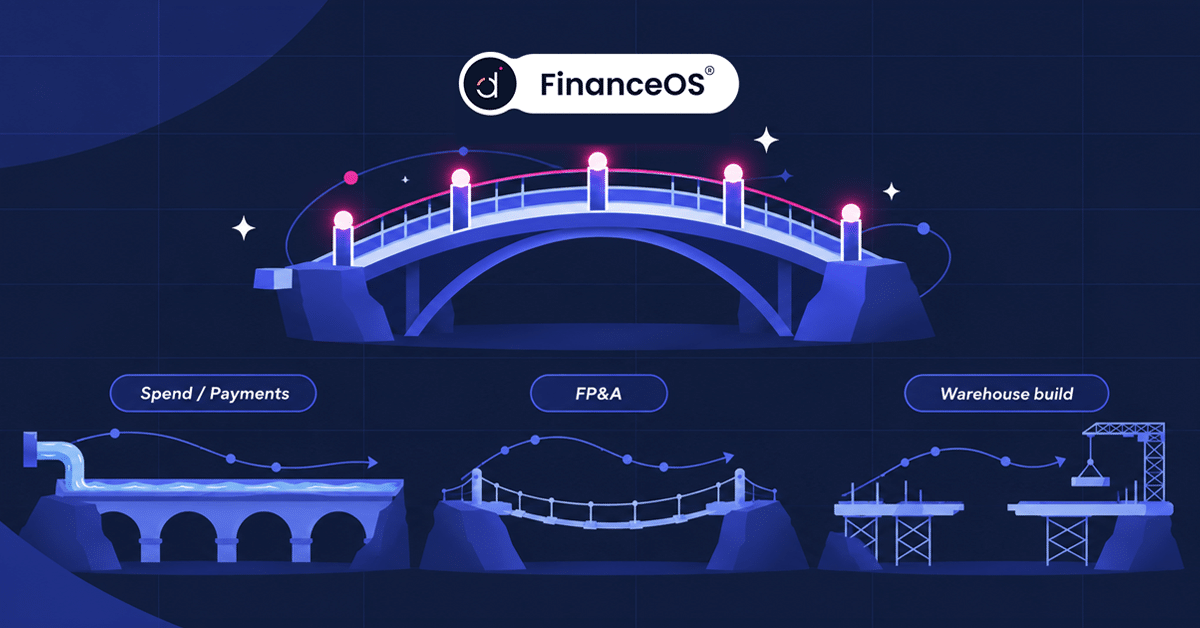
Datarails is the AI-powered FP&A platform built for finance teams that live in Excel. FinanceOS, the platform layer, connects to 600+ ERP, accounting, CRM, billing, payroll, and HRIS systems, turning scattered financial data into a single, governed source of truth.
Datarails AI runs on top of that data to answer questions, generate analysis, and produce narratives directly from a company’s real financial model.
The product stack covers the full finance function:
- Datarails FP&A: Excel-native planning, budgeting, and forecasting with live actuals.
- Month-End Close: Automated journal entries, reconciliations, and close checklists.
- Cash Management: Live cash visibility, AR/AP tracking, and 13-week forecasts.
- Connect: The integration layer that pulls data from 600+ source systems.
- Spend Control: Budget owner workflows, PO management, and accrual automation.
Key capabilities include live ERP sync that automatically refreshes Excel models, automated consolidation across entities and currencies, drill-down from a P&L summary to the underlying transaction, AI-powered Q&A, scenario modeling for what-if analysis, and real-time dashboards that update without anyone touching a sheet.
“Excel-native” means full functionality inside the spreadsheets your team already uses. With that comes no platform migration and no rebuilding models in a proprietary syntax. Instead, the work happens where it already happens, on top of a live data layer.
Time to value is short. Most customers are fully operational within three to five business days. FinanceOS is SOC 2 Type II and GDPR compliant, with role-based permissions and full audit trails.
The platform also connects to Claude, ChatGPT, Microsoft Copilot, and other AI tools via the Model Context Protocol. In turn, finance teams can query their governed financial data directly from their preferred AI assistant.
“Without Datarails, I would’ve needed to double my current team of three just to produce what we’re delivering today.” – Steven Carkey, VP Finance Operations, Butternut Box
For finance teams that want AI in FP&A without leaving Excel, it’s the most direct path.
- Best for: Mid-market finance teams (50 to 500 employees) that have outgrown spreadsheet-only work but want to keep Excel as their interface.
- Pricing: Annual subscription based on entities, users, and modules. Contact sales for a quote.
2. Cube
Cube is a collaborative FP&A platform that connects Excel and Google Sheets to common ERPs. It supports rolling forecasts and natural-language queries through Slack and Teams.
- Best for: Smaller finance teams that work primarily in Google Sheets alongside Excel.
- Pros: Dual spreadsheet support, fast onboarding.
- Cons: Smaller integration library than Datarails. Less depth in close and consolidation.
- Pricing: Starts around $1,500 per month for the entry tier.
3. Vena Solutions
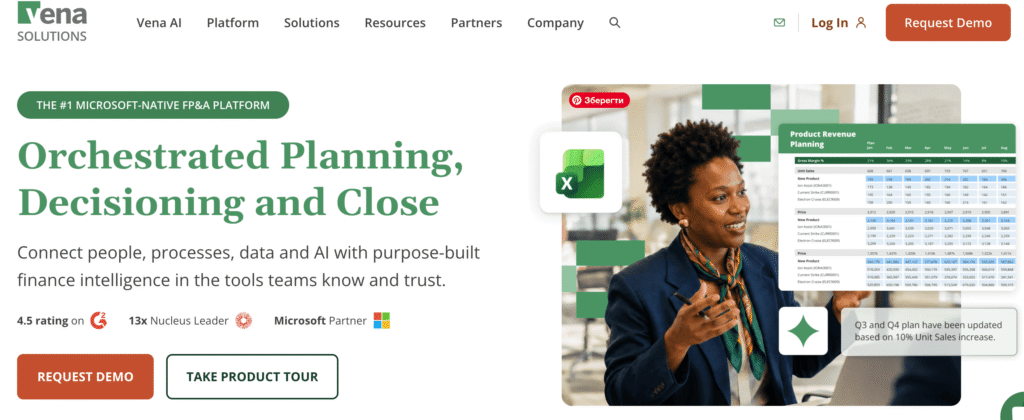
Vena is an Excel-native planning platform aimed at mid-market organizations. It layers workflow, approvals, and governance over Excel templates.
- Best for: Finance teams that want templated workflows and strong audit trails.
- Pros: Strong governance and an Excel-native interface.
- Cons: Heavier implementation than Datarails. Less emphasis on AI-driven analysis.
- Pricing: Quote-based, typically starts in the mid-five figures annually.
4. Anaplan
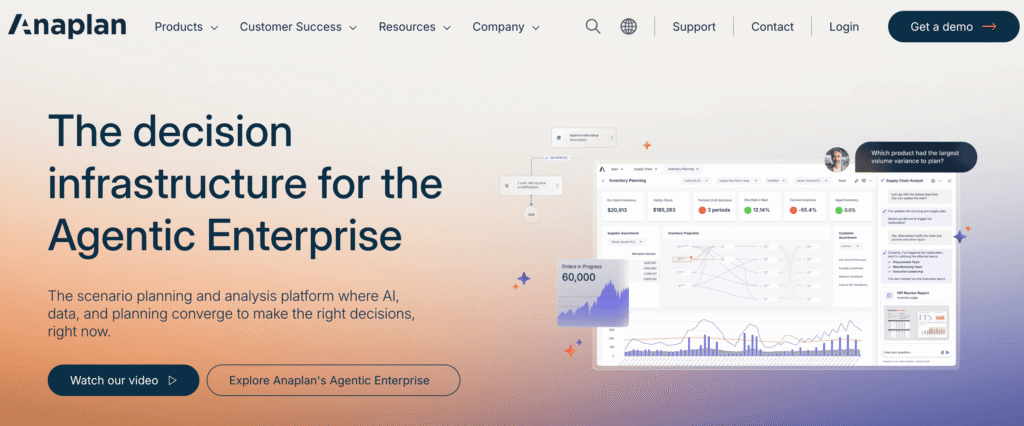
Anaplan is an enterprise planning platform designed for complex, multi-domain modeling across finance, sales, supply chain, and workforce.
- Best for: Large enterprises with sophisticated multi-functional planning needs.
- Pros: Modeling ceiling is very high. Strong for complex enterprise scenarios.
- Cons: Implementation often takes six to twelve months. Cost is enterprise-tier. Not Excel-native, requires modeling in Anaplan’s own syntax.
- Pricing: Six-figure starting point for most deployments.
5. Workday Adaptive Planning
Adaptive is a cloud planning platform with strength in workforce planning, particularly inside the Workday HCM ecosystem.
- Best for: Workday HCM customers and HR-driven planning use cases.
- Pros: Deep workforce planning. Strong integration with Workday HR data.
- Cons: Less Excel-native than Datarails or Vena. Best value comes bundled with the broader Workday suite.
- Pricing: Quote-based, mid-market deployments typically start around $30,000 to $50,000 annually.
6. Planful
Planful packages planning, close, and consolidation into a single cloud platform aimed at the mid-market and lower enterprise.
- Best for: Finance teams that want planning and close in one platform.
- Pros: Unified planning and close. Solid scenario modeling.
- Cons: Web-based modeling, less Excel-native than competitors. Implementation usually takes three to six months.
- Pricing: Quote-based, typically starts in the high five figures annually.
7. Workiva
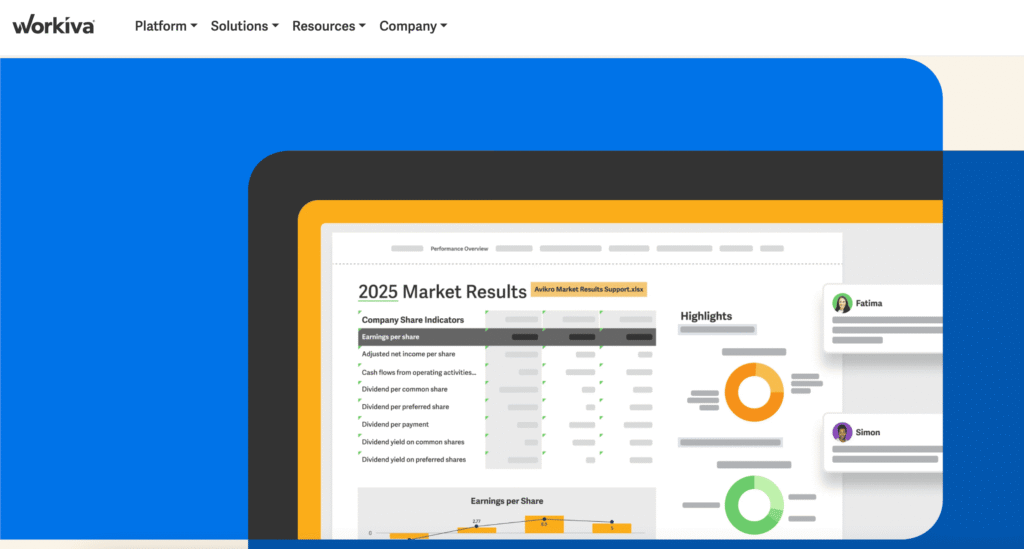
Workiva stands out in areas like ESG reporting, compliance workflows, and SOX documentation. The AI functionality helps streamline written reporting and controls management, but planning and forecasting are not its main focus.
- Best for: Public companies and large enterprises with heavy regulatory reporting loads.
- Pros: Best-in-class for SOX, ESG, and statutory reporting.
- Cons: A reporting and compliance platform, not an FP&A platform. Limited for budgeting and forecasting.
- Pricing: Enterprise pricing, six figures and up.
How to Choose the Best AI Finance App for Your Team
The right AI finance app depends entirely on the question your team is trying to answer.
“I need faster formula writing and report drafting.”
Use Microsoft Copilot, Datarails AI, or ChatGPT. Productivity tools handle the individual analyst gap well.
“I need better spend visibility and expense automation.”
Use Ramp or Brex. Both are mature spend platforms with AI-driven controls. This is the right tier for AP, expense, and card management.
“I need to detect anomalies and fraud in our GL.”
Use MindBridge or Alteryx. These point solutions specialize in transaction-level risk scoring and anomaly detection.
“I need my Excel models to refresh automatically from our ERP.”
Use a finance automation app with full ERP integration: Datarails, Cube, or Vena. Datarails has the deepest integration library.
“I need a live financial database behind my Excel with drill-down to transaction level.”
Datarails. This is the specific capability gap it was built to close, and it remains the most Excel-native option in this category.
“I need enterprise financial planning with full consolidation across 20+ entities.”
Datarails, Workday Adaptive Planning, or Anaplan. Datarails is the option that stays Excel-native at that scale, which matters for finance teams that don’t want a multi-quarter implementation.
“I want the best AI finance app for CFOs who care about strategic AI, not just productivity gains.”
An FP&A platform with embedded AI is the only category that delivers that. Datarails is the most direct fit for CFOs who want their team’s Excel work to run on live, governed data.
The Cost of Staying Manual: Why an Excel FP&A PlatformMatters
The honest answer for most mid-market finance teams: every additional month spent on spreadsheet-only FP&A is a month of unnecessary work. This means stale actuals, rough forecasts, and teams spending unnecessary time consolidating, chasing inputs, and rebuilding broken models.
None of that work is the analytical, strategic work CFOs actually want from FP&A.
An AI finance app for planning, budgeting, and forecasting doesn’t eliminate the analyst. However, it does eliminate the parts of the analyst’s week that financial reporting software should already be doing. A connected, governed, AI-ready financial data layer is the prerequisite for everything else AI promises in finance.
Datarails is built around that idea. The FP&A software finance teams actually want is the one that lets them keep their Excel workflows and stop doing the work software should be doing for them.
FAQs: AI Finance App for FP&A
The best AI finance apps for teams running planning, budgeting, and forecasting are Datarails, Cube, Vena, Workday Adaptive Planning, Anaplan, and Planful. For task-level productivity, Microsoft Copilot, Datarails AI, and ChatGPT are the most widely used.
The one that makes the most sense for your organization will depend on whether the goal is individual efficiency or function-wide transformation across the FP&A team.
Yes, in one specific category. AI productivity tools speed up individual tasks. Only an AI-enabled FP&A platform replaces the manual export-reconcile-rebuild cycle by connecting source systems directly to Excel models.
Datarails is the clearest example of this category, with 600+ integrations and built-in AI running on a governed financial model.
Datarails uses AI for FP&A in two layers. Datarails AI, the platform’s agentic natural-language assistants, answer questions and generate analysis directly from a company’s consolidated financial data. FinanceOS, the platform layer, connects to Claude, ChatGPT, Microsoft Copilot, and other AI platforms via the Model Context Protocol.
Then, finance teams can run AI analysis on their governed data without leaving their existing tools.
The most Excel-native AI finance apps are Datarails, Vena, and Cube. Microsoft Copilot is also Excel-native, but it lacks the ERP integration and consolidation that finance teams need for planning work. Datarails goes furthest, offering a complete Excel FP&A platform with 600+ source system integrations.
Modern FP&A platforms connect through pre-built integrations that pull data on a defined schedule. Datarails maintains 600+ pre-built connectors covering NetSuite, SAP, Sage Intacct, Microsoft Dynamics, QuickBooks, Salesforce, HubSpot, BambooHR, ADP, and most major mid-market and enterprise systems.
New actuals flow from the source system into a governed model, and Excel pulls from that model in real time.
For mid-market finance teams (50 to 500 employees), Datarails is the most common choice for an AI finance app for budgeting and forecasting. It’s a leading option for AI tools for finance teams because it combines fast time-to-value (three to five business days), Excel-native workflows, and the broadest integration library in the category.
Vena and Cube are reasonable alternatives for teams with simpler integration needs.