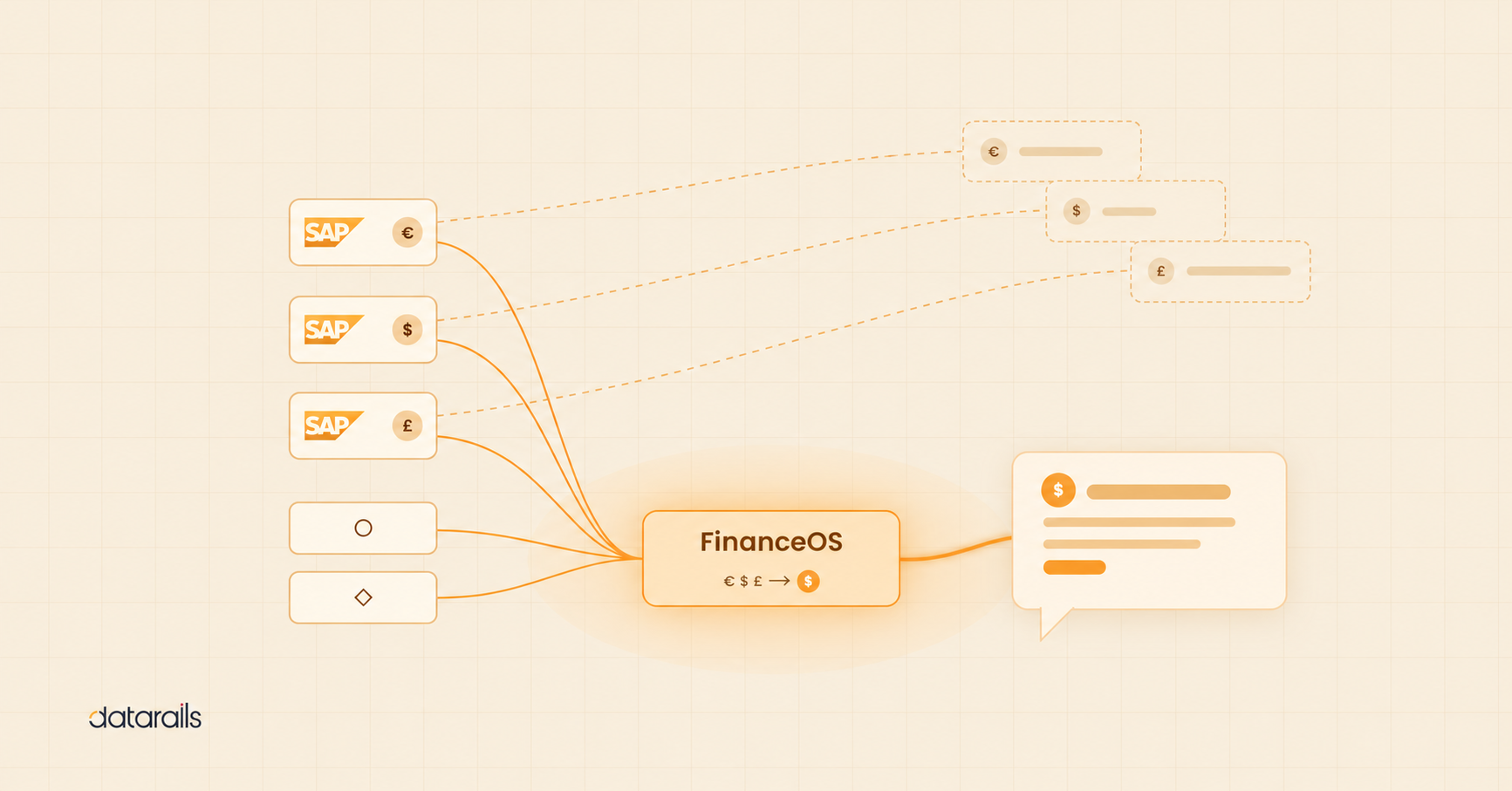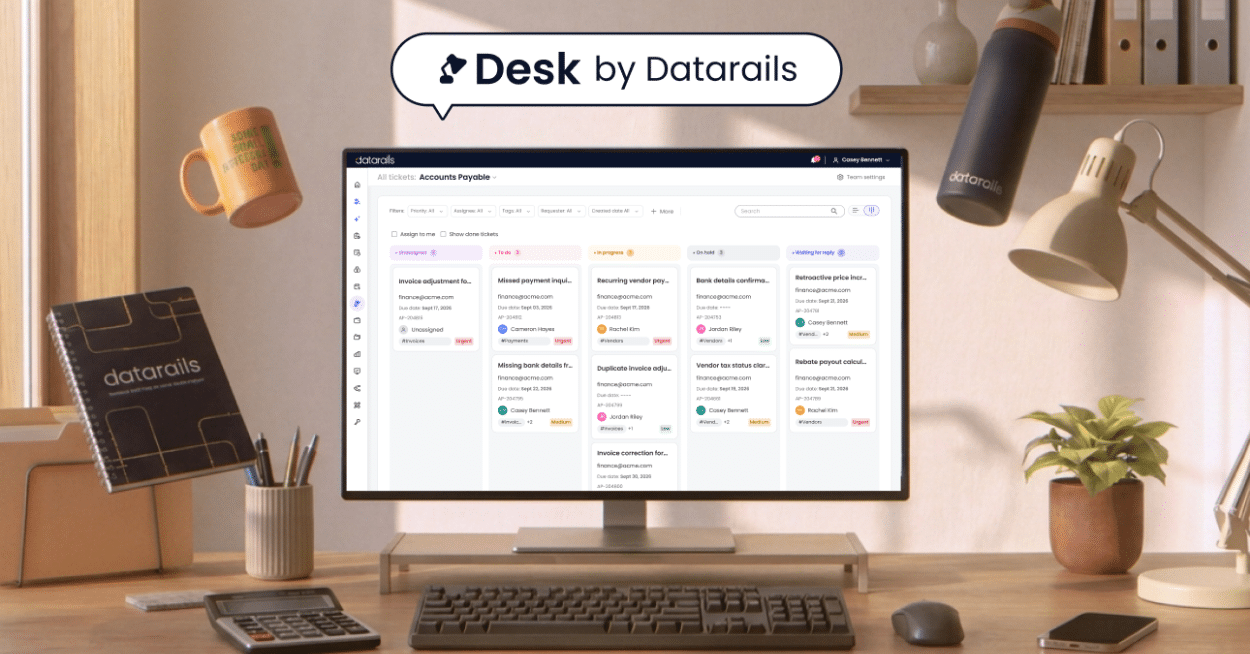
Three years ago, most CFOs were asking if they should explore AI. Today, they’re asking which AI applications in finance to prioritize next.
The shift happened quietly at first, and in phases.
Phase 1: Automation of repetitive tasks
Early adopters started where the ROI was immediate and the risk was minimal: expense categorization and account reconciliations.
These weren’t moonshot projects. They were tactical wins. AI could match transactions, flag duplicates, and bucket expenses faster than any analyst, and with fewer errors. Finance teams reduced close cycles by days and freed up hours previously spent on manual matching.
The results were tangible enough that adoption spread quickly.
Phase 2: Pattern recognition at scale
As confidence grew, teams moved to more complex applications such as cash forecasting and variance analysis.
Instead of static projections built on historical averages, AI-powered cash forecasting was able to adapt constantly, factoring in payment timing patterns, seasonal trends, and live AR/AP data. Forecasts that used to require hours of spreadsheet work were now updated automatically.
Variance analysis followed a similar path. Rather than waiting until month-end to understand where performance diverged from plan, AI flagged anomalies in real time and, crucially, began explaining them. A spending spike wasn’t just identified; it was contextualized with invoice details, department trends, and timing shifts, enabling meaningful action.
Finance teams started making decisions in hours instead of days.
Phase 3: Strategic decision support
The most sophisticated teams have now moved AI into scenario planning and strategic modeling, using it not just to report what happened or forecast what’s likely, but to test what’s possible.
This is where adoption gets really interesting. Most finance organizations haven’t reached this phase yet. They’re still automating workflows and improving forecasting accuracy. But the leading edge is using AI to run dozens of scenarios simultaneously, stress-test assumptions, and surface strategic options CFOs wouldn’t have modeled manually.
Where finance teams are today
In 2024, 58% of finance functions were already using AI (up from 37% in 2023). By 2025, that number had soared to 72%.
But the gap between early automation and advanced decision support remains significant, and it represents the next frontier for finance leaders ready to move beyond operational efficiency toward strategic foresight.
Where to Start: Match AI Applications in Finance to Your Maturity Level
The business case for AI in finance is now clear.
Companies automating financial processes are closing their books 32% faster on average than those relying on manual methods. Meanwhile, AI-driven forecasting cuts error rates by up to 50%, according to McKinsey research. And these improvements don’t just create confidence in the numbers; they free up finance teams to focus on strategic decisions rather than data cleanup.
But the starting point matters.
The finance teams seeing the fastest returns aren’t trying to deploy AI everywhere at once. They’re matching applications to their current maturity level: automating reconciliations before tackling cash forecasting, proving ROI on variance detection before building scenario planning workflows.
This staged approach explains why AI adoption in finance has grown so rapidly. In 2025, the most common applications among finance teams are process automation (66%), financial forecasting (58%), and risk management analytics (57%), according to Protiviti’s latest Global Finance Trends Survey. Teams start with tactical wins, build confidence, and scale strategically.
Generative AI is making Phase 3 applications more accessible. Conversational analytics, automated report generation, and natural language scenario modeling now reach teams that previously lacked the technical resources to deploy advanced AI capabilities.
How AI Maps to Core Financial Functions
AI is reshaping how teams operate across every core function:
Financial Planning & Analysis (FP&A): AI-driven forecasting, variance explanation, and scenario modeling enable faster, more confident strategic planning.
Accounting & Close: Automated journal entries, reconciliations, and anomaly detection compress close cycles and reduce manual error rates.
Treasury & Cash Management: Machine learning models forecast liquidity, optimize working capital, and predict payment timing with greater accuracy than static models.
Risk Management & Compliance: AI systems detect fraud patterns, score credit risk, and monitor compliance continuously rather than periodically.
Expense Control: AI audit tools scan 100% of expense submissions, flag policy violations, and identify unusual spending patterns human reviewers would miss.
The question for most CFOs isn’t whether AI applies to their function. It’s which applications deliver the highest return at their current stage of adoption.
Below, we’ll walk through 11 of the world’s most powerful tools enabling AI applications in finance. THe right technology for your organization will be the one that best matches your current level of adoption and your roadmap for further transformation.
11 AI-Enabled Financial Planning & Analysis (FP&A) Tools
AI has transformed FP&A by increasing forecast accuracy and automating routine tasks.
The following platforms and solutions perform a range of valuable AI functions for finance teams.
Complete Finance Platforms
Finance teams looking to consolidate their AI capabilities increasingly turn to complete finance platforms rather than stitching together point solutions. Done right, this approach reduces tool sprawl and creates a unified data foundation for planning, reporting, and analysis.
Popular use cases include automated forecasting, real-time dashboards, and integrated scenario modeling.
1. Datarails
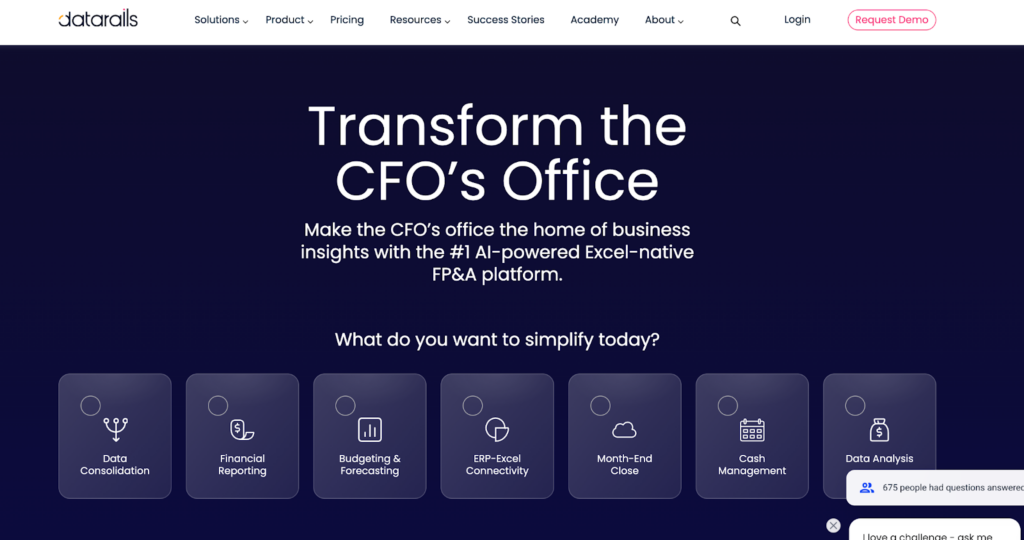
Datarails is widely recognized as one of the world’s leading FP&A tools, and its pioneering use of AI in finance helped cement this position. The platform automates forecasting, variance analysis, and reporting, all within Excel.
Datarails uses AI to surface anomalies, run scenario models, and even answer finance questions and generate live visualizations through its conversational interface.
- Noteworthy Features: Excel-native, AI variance explanations, scenario modeling, chat-based insights
- Pros: Minimal change management, easy adoption for Excel users
- Cons: Best suited for mid-market teams
- Pricing: Custom, based on team size and modules selected. Request a quote here.
2. Planful
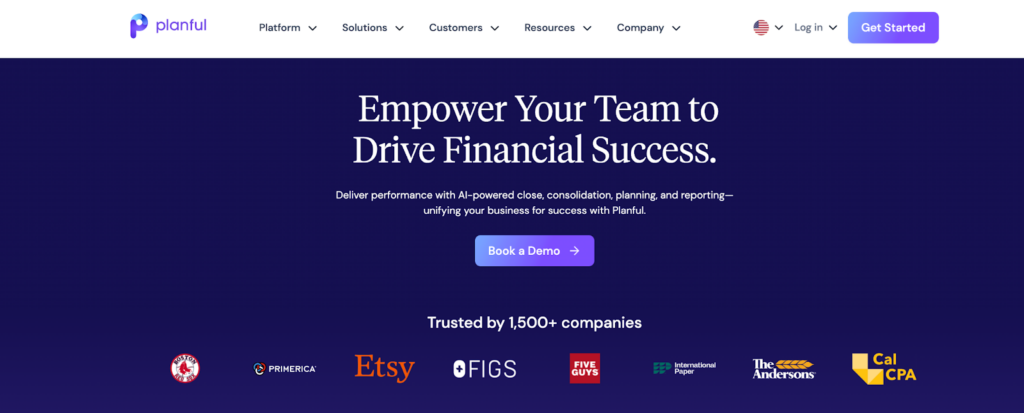
This financial planning software claims to compress monthly close cycles by up to 80%. Within the platform, you’ll find AI modules for predictive forecasting and anomaly detection.
Planful integrates with various data sources and provides dynamic modeling and driver-based forecasting.
- Noteworthy Features: ML forecasting, dashboards, continuous planning
- Pros: Strong scalability, flexible modeling
- Cons: May require IT support for full integration
- Pricing: Prices vary depending on plan; Planful reports that the median contract value is $43,468 per year based on data from 50 purchases
Accounting & Reconciliation Tools
Finance teams commonly rely on AI accounting and reconciliation on a daily basis. Pulled off successfully, this enables faster, cleaner closes.
Popular use cases include anomaly detection, auto-reconciliation, and fraud alerts.
3. BlackLine (Verity AI)
BlackLine‘s Verity AI solution automates journal entries, matches transactions, and identifies anomalies across accounts. The platform reduces manual work during close and reconciliation cycles.
- Noteworthy Features: Auto-matching, anomaly alerts, audit trail
- Pros: High match rates, audit readiness
- Cons: Best value in larger organizations
- Pricing: Pricing not listed. Contact sales for a quote.
4. MindBridge
MindBridge is a Canadian AI audit and controls offering that reviews all of your financial transactions to detect risks and control issues.
- Noteworthy Features: Risk scoring, anomaly detection, AI-driven audits
- Pros: Scans entire datasets, strong risk visibility
- Cons: Less useful for small data volumes
- Pricing: Custom; not listed
Treasury & Cash Management Tools
Treasury teams use AI to forecast liquidity, manage cash positions, and reduce manual consolidation work.
5. Kyriba

Kyriba combines AI-driven cash forecasting with real-time risk monitoring. It pulls data from global accounts and suggests liquidity moves to optimize working capital.
- Noteworthy Features: Global cash visibility, risk management, liquidity visibility, FX risk management
- Pros: Enterprise-ready, predictive modeling
- Cons: Best for large, multi-entity firms
- Pricing: Tiered based on modules and users. Vendr reports the median buyer pays $22,787 per year, based on data from six purchases.
6. Cashforce (TIS)
Cashforce is a cloud-based platform that automates cash flow forecasting and working capital analytics. It’s well-suited for mid-size companies needing visibility across subsidiaries.
- Noteworthy Features: AI cash forecasting, vendor analytics, integration flexibility, dynamic scenario planning
- Pros: Fast implementation, strong mid-market fit
- Cons: Less functionality for non-cash processes
- Pricing: Custom, based on organization size and complexity
Risk Management & Compliance Tools
In terms of risk management, AI strengthens internal controls, flags fraud, and performs continuous compliance checks.
7. IBM OpenPages with watsonx
IBM’s GRC platform uses AI to identify enterprise risks and monitor compliance across departments. The platform integrates with finance and legal systems.
- Noteworthy Features: Risk assessment, automated compliance, audit-ready insights
- Pros: Scalable for large enterprises
- Cons: May be complex for smaller teams
- Pricing: Enterprise-level pricing. Offers a price estimation tool.
Expense and Spend Control Tools
AI expense and spend control tools audit spend in real time, enforce policies automatically, and flag inefficiencies before money is lost.
8. AppZen

AppZen audits 100% of employee expenses in real time using AI. Teams count on it to flag policy violations, duplicate receipts, and suspicious claims instantly.
- Noteworthy Features: Real-time audit, anomaly detection, policy enforcement
- Pros: High ROI, strong compliance support
- Cons: Limited to T&E use cases
- Pricing: Varies based on number of expense reports. One source reports the average contract value as $25,828.
9. Coupa
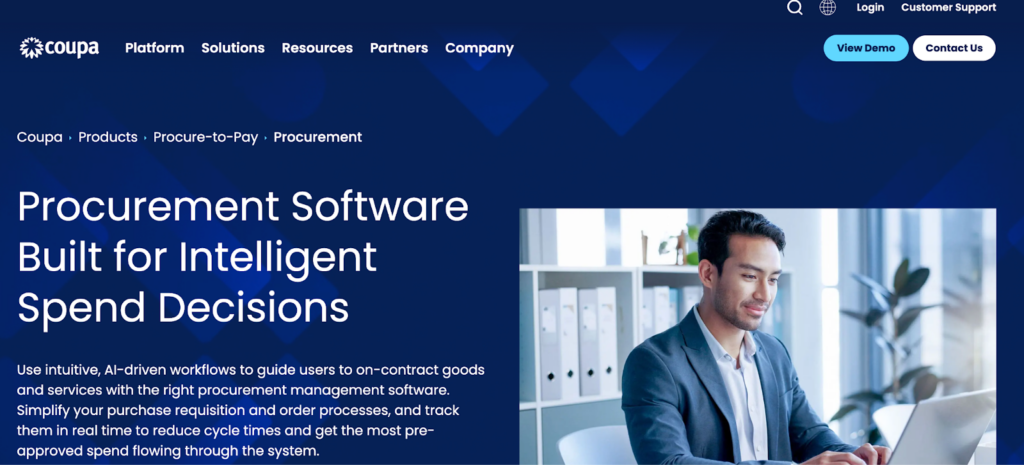
Coupa is a procurement and spend platform. Organizations use their AI to evaluate supplier performance and optimize purchases.
- Key Features: Supplier insights, automated approvals, cost control analytics
- Pros: Enterprise-grade, vendor benchmarking
- Cons: Best value at scale
- Pricing: Pricing varies by contract. Vendr reports that Coupa’s median buyer pays $93,370 per year, based on data from 107 purchases.
10. Emburse
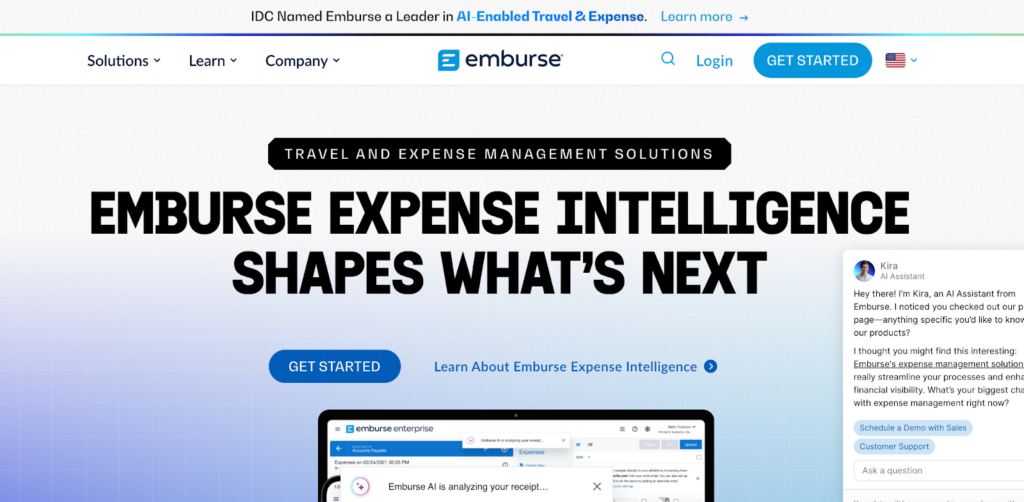
Emburse is another AI-enabled travel and expense tool. It embeds AI in its expense tools to auto-fill entries and flag suspicious activity. The platform supports OCR, policy checks, and audit readiness.
- Noteworthy Features: OCR receipts, AI expense flagging, compliance tools, available in 140+ currencies
- Pros: User-friendly, integrates with ERP
- Cons: Setup can be complex
- Pricing: Subscription-based, varies by tier. Offers a free trial.
11. SAP Concur
Lastly, we have SAP Concur. This platform uses AI to improve expense report accuracy and policy compliance. Its AI scans receipts, auto-populates data, and flags exceptions for teams to review.
- Noteworthy Features: Receipt OCR, anomaly detection, automated workflows
- Pros: Scalable, widely integrated with ERP systems
- Cons: Setup can be complex, especially in large orgs
- Pricing: Subscription-based, varies by deployment size. Vendr reports SAP Concur’s average contract value is over $107,000.
Key Benefits of AI Applications in Finance
AI improves accuracy by automating error-prone tasks like data entry and reconciliation. Forecasts become more reliable as AI models adjust in real time, so leaders can be more confident in their numbers.
The speed at which AI can work compared to humans is another obvious advantage in terms of well-defined tasks that don’t demand human-level insights.
Activities like reporting and close cycles that once took days now take hours. This gives finance teams the agility to respond to new requests or changes on short notice.
AI also delivers sharper insights using predictive analytics. It flags anomalies, trends, and risks early. In turn, finance can shift from reactive reporting to forward-looking decision support.
And it saves money.
Automation reduces manual workload, catches costly mistakes, and highlights ways to optimize cash flow. Many companies recover the cost of AI through avoided errors and better use of resources.
Data suggests AI can lower operational expenses in finance by an average of 22–25% through intelligent automation and error minimization.
Internal controls benefit, too. AI applies consistent rules, tracks every transaction, and builds clear audit trails. This reduces compliance risk and simplifies audit preparation.
Finally, AI elevates the finance team’s role.
Freed from low-value tasks, analysts can focus on advising the business. CFOs gain more time for strategy, less time validating spreadsheets.
Learn more about how AI supports regulatory compliance next.
Challenges and How to Overcome Them
Despite the benefits, adopting AI in finance isn’t without its hurdles. That isn’t to say the benefits don’t outweigh these potential drawbacks, but they’re still important to be aware of.
We’ll start with data quality and integration. Many teams work with fragmented systems, and poor data limits what AI can deliver. Building a centralized, clean dataset is the first step to better results.
Another challenge is trust.
Finance professionals are cautious about relying on AI models they can’t fully explain, not to mention the troubling phenomenon of hallucinations. Teams adopt AI more confidently when tools offer transparency and have a track record of accuracy.
Culture and change management matter too. Some teams resist AI, fearing job loss or disruption.
Early involvement, clear communication, and small wins help shift that mindset. Prioritize data consolidation, upskilling staff, and setting clear governance policies to validate outputs.
Lastly, use AI tools that offer explainable results and involve stakeholders in reviewing insights. A well-structured rollout builds trust and helps teams embrace AI as a partner.
See more on AI for financial analysis to guide your approach.
How to Choose the Right Applications of AI in Finance for You
First things first: identify where AI could deliver the most value in the shortest time. Often, this proves to be forecasting, reconciliation, or spend control.
Choose the problem that’s slowing your team down or creating avoidable errors, and focus your first AI project there.
Next, evaluate your data readiness and technical capacity. Some tools require minimal setup, while others need clean historical data and ERP integration. Choose based on how prepared your systems and team are today.
Look for AI finance apps that fit into your current workflows. Tools that integrate with Excel or offer explainable outputs are easier to adopt. Prioritize usability, integration, and vendor support when reviewing options.
Run trials or request demos using your data to test fit and accuracy. Consider whether you need a point solution for one task or a broader platform that can grow with your team.
Weigh the total cost against potential savings in time, accuracy, and decision quality. ROI often comes from fewer manual hours and better outcomes, even if hard to quantify upfront.
Lastly, involve your team.
Their feedback is invaluable; it will surface usability issues and improve buy-in. Start small, prove the value, then expand into other areas. A manageable scope and a tool that can scale are the safest path forward.
Above all, keep in mind that technology alone isn’t a silver bullet.
Whichever application you choose, support it with training, process adaptation, and monitoring. That’s how you turn a promising tool into real results.
And if you’re looking for an AI-driven solution that addresses multiple finance needs in one platform, your best bet is Datarails.
FAQs
AI in financial analysis uses technologies such as machine learning to accomplish three primary goals in FP&A: data processing, pattern detection, and insight delivery.
The right platform should automate tasks like forecasting and variance analysis, helping your team make quicker, data-informed decisions.
AI analyzes complex datasets and adjusts forecasts as new data comes in, often reducing errors by up to 50%, according to some studies. When effective, it removes human bias and adapts quickly to changing trends.
Some platforms can be, but this isn’t a black-and-white answer. AI that is specifically built for FP&A is dependable for analyzing patterns and supporting financial decisions.
That said, human oversight remains vital for validating outputs and applying business judgment.
Start with a small, high-impact use case. A lot of CFOs and their teams decide this is forecasting or expense audits.
Then, clean your data, involve IT, and run a pilot to build confidence before they scale up their use of AI.
Problems like messy data, limited internal skills, and resistance to change can pop up. Most of these can be overcome with planning, training, and clear use cases.
Datarails automates forecasting, variance analysis, and consolidation, fully integrated with Excel. It also includes an AI-powered chat that answers finance questions using real data.
At a more rudimentary level, ChatGPT helps explain financial data, draft commentary, and summarize trends. However, it doesn’t access live systems like platforms specifically built with FP&A in mind.
Because of this, ChatGPT is best used as a support tool to complement more sophisticated platforms.
To begin, choose an AI tool that fits your specific needs. Then, upload your data and use built-in insights and dashboards. Ideally, AI will then highlight trends and suggest actions to guide decisions.