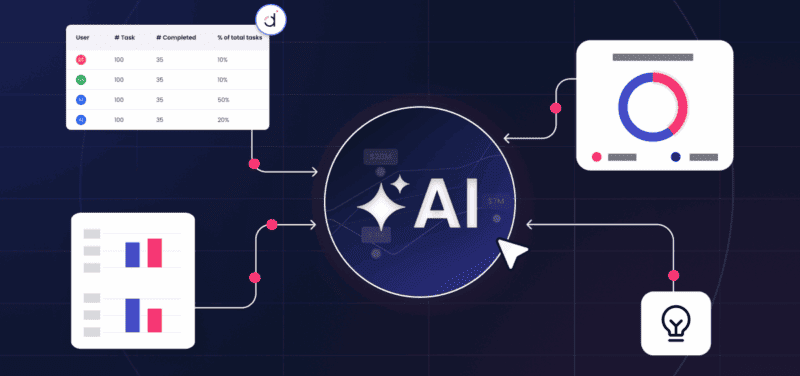
Click for Takeaways: Top AI Budgeting Tools
- What AI budgeting tools do: they transform budgeting from a periodic event into a continuous process, automatically updating forecasts as actuals flow in, flagging variances before they become crises, and running scenarios in minutes rather than weeks.
- The three structural failure modes: the traditional budget process is backward-looking, static once locked, and disconnected from the ERP, CRM, and HRIS systems, where spending decisions are made.
- The hidden time cost: finance teams spend most of their time on data collection and reconciliation alone, time that could go toward the analysis and strategy the function was hired to deliver.
- The six core capabilities: data consolidation, driver-based modeling, forecast intelligence, variance detection, scenario modeling, and workflow governance separate serious AI budgeting tools from feature-light alternatives.
- Where adoption stands: 26% of FP&A professionals use AI regularly and 55% are actively experimenting, but adoption without the right data infrastructure produces outputs finance leaders cannot trust or act on.
It’s mid-October. Your finance team has spent six weeks collecting inputs from 12 departments across three spreadsheet versions, reconciling conflicting numbers, and chasing down budget owners who never responded. You finally lock the annual budget.
By February, it’s already wrong.
A new hire class came in at a higher cost than planned. A key SaaS vendor repriced.
Revenue came in 11% below the aggressive Q1 target. And now your board wants to know: what’s the updated full-year outlook, and what are you doing about it?
You go back to the spreadsheet. And the process starts again.
This is the core dysfunction that AI budgeting tools are built to eliminate. Not just faster spreadsheets, but a fundamentally different way to build, track, and adapt budgets in real time.
The questions finance leaders should be asking:
- “Why does our budget process take 6–8 weeks when it should take days?”
- “How do we keep the budget accurate when business conditions change monthly?”
- “Which of our 12 department budgets are actually tracking to plan, right now?”
- “Can we model what happens to the full-year P&L if we miss Q2 revenue by 15%?”
- “What would it look like if we cut headcount by 10 people vs. 20?”
Spreadsheets can’t answer these questions at speed. AI budgeting tools can.
The Problem
The traditional budget process has three structural failure modes that no amount of spreadsheet discipline can fix:
- It’s backward-looking. Budgets are built on last year’s actuals, not forward-looking driver assumptions that reflect how the business actually works.
- It’s a snapshot, not a signal. Once locked, the budget sits static while the business moves. Variance analysis tells you what went wrong, weeks after it happened.
- It’s disconnected. Budget data lives in siloed spreadsheets disconnected from the ERP, CRM, and HRIS systems where actual spending decisions are made.
The result is a finance team that spends the majority of its time on data collection and reconciliation, and 30% on the analysis and strategy it was hired to deliver.
The Shift
AI budgeting tools transform budgeting from a periodic event into a continuous, intelligence-driven process.
Instead of rebuilding a model every quarter, finance teams can maintain a live budget that automatically updates as actuals come in, flags variances before they become crises, and runs scenarios in minutes rather than weeks.
Datarails delivers this inside the workflows finance teams already use, built on Excel, integrated with your ERP, and powered by AI that thinks like a finance analyst.
The Message
Stop rebuilding a budget that’s already wrong. Start using AI budgeting tools (we’re about to show you 15 excellent options) that keep your plan accurate, responsive, and decision-ready, every day of the year.
AI budgeting tools aren’t defined by one feature. A structured combination of integration, modeling discipline, intelligence layers, and governance controls defines them. Each capability builds on the previous one.
Without a strong foundation, AI outputs lose credibility…fast.
6 Core Capabilities of AI Budgeting Tools
Before we get to those 15 specific tools, we’ll break down six capabilities that matter most when evaluating a serious AI budget tool.
1. Integration and Data Consolidation
An effective AI budget tool begins with integration. Without reliable connections to ERP, CRM, HRIS, payroll, and expense systems, any AI layer operates on incomplete data.
Strong data consolidation ensures actuals refresh automatically and consistently.

2. Driver-Based Modeling
Driver-based modeling is the next foundational capability. Instead of budgeting at an aggregated account level, finance teams define the drivers that actually move the business.
Headcount, average salary, commission rates, pricing tiers, customer growth, churn percentages, and usage volume become inputs that flow through the financial model.
When a driver changes, the forecast updates across the P and L, balance sheet, and cash flow statement.
3. Forecast Intelligence
Forecast intelligence builds on the structure provided by driver-based modeling. AI models generate baseline projections that serve as a starting point. Then, finance professionals review, adjust assumptions, and apply judgment.
As a result, you reap benefits like far less manual construction effort while preserving accountability.
4. Variance Detection and Early Signals
Variance detection shifts timing. Instead of waiting until the end of the month to analyze deviations, anomaly alerts come up faster.
If, for example, sales trends start to deviate from plan or operating expenses spike unexpectedly, you get the signal in time to respond.
5. Scenario Modeling and Tradeoff Analysis
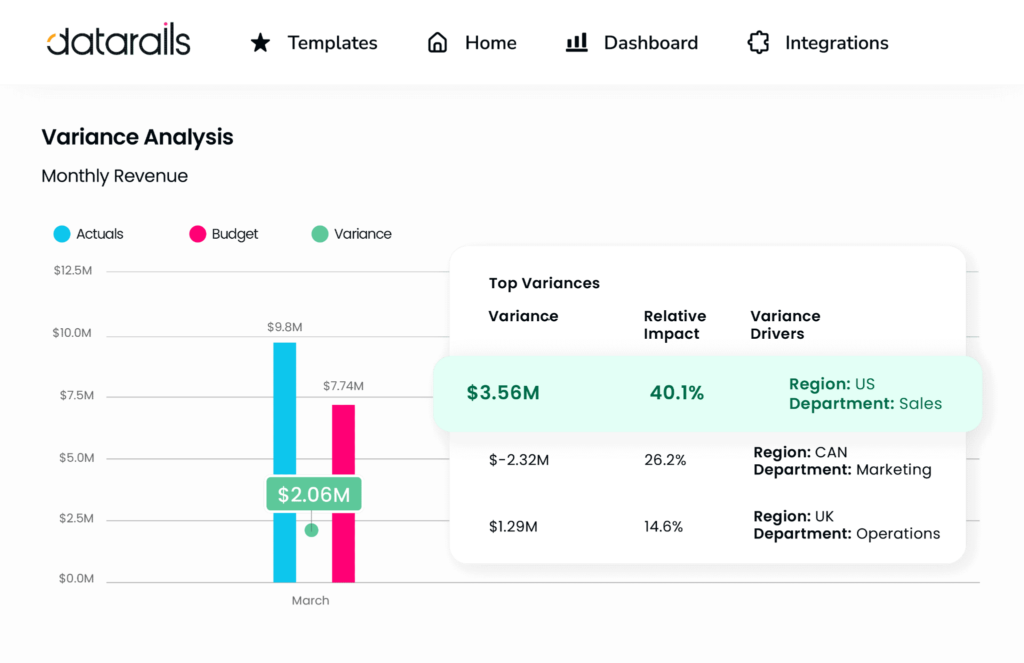
Scenario planning and modeling is where AI budgeting tools often demonstrate the most visible value.
What if revenue misses by 15%? What if hiring slows for two quarters? What if we delay a capital project?
With integrated driver models, you can model the answers to questions like this in minutes instead of hours or even days.
6. Workflow Governance and Controls
The best automated budgeting software will also have features like workflow management, audit trails, and permission controls.
With these elements in place, department heads can submit inputs within a governed system. Then, approvals track clearly, and version sprawl disappears.
Financial dashboard software completes the ecosystem by simultaneously connecting budgets and forecasts to key performance indicators.
Key Use Cases for AI Budgeting Tools
AI budgeting tools create value when applied to real operational workflows. Truth be told, the technology itself isn’t the outcome. Faster decisions, improved visibility, and better alignment between departments are.
Below are five primary use cases where AI budgeting tools deliver measurable impact for finance teams.
1. Annual Budget Collection and Consolidation
The first visible improvement often pops up during annual budget season.
Traditional collection methods rely on spreadsheet templates distributed across departments, followed by weeks of consolidation and reconciliation.
AI budgeting tools centralize input directly inside a governed system.
Department owners enter assumptions into structured templates tied to the core model. Finance teams monitor submission status in real time, spot gaps quickly, and eliminate version confusion.
In turn, you can expect shorter collection cycles and cleaner starting data.
2. Rolling Forecast Management
Static annual budgets struggle to remain relevant throughout the year. Rolling forecasts address that weakness by continuously updating projections based on recent actuals and revised assumptions.
AI budgeting tools automate refresh cycles and maintain alignment between drivers and results. Revenue changes, hiring shifts, or cost adjustments immediately influence forward projections.
This approach improves responsiveness without requiring full model rebuilds every quarter.
3. Scenario Planning and Strategic Tradeoffs
Leadership decisions rarely occur in isolation. There are usually some tradeoffs between growth, profitability, hiring, capital investment, and risk management.
AI tools for budgeting and forecasting facilitate structured scenario comparisons. Finance leaders can model downside revenue cases, delayed hiring plans, pricing adjustments, or cost-reduction initiatives in a single environment.
When you can generate multiple scenarios quickly, this strengthens board discussions and executive confidence.
4. Variance Monitoring and Proactive Alerts
Traditional variance analysis often happens after close. At that point, deviations already affect results.
AI financial forecasting tools surface anomaly alerts earlier in the cycle. If expense patterns deviate from plan or revenue trends weaken unexpectedly, finance sees the signal before formal reporting.
This shift from reactive reporting to proactive monitoring increases the strategic value of FP&A teams.
5. Spend Oversight and Budget Governance
Budgeting does not end once a plan is approved. Ongoing spend oversight determines whether the organization remains aligned with targets.
Integrated spend views connect budget allocations to actual burn rates. Finance teams monitor real-time utilization against approved limits.
With this visibility, you can expect fewer surprises and better-supported, disciplined resource allocation.
How AI Is Changing the Budgeting Process in 2026
Budgeting is undergoing structural transformation thanks to AI in FP&A. What began as manual spreadsheet management evolved into automated consolidation platforms. AI now represents the next stage in that progression.
As you’ll see, it has quickly moved from manual to automated to AI-enhanced, and now, agentic budgeting.
This shift reflects measurable adoption trends. According to the Datarails State of AI in FP&A 2025 report, 26% of FP&A professionals use AI regularly, and 55% are actively experimenting with it.
The changes, which we’ll discuss below, are determining how finance teams operate and how leadership uses financial data.
From Periodic to Continuous Planning
Traditional budgeting revolves around a once-per-year planning cycle: once it’s approved, the budget remains static.
AI budgeting tools shift planning toward continuous updates. Actuals refresh automatically, drivers adjust dynamically, and forecasts remain aligned with business activity.
This approach diminishes the gap between operational change and financial insight.
From Descriptive to Predictive Analysis
Manual budgeting primarily describes what has already occurred. Reports summarize past performance and compare it against the plan.
AI systems introduce predictive capabilities. Machine learning models generate forward projections based on driver relationships and historical patterns.
Now, you can gain forward-looking insight rather than retrospective explanation.
From Reactive to Proactive Management
Variance analysis traditionally explains deviations after they occur. Corrective action often arrives late.
AI-powered anomaly detection highlights unusual patterns earlier. Early signals allow finance to evaluate potential impact before quarter-end.
This shift strengthens finance’s role as a strategic advisor rather than a historical reporter.
From Static to Adaptive Models
Static budgets require manual revision when assumptions change.
AI finance tools maintain adaptive models. When hiring plans shift, pricing strategies adjust, or vendor contracts change, forecasts update automatically.
This adaptability keeps financial planning aligned with operational reality.
From Manual Work to Supervised Automation
Agent-driven workflows introduce supervised automation into budgeting processes. With the help of agentic AI, bulk updates apply across multiple accounts or entities within defined controls.
Every action is logged, preserving accountability and transparency.
You’ll remain in control while also removing repetitive manual effort.
Top 15 AI Budgeting Tools & Platforms (2026)
Now that we’ve explored the ins and outs of AI budget tools, let’s move on to 15 specific tools and platforms to consider in your search for the best.
The market for AI finance tools spans mid-market platforms and enterprise-grade performance management systems. While many vendors now claim AI capabilities, the depth of integration, modeling sophistication, and governance controls vary significantly.
The following platforms represent leading options in 2026.
We’ve broken each of the 15 options we cover into who it’s best for, its pros and Prominent features, and any potential drawbacks to consider.
1. Datarails

Datarails is an Excel native FP&A platform that centralizes data from ERP, CRM, HRIS, and accounting systems into a governed cloud environment. It preserves spreadsheet flexibility while adding automation, workflow controls, dashboards, and embedded AI capabilities.
With it, finance teams can continue working in Excel, all while the data model, consolidation logic, and permissions sit safely in the cloud. This eliminates version sprawl and manual file merging.
With automated data refresh, scenario modeling, rolling forecasts, and variance intelligence built in, Datarails lets finance leaders transition from spreadsheet maintenance to structured, scalable planning without forcing a complete process overhaul.

Best Fit: Datarails is best suited for finance teams that want stronger control and automation without abandoning Excel modeling. Organizations with established spreadsheet-based processes rave about its intuitive and low-friction transition.
Pros
- Combines structured data consolidation with familiar Excel interfaces
- Rolling forecasts, variance intelligence, scenario modeling, and board-ready dashboards
- AI supports forecasting and anomaly detection while preserving traceability
Cons
- Organizations seeking full cross-functional enterprise planning across dozens of business units might need broader CPM capabilities
2. Anaplan
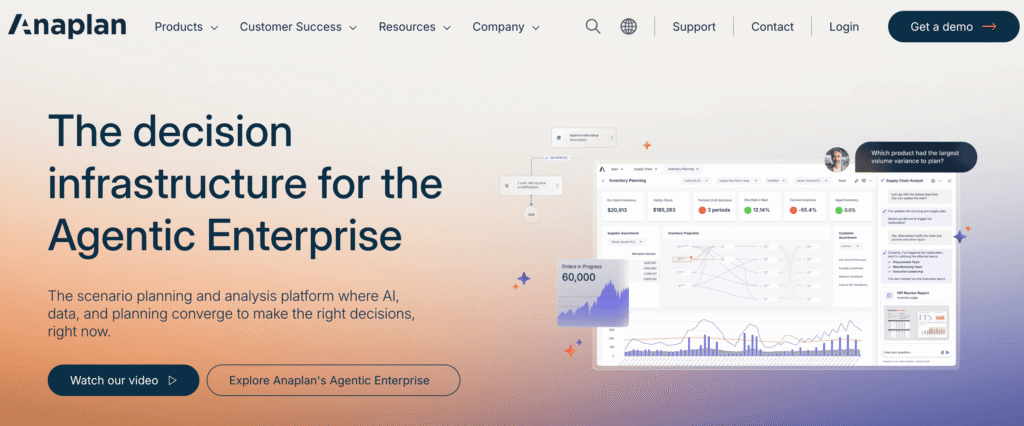
Anaplan is a connected planning platform built for enterprise-scale modeling. It supports financial planning, workforce planning, supply chain modeling, and sales forecasting within an integrated environment.
Best Fit: Large enterprises (with complex global structures) that require cross-functional alignment across finance, operations, sales, and supply chain.
Pros/Prominent Features
- Its modeling engine supports large-dimensional datasets
- Predictive modules enhance forecasting with machine learning
- A connected planning framework reduces silos between teams
Cons
- Implementation can be resource-intensive and may require dedicated administrators
- Deployment timelines and cost structures typically align with enterprise budgets
3. Workday Adaptive Planning
Workday Adaptive Planning integrates financial planning within the broader Workday ecosystem. The platform connects closely to HR and ERP data, thereby aligning workforce plans with financial projections.
Best Fit: It’s particularly well-suited for organizations already standardized on Workday for HR and financial systems.

Pros/Prominent Features
- Strong workforce modeling capabilities
- Seamless HR data integration
- Predictive features support scenario analysis and forecasting consistency
Cons
- Pricing scales with usage and functionality
- Organizations not operating within the Workday ecosystem may not realize the full benefits of integration
4. Planful
Planful is a cloud-based FP&A platform offering budgeting, forecasting, reporting, and predictive analytics. It emphasizes structured planning workflows and AI-supported projections.
Best Fit: Mid-market and enterprise FP&A teams seeking improved forecast accuracy and workflow discipline.
Pros/Prominent Features
- AI projections assist with baseline forecasts and anomaly detection
- Unified environment reduces reliance on manual spreadsheets
Cons
- Forecast output quality depends heavily on driver clarity and clean input data
- Implementation effort increases with organizational complexity
Prophix

Prophix is a corporate performance management platform focused on budgeting, planning, and reporting. Built to handle “mid-market complexity,” its Prophix One Intelligence incorporates AI-driven forecasting and budgeting agents into its workflow.
Best Fit: Organizations prioritizing strong process governance and structured approvals.
Pros/Prominent Features
- Supports workforce planning, predictive forecasting, and guided workflow approvals
- Agent features assist with bulk updates and variance commentary generation
Cons
- Feature depth varies by subscription level
- Larger enterprises could need broader integrations or customization
6. Vena Solutions
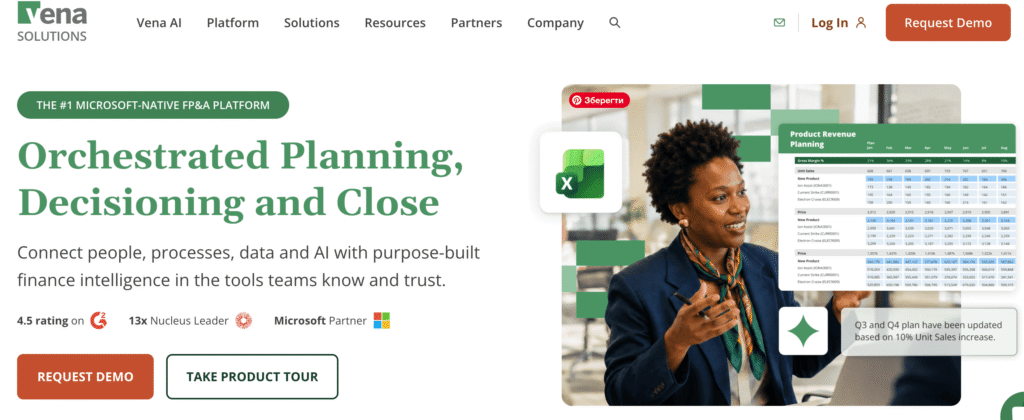
Vena Solutions combines Excel-based modeling with centralized data management and workflow governance. Close integrations with Microsoft tools, including Microsoft 365 and Power BI, allow finance teams to retain familiar spreadsheet workflows while adding structured collaboration and control.
Best Fit: Companies deeply invested in Microsoft ecosystems.
Pros/Prominent Features
- Maintains spreadsheet familiarity while adding structured collaboration and planning automation
- AI-driven assistance enhances scenario modeling and reporting
Cons
- Advanced predictive features may vary by tier
- Organizations requiring extensive cross-functional modeling may need additional customization
7. Cube
Designed for finance teams that rely on spreadsheets, Cube centralizes financial data and incorporates AI-driven insights to streamline analysis. It typically appeals to growing mid-market businesses.
Best Fit: High-growth companies seeking faster deployment and improved visibility without heavy enterprise architecture.
Pros/Prominent Features
- Quick implementation
- Intuitive interfaces
- AI-assisted queries help reduce modeling time
Cons
- Large-scale multi-entity consolidation and deep enterprise integrations may be more limited than those of enterprise CPM platforms
8. Pigment
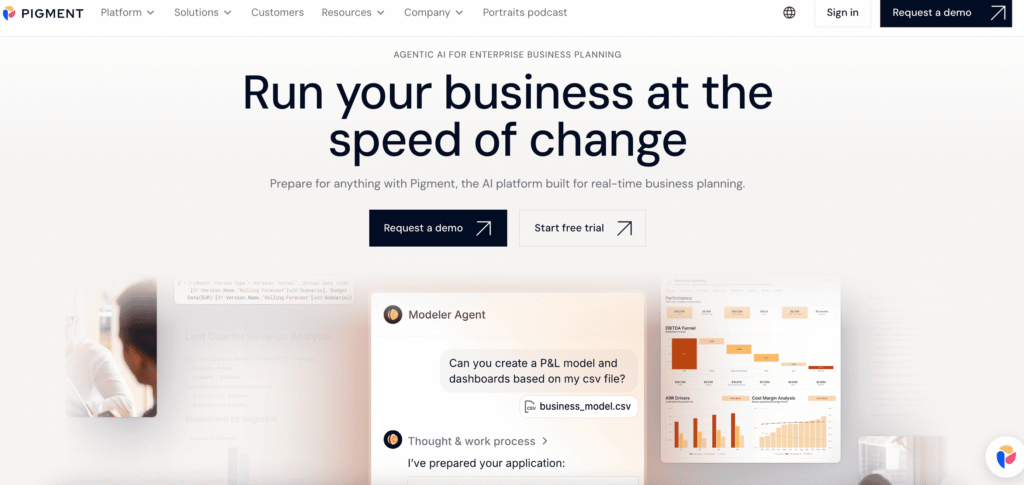
Pigment delivers collaborative planning capabilities across departments, combining financial modeling with predictive analytics. The platform supports budgeting, headcount planning, and revenue forecasting in a connected framework.
Best Fit: Organizations requiring collaborative planning across departments.
Pros/Prominent Features
- Strong driver modeling and visualization tools
- Embedded predictive features
- Offers numerous integrations
Cons
- Enterprise pricing structures and implementation timelines may require careful planning
9. Jedox
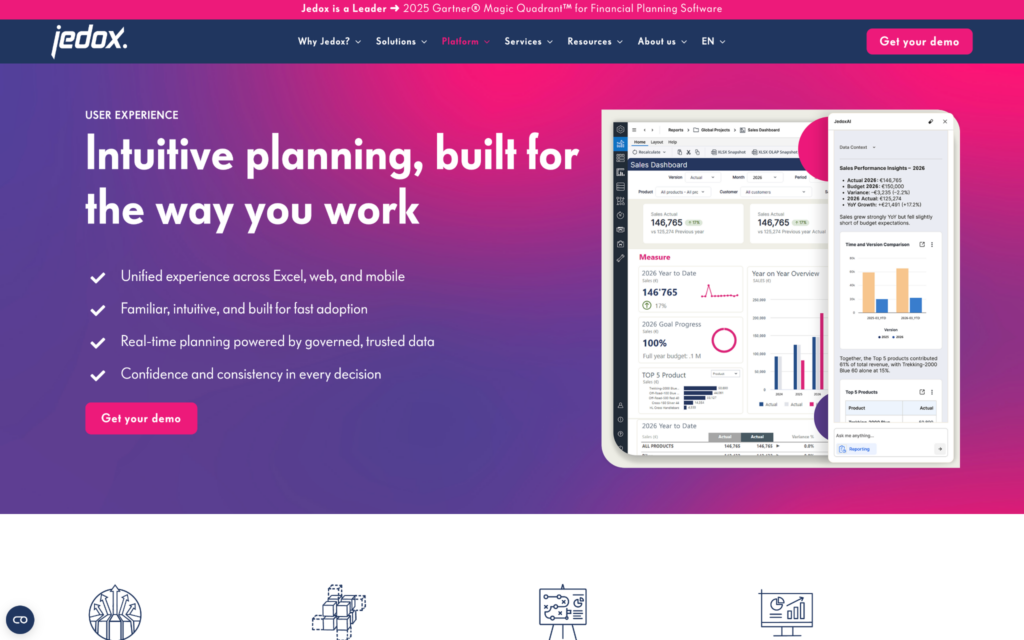
Jedox provides enterprise performance management capabilities with AI-supported forecasting and modeling tools.
Best Fit: Organizations seeking a structured EPM environment with financial and operational integration.
Pros/Prominent Features
- Multi-dimensional modeling (up to 250 dimensions)
- Unified user experience across Excel, web, and mobile
- Microsoft 365 integration
Cons
- Implementation complexity increases with multi-entity and global operations
10. OneStream

OneStream is a unified finance platform that combines consolidation, planning, forecasting, and reporting within a single architecture.
A key differentiator for OneStream is its strong alignment with the broader Microsoft ecosystem. Much like Datarails and Excel, this alignment helps finance teams extend analytics and reporting across familiar tools.
Best Fit: Large enterprises seeking to unify finance processes.
Pros/Prominent Features
- Strong consolidation capabilities
- Predictive planning tools that support global organizations with complex structures
- Works with familiar Microsoft products, including Azure, Power BI, and other Microsoft services
Cons
- Deployment can be resource-intensive, and licensing reflects enterprise scope
11. Oracle Cloud EPM

Oracle Cloud EPM integrates planning and performance management within Oracle’s enterprise ecosystem.
Best Fit: Organizations already operating within Oracle ERP environments.
Pros/Prominent Features
- Strong integration with Oracle systems
- Predictive planning modules that enhance alignment between financial reporting and forecasting
Cons
- Licensing structures can be complex
- Customization may require specialized expertise
12. SAP Analytics Cloud Planning

SAP Analytics Cloud combines planning, analytics, and predictive modeling within a unified environment.
Best Fit: Enterprises standardized on SAP systems.
Pros/Prominent Features
- Integrated analytics
- Predictive features
- Supports advanced modeling across departments
Cons
- Deployment and licensing vary depending on SAP landscape complexity
13. CCH Tagetik

CCH Tagetik is a corporate performance management (CPM) platform that emphasizes governance, consolidation, and predictive analytics. A Wolter Kluwer product, the platform is commonly just referred to as Tagetik.
Best Fit: Highly regulated industries or global enterprises.
Pros/Prominent Features
- Strong compliance orientation
- Workflow governance
Cons
- Implementation scope and configuration might demand considerable planning
14. Board
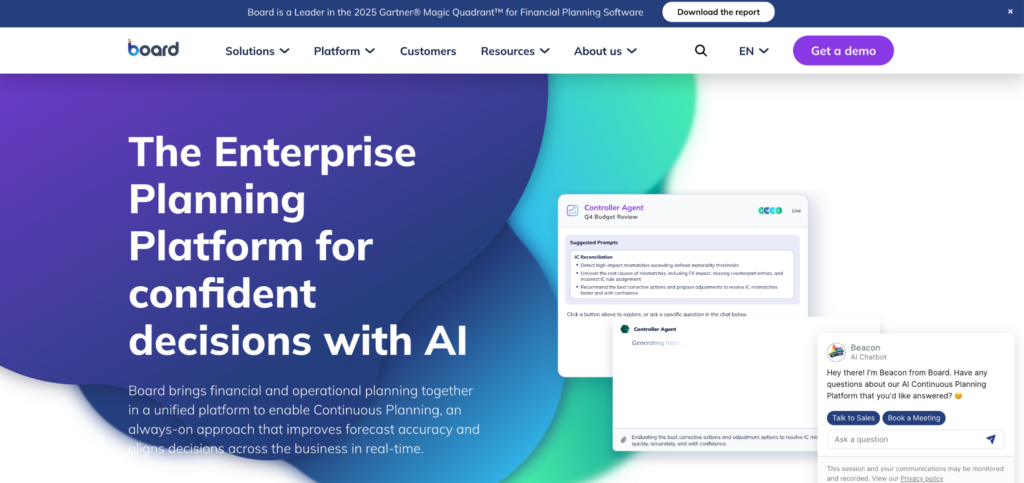
Board is an enterprise planning platform focused on predictive analytics and continuous planning. It sets out to “unify your enterprise,” serving retail, manufacturing, and other industries.
Best Fit: Organizations seeking strategic planning supported by external data correlations.
Pros/Prominent Features
- Predictive analytics
- Macro modeling capabilities
- Complex scenario evaluation
Cons
- Data mapping and model design require careful architecture
15. Drivetrain

Drivetrain positions itself as an “AI-native business planning platform” serving growth-oriented companies. It claims to deliver 3x faster close for finance teams.
Best Fit: Quickly scaling technology and SaaS companies.
Pros/Prominent Features
- Modern architecture
- AI-driven forecasting
Cons
- May require structured implementation effort to fully align models with existing ERP and CRM systems
- Integration depth should be evaluated carefully for complex, multi-entity enterprises
How to Choose the Right AI Budgeting Tool for Your Team
We just covered a lot of information, and choosing from those 15 options might seem tricky. To reduce any overwhelm, we’ve outlined a five-step evaluation framework to guide you as you make your decision.
1. Define Your Decision Speed Requirements
Begin by identifying the types of questions leadership expects finance to answer quickly.
Can your team model revenue downside scenarios within an hour? Can you simulate workforce adjustments instantly?
Evaluate tools based on how rapidly they support realistic strategic questions.
2. Evaluate Integration and Data Architecture
AI insight depends on data reliability. Assess the depth of integration between the platform and ERP, CRM, HRIS, payroll, and expense systems.
Strong data consolidation capabilities reduce reconciliation effort and improve forecast credibility.
Weak integration undermines confidence regardless of AI sophistication.
3. Assess Modeling Flexibility
Scrutinize whether the system supports multi-entity consolidation, workforce planning, capital planning, and scenario version control.
Driver-based modeling should align with how your business actually operates. With that goal in mind, test realistic use cases during demonstrations instead of relying on generic feature lists.
4. Consider Organizational Fit and Adoption
Technology adoption depends on user comfort and workflow alignment.
Excel native solutions may reduce retraining friction for finance teams accustomed to spreadsheet modeling. Enterprise-wide planning platforms may support stronger cross-functional alignment.
5. Examine AI Transparency and Controls
Ask vendors how baseline forecasts are generated and how anomaly alerts are calculated. Request traceability for agent-driven updates and bulk adjustments.
AI budgeting tools should support accountability rather than obscure it.
Conclusion: Leveling Up with the Best AI Budgeting Tool
Finance leaders face a clear choice. Continue rebuilding static budgets that fall behind business change, or adopt AI budgeting tools that keep plans aligned with reality.
AI doesn’t replace finance judgment, of course. However, what it does do is replace manual reconciliation and delayed insight.
If your budgeting cycle consumes weeks and becomes outdated within months, the gap is structural rather than operational. Modern AI budget software addresses that structural gap by integrating data, connecting drivers, and enabling adaptive forecasting. Explore how Datarails supports budgeting, forecasting, and AI-powered finance inside Excel. Request a demo to see live modeling, variance intelligence, and board-ready dashboards in action.
AI Budgeting Tools FAQs
There isn’t necessarily one right answer to this question for any team since it ultimately depends on organizational scale, integration depth, and modeling requirements.
That said, for many finance teams, especially those that rely heavily on Excel, Datarails stands out as a strong option. Among other powerful features, Datarails centralizes data from ERP, CRM, and HRIS systems while preserving familiar spreadsheet workflows
The best tools should address issues like version sprawl, excessive manual consolidation effort, and slow scenario modeling and board-level reporting.
The outdated systems you might be accustomed to tend to focus on consolidation and workflow. Modern, AI-focused platforms level up by adding predictive modeling, anomaly detection, and adaptive updates.
Together, these features enable faster and more forward-looking decision support.